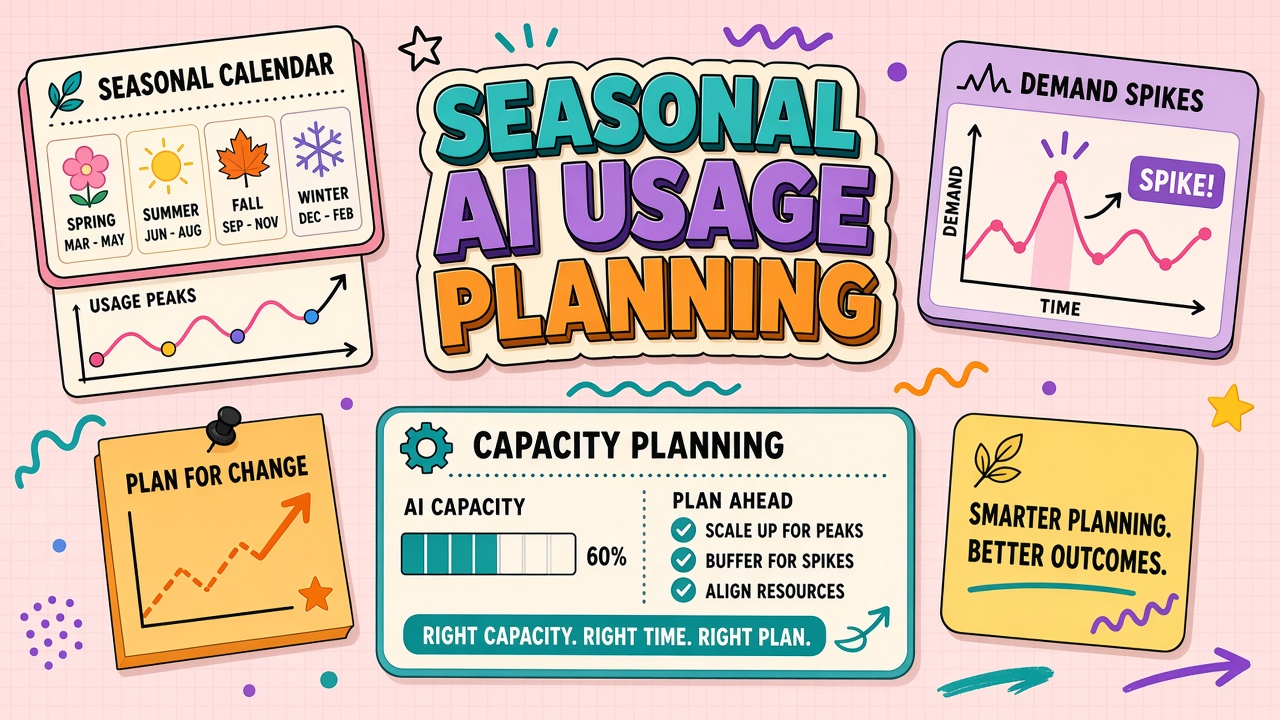
Retail holidays, tax filing windows, and university admissions cycles do not care about your AI vendor's default seat count. Teams that wait until queues back up discover rate limits, throttled APIs, and overtime spent on manual workarounds. Seasonal AI usage planning forecasts volume from prior peaks, negotiates temporary limits, pre-tests fallback workflows, and schedules post-season downgrades so January bills do not reflect December panic.
This guide walks through a capacity worksheet, staffing assumptions, and vendor conversations you should finish six to eight weeks before the spike. Marketing and content teams browsing AI marketing tools and AI writing tools share the same planning rhythm whether the workload is ad copy, support macros, or catalog descriptions.
Forecast Volume From Prior Seasons
Start with last year's numbers, adjusted for growth and new workflows, not with this month's average projected forward. Seasonal planning fails when finance extrapolates a quiet October across Black Friday week.
Pull four inputs for each affected workflow:
- Peak daily generations or API calls from admin dashboards during the prior spike week.
- Concurrent users at the worst hour (shift overlap, global campaign launch, filing deadline day).
- Average output size in tokens or minutes (longer holiday emails cost more than tweet drafts).
- New automation added since last season that will multiply volume without a proportional headcount increase.
| Signal | Where to find it | Planning use |
|---|---|---|
| Prior peak API usage | Vendor billing export, internal metrics | Set burst quota request |
| Support ticket volume | Help desk reports | Scale summarization and macro tools |
| Campaign calendar | Marketing ops | Align copy generation windows |
| Staffing plan | HR seasonal roster | Match seat count to shifts |
Add a twenty to thirty percent buffer for unknowns: a viral SKU, a late regulatory FAQ, or a competitor campaign that forces reactive content. Document assumptions in the worksheet so post-season review can compare forecast to actual without blame games.
Temporary Seat and Quota Increases
Negotiate temporary limits before you need them; vendors move faster on planned upgrades than emergency pages. Ask account managers for seasonal add-on packs, burst credits, or short-term enterprise tier trials tied to calendar dates.
- Seats: Contract workers and agency partners need accounts on day one, not after IT backlog clears.
- Rate limits: Request higher requests-per-minute caps on API keys used in checkout or catalog flows.
- Storage and retention: Peak campaigns generate more draft assets; confirm limits on project history.
- Support SLA: Ask whether seasonal plans include faster ticket response during your window.
Set calendar reminders to remove temporary seats and downgrade quotas on a fixed date. Finance should see seasonal spend as a labeled line item with automatic revert. Teams using AI writing for catalog updates often forget ghost agency seats until renewal season.
Pre-Tested Fallback Workflows When Limits Hit
Assume something throttles during peak week and document what humans do when dashboards turn red. Fallbacks should be boring and rehearsed, not heroic improvisation at 11 p.m.
Fallback tiers:
- Tier 1 (soft limit): Switch to shorter prompts, batch overnight jobs, or route low-priority SKUs to manual templates.
- Tier 2 (hard limit): Fail over to a secondary approved tool with pre-provisioned accounts and tested export format.
- Tier 3 (outage): Pause AI-assisted publish paths; use last season's approved snippet library until service restores.
Run a tabletop exercise four weeks before peak: simulate API 429 responses and verify owners know which tier applies. Log results in the same doc as your AI marketing campaign calendar so channel leads cannot claim surprise.
Post-Season Downgrade and Cost Review
Within two weeks of peak end, revert seats, quotas, and vendor tiers unless data proves sustained lift. Seasonal planning is incomplete without a retrospective that feeds next year's forecast.
Review meeting agenda:
- Actual peak vs forecast by workflow and cost center
- Limit hits: time, duration, business impact
- Fallback usage: which tiers fired and whether playbooks worked
- Quality incidents tied to rushed AI output
- Vendor performance: latency, support responsiveness, invoice accuracy
Archive prompts and templates that performed well into production libraries. Retire one-off crisis prompts that bypass QA. Update the worksheet with real multipliers so finance trusts the next seasonal request.
Cross-Functional Seasonal Readiness Meeting
Seasonal AI planning fails in silos when marketing orders copy volume IT never provisioned. Schedule one readiness meeting six weeks before peak with marketing, support, finance, IT, and vendor account owner on the agenda. Each function brings one number and one risk.
Marketing brings campaign count and content types (short social, long email, localized variants). Support brings projected ticket volume and macro refresh list. Finance brings approved seasonal budget ceiling IT brings current seat count, API quota, and integration health checks. Vendor brings confirmed limit increase dates and support coverage during your window. Decisions happen in the room: which campaigns slip if limits cannot rise, which workflows move to fallback tier one, and who owns the war room channel during launch week.
Document outcomes in a single readiness memo linked from your internal wiki. Revisit the memo weekly until peak passes. Teams that skip this meeting often discover throttling on hour one of launch because API keys still reflect February defaults while ad spend reflects Black Friday ambition.
Staffing and Training Before Peak
Temporary seats help only when people know which approved workflow to run. Two weeks before peak, run a ninety-minute training for seasonal staff and agencies: approved tools, risk tiers, fallback tiers, and where prompt libraries live. Certification can be lighter than new-hire week one but must cover client-data rules and ask-first tasks.
Assign each seasonal worker a buddy from core team for first three shifts. Track override rates during buddy window; high overrides mean prompts or training gaps, not individual failure. Reduce unique prompt experiments during peak; stability beats creative exploration when queues are long.
Vendor Limit Negotiation Tactics
Vendors respond to dated forecasts more than urgent pleas. Send a one-page peak brief: start date, end date, expected daily generation volume, number of temporary seats, and prior year actuals. Ask for written confirmation of limit changes and price of burst packs. Request named support contact for peak week. Compare quotes from a secondary vendor even if you do not switch; leverage is often negotiation depth, not immediate migration.
Capture negotiated limits in IT ticket linked to finance PO so renewals inherit seasonal precedent. Without documentation, next year's planner repeats the same phone calls from scratch.
Capacity Worksheet Template
Build one worksheet per peak season and reuse it annually. Rows: workflow name, owner, prior peak daily volume, growth assumption, unit cost, temporary seat delta, API burst pack SKU, fallback tier triggered last year, training hours needed, readiness meeting date, downgrade date. Columns turn red when blank within four weeks of peak.
Share read-only worksheet link with finance in week one of planning. Finance approves ceiling early; teams negotiate vendors inside ceiling instead of requesting emergency budget with forty-eight hours notice. After peak, add an actuals column before archiving. Next year's forecast inherits real multipliers, not heroic guesses from a conference room.
Quality Guardrails During Spikes
Volume spikes tempt teams to skip QA checkpoints. Pre-commit to non-negotiables: client-tier outputs still pass human review; regulated tiers still follow ask-first rules; new prompts cannot enter production during peak week unless owner and on-call engineer sign exception ticket. Speed without guardrails creates incidents that outlast the season in customer memory and chargeback rates.
Track quality proxies daily during peak: override rate, return rate, brand compliance flags. If proxies drift upward while volume climbs, activate fallback tier one early rather than waiting for hard throttling. Marketing and support leads share one daily fifteen-minute quality standup during launch week only.
Seasonal Implementation Timeline
Eight weeks before peak: finalize capacity worksheet with finance ceiling, open vendor negotiation, identify fallback tiers, and schedule cross-functional readiness meeting. Six weeks before: confirm limit increases in writing, assign war room channel owner, begin seasonal staff training plan. Four weeks before: run fallback tabletop exercise, complete buddy assignments, freeze non-critical prompt experiments.
Two weeks before: provision temporary seats and API burst packs, verify integrations under load test, publish internal quality guardrails, and send readiness memo to executives with red-yellow-green status per workflow. Peak week: daily quality standup, daily spend check against worksheet, immediate activation of fallback tier when throttling or quality proxies degrade. First week after peak: begin seat reclaim notices, compare actuals to forecast column, capture incidents for next year memo.
Two weeks after peak: execute downgrade dates on vendor portal, close seasonal agency accounts, archive war room decisions, and hold retrospective with marketing, support, finance, and IT. Retrospective outputs update worksheet multipliers and training gaps; without retrospective, seasonal planning repeats identical surprises.
Frequently Asked Questions
How do API burst credits differ from raising monthly caps?
Burst credits are short windows of higher throughput, often daily or hourly. Monthly caps govern total spend. Peaks need both: enough burst headroom for launch hour and enough monthly budget for sustained catalog rewrites.
Should we ban AI during overtime crunch?
Banning AI often increases overtime instead of reducing risk. Better approach: enforce approved templates, mandatory human review on external copy, and lower concurrency limits so throttling is predictable rather than random failure.
We have two peaks per year. One plan or two?
One worksheet with two dated windows. Shared fallback playbooks, separate forecast rows per peak because volume mix differs (tax vs holiday).
How do agencies fit seasonal seat planning?
Time-bound guest seats with auto-expiry, scoped to campaign folders, and excluded from admin keys. Count agency seats in peak forecast even if contracts say "unlimited collaborators."
The Bottom Line
Seasonal AI usage planning forecasts from prior peaks, upgrades limits early, rehearses fallbacks, and downgrades on schedule after the rush. Treat spike capacity as a project with dates and owners, not as hope that last year's vendor settings still fit.