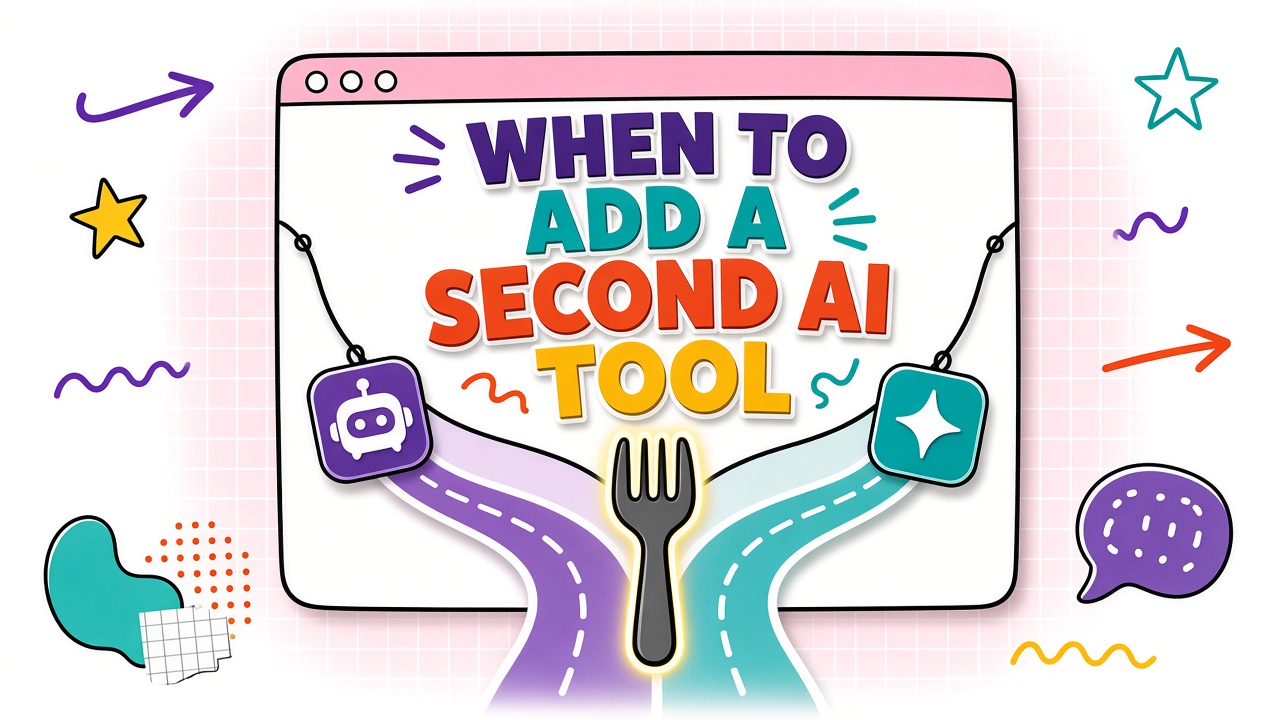
The second AI tool is where stacks get expensive and confusing. Two drafting assistants, two meeting bots, two automation platforms: each looked essential in isolation. Together they duplicate cost, split prompts across vendors, and force copy-paste bridges nobody maintains.
Knowing when to add a second AI tool versus consolidate comes down to workflow gaps, overlap percentage, and integration tax. This decision guide includes a gap worksheet and pilot structure for honest evaluation. Review AI productivity and AI automation tools with your gap analysis complete, not as a browsing exercise.
Signals You Genuinely Need a Second Tool
Add a second tool when the incumbent fails on representative inputs after configuration effort, the missing capability maps to a distinct workflow step, and total work time drops enough to pay the integration cost.
- Anchor tool cannot produce acceptable output on 20%+ of weekly tasks in the same job family.
- Compliance requires a specialized vendor for one step (e.g., redaction, on-prem inference).
- Adjacent step is owned by a different role with different admin and audit needs.
- Bundle pricing from the incumbent costs more than a focused second tool plus one integration.
Overlap Detection Between Existing Tools
List every product that touches the workflow: drafting, summarizing, translating, image generation, scheduling. For each pair, estimate capability overlap as a percentage of outputs that could ship from either tool with similar review effort.
| Overlap level | Typical range | Recommended action |
|---|---|---|
| Low | Under 30% | Second tool may be justified |
| Medium | 30% to 70% | Pilot second tool; compare total work time |
| High | Above 70% | Consolidate unless compliance blocks |
Gap analysis worksheet
- Name the workflow and anchor tool.
- List steps the anchor handles today with acceptable quality.
- Mark gaps: steps that fail, steps that require excessive review, steps done outside the anchor.
- For each gap, ask: can configuration, prompts, or integration fix it without a new vendor?
- If only a new vendor fixes the gap, write expected minutes saved per week and integration cost.
Integration Tax of Multi-Tool Workflows
Integration tax is daily friction: export formats, auth hops, prompt libraries in two places, and handoffs that break when one person is out. Estimate tax in minutes per job, not as a one-time setup story.
Copy-paste is fine when jobs are infrequent and outputs are small. API or Zapier middleware pays off when the same handoff runs ten or more times per week. Browse AI automation options only after you quantify handoff frequency.
Consolidation Candidates and Migration Cost
Consolidation candidates are pairs with high overlap where one tool wins on SSO, audit logs, total work time, and practitioner preference. Migration cost includes prompt export, retraining, and a two-week parallel run. Budget that cost before canceling the loser.
Pilot Structure for a Second Tool
Never add a second tool on a annual contract without a two-week pilot on real tasks. Scope: one workflow, one gap, two to five participants, ten to twenty jobs, written success thresholds, and a calendar decision date.
| Decision | Choose when |
|---|---|
| Add second tool | Low overlap, gap proven, pilot beats baseline net of integration tax |
| Consolidate | High overlap, one clear winner, migration cost under one quarter of duplicate spend |
| Delay | Gap unclear or anchor configuration not exhausted |
| Reject second tool | Pilot fails thresholds or integration tax exceeds time saved |
Frequently Asked Questions
Do different departments need different second tools?
Sometimes. Sales may need a CRM-integrated assistant while engineering needs a code-focused product. Shared procurement should still enforce overlap audits quarterly so the company does not pay for six drafting tools with different logos.
Should we buy vendor bundles instead of a second tool?
Bundles win when they cover distinct gaps at lower total cost and pass the same pilot metrics. Bundles lose when you pay for modules nobody uses. Run the gap worksheet against the bundle SKU, not the marketing diagram.
How do we avoid feature envy?
Require every addition to name a workflow step and a metric. Features without a step and a baseline are shopping, not strategy.
The Bottom Line
Add a second AI tool when overlap is low, the gap is real, and a pilot proves net time savings after integration tax. Otherwise consolidate, configure the anchor, or delay. Stack discipline is a decision memo, not a gut call during a demo.