-

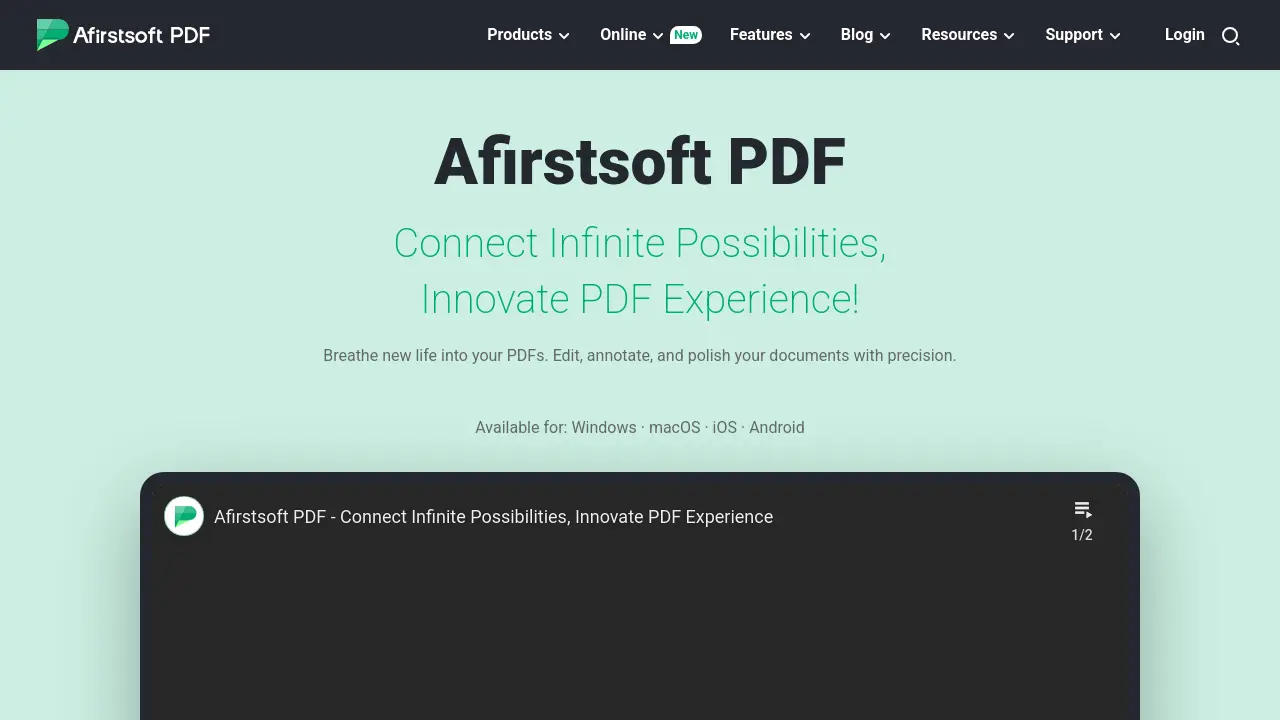
Afirstsoft PDF
Connect Infinite Possibilities, Innovate PDF Experience!
 Freemium
Afirstsoft PDF is an AI-powered PDF editor for creating, editing, converting, annotating, and organizing PDF documents across multiple platforms, featuring AI summarization and chat.
Key Features:
- AI Chat: Ask questions based on uploaded PDFs and get quick answers.
- AI PDF Summarization: Condense extensive PDFs into concise summaries.
- Direct PDF Editing: Edit text, images, and links within PDFs like a word processor.
- Advanced Annotation: Highlight, add textboxes, stickers, shapes, and digital signatures.
- OCR Technology: Convert scanned documents and images into editable text with multilingual support.
- Comprehensive Conversion: Convert PDFs to/from Office formats (Word, Excel, PPT) and images (JPG, PNG, etc.).
- PDF Organization: Merge, split, rotate, crop, reorder, insert, and extract pages.
- PDF Security: Apply passwords, permissions, and encryption.
- Cross-Platform Availability: Use on Windows, macOS, iOS, and Android.
- Screen Recording: Capture screen activity and save as GIFs.
Use Cases:
- Editing PDF documents by modifying text, images, and links.
- Annotating PDFs for collaboration, feedback, or study.
- Summarizing long PDF reports or research papers using AI.
- Asking questions about PDF content using AI chat.
- Converting scanned paper documents into editable digital files.
- Organizing large PDF files by splitting, merging, or rearranging pages.
- Converting PDFs to Word, Excel, or PowerPoint for further editing.
- Creating professional-looking PDFs from various file types.
- Securing sensitive PDF documents with passwords and permissions.
- Creating instructional GIFs using screen recording.
-

PDF Reader Pro
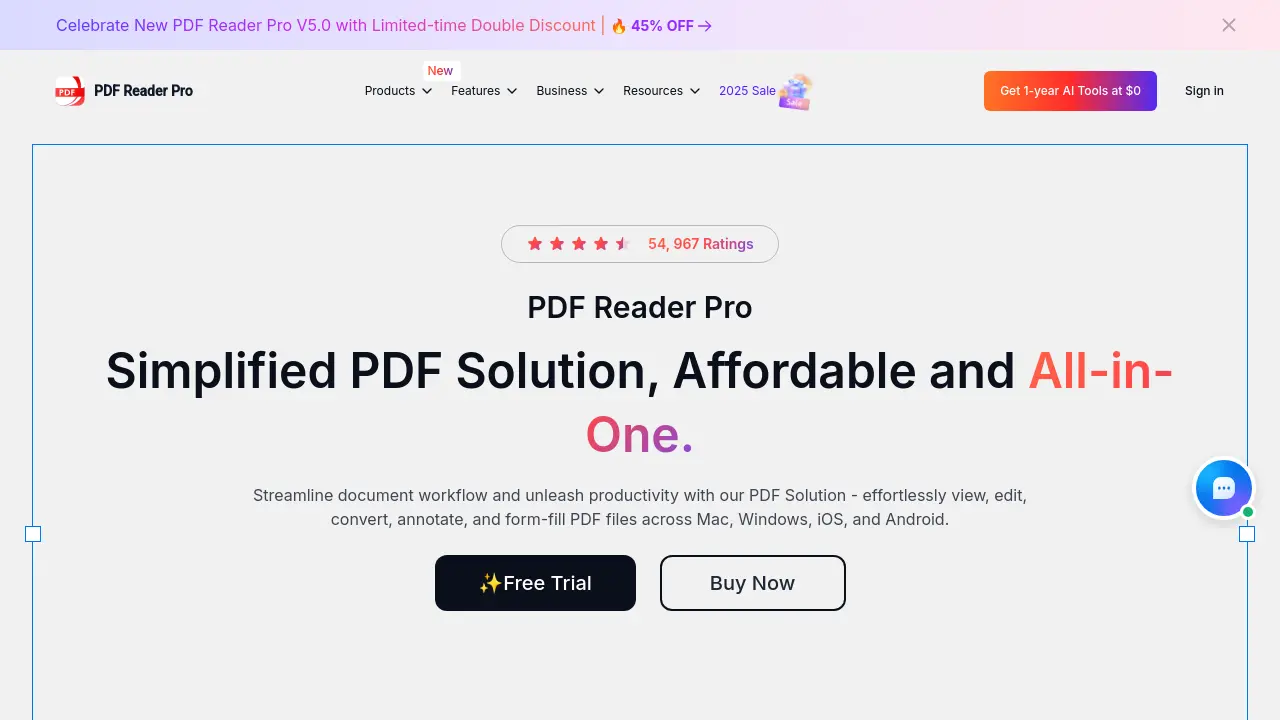
Simplified PDF Solution, Affordable and All-in-One.
 Pay Once
PDF Reader Pro is an all-in-one PDF solution for viewing, editing, converting, annotating, and form-filling across Mac, Windows, iOS, and Android. It integrates AI features like translation, summarization, and rewriting to enhance document workflows.
Key Features:
- AI-Powered Processing: Integrate ChatGPT and DeepSeek for AI translate, summarize, rewrite, and proofread within PDFs.
- Comprehensive PDF Editing: Edit text, images, headers, footers, hyperlinks, watermarks, and backgrounds directly in PDF files.
- High-Quality Conversion: Convert PDFs to and from various formats including Word, Excel, PPT, images, CSV, and HTML.
- Efficient Page Organization: Merge, split, extract, reorder, rotate, delete, and compress PDF pages.
- Advanced Annotation Tools: Comment PDFs using highlights, freehand drawing, text boxes, sticky notes, shapes, stamps, and hyperlinks.
- OCR Functionality: Convert scanned PDFs and images into editable and searchable documents, supporting over 90 languages.
- Form Creation & Filling: Recognize, fill, and create interactive PDF forms with various field types.
- Digital & Ink Signatures: Add electronic signatures using trackpad, keyboard, or images.
- Enhanced Reading Experience: Features like Read Mode, Dark/Light Mode, multi-tab support, and customizable BOTA navigation.
- Cross-Platform Availability: Accessible on Mac, Windows, iOS, and Android devices.
Use Cases:
- Editing text and images within existing PDF documents.
- Converting PDFs to editable formats like Word or Excel for data extraction.
- Annotating documents for collaboration or review.
- Summarizing long PDF reports or research papers using AI.
- Translating PDF documents into different languages using AI.
- Creating and filling interactive PDF forms for applications or surveys.
- Digitally signing contracts and agreements.
- Compressing large PDF files for easier sharing.
- Making scanned documents searchable and editable using OCR.
- Organizing and managing large collections of PDF documents.
-

SwifDoo PDF
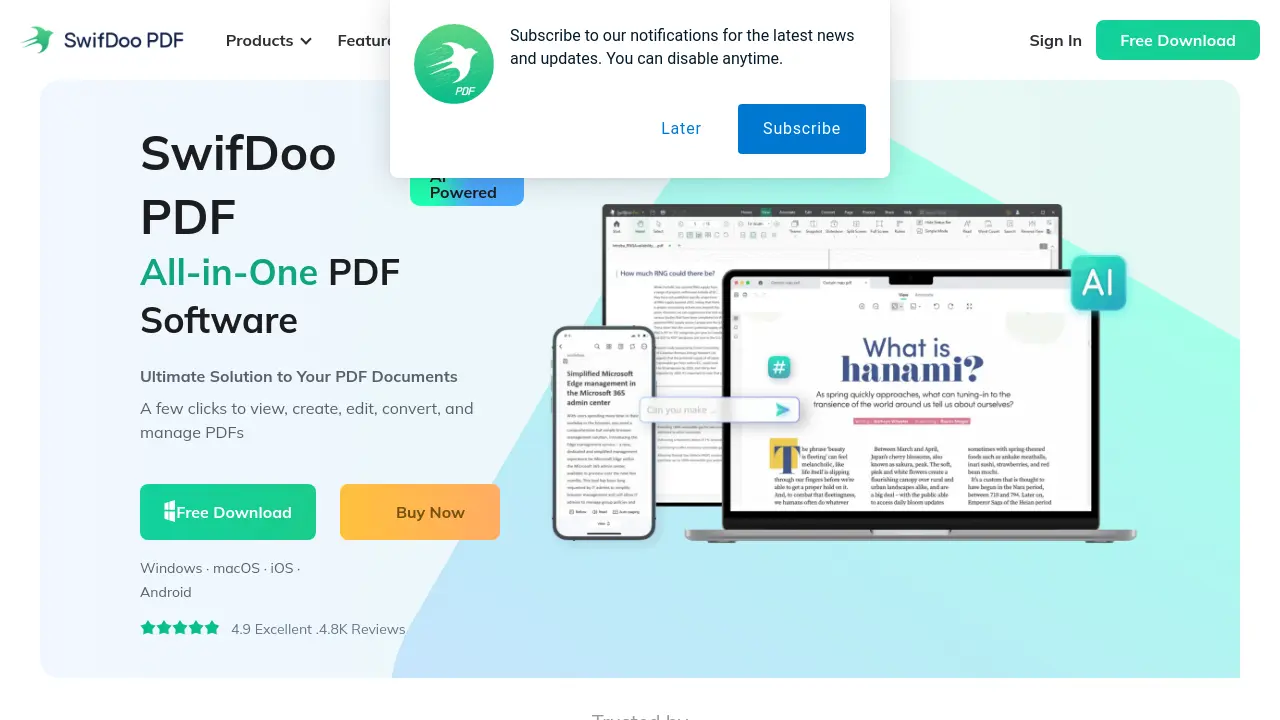
AI-Powered All-in-One PDF Software
 FreemiumStarting at $5/month
SwifDoo PDF is an AI-powered, all-in-one PDF software providing tools for viewing, creating, editing, converting, merging, compressing, and managing PDF documents efficiently. Its AI capabilities include summarizing, translating, explaining, proofreading, and rewriting content within PDFs.
Key Features:
- SwifDoo AI: Efficiently summarizes, translates, explains, proofreads, rewrites, and chats with PDFs.
- PDF Editing: Add, delete, or modify text, images, hyperlinks, and backgrounds within PDFs. Change font size, style, and color.
- PDF Conversion: Convert PDFs to/from Microsoft Word, Excel, PowerPoint, JPG, PNG, TIFF, BMP, CAD (DXF/DWG), HTML, EPUB, and more.
- PDF Viewing: View PDFs in multiple modes, read aloud, translate selected text, and search/replace text.
- PDF Compression: Reduce PDF file size with multiple compression levels without losing quality.
- PDF Merging & Splitting: Combine multiple PDFs into one or split a single PDF into multiple files or pages.
- E-signature: Create and add legally-binding electronic signatures using handwriting, text input, or images.
- OCR (Optical Character Recognition): Recognize text within scanned PDFs or images, making them searchable and editable.
- PDF Protection: Secure PDFs with passwords to restrict viewing, copying, printing, and editing.
Use Cases:
- Summarizing long research papers or reports.
- Translating business documents for international clients.
- Editing contracts or legal documents.
- Converting scanned invoices or receipts into editable formats using OCR.
- Creating interactive presentations from PDFs.
- Compressing large PDF files for email sharing.
- Merging multiple reports into a single comprehensive document.
- Signing documents electronically for remote work.
- Proofreading and rewriting academic papers or articles within the PDF.
- Annotating study materials or collaborative documents.
-
iLovePDF
Effortless PDF Editing and Management Online
 FreemiumStarting at $9/month
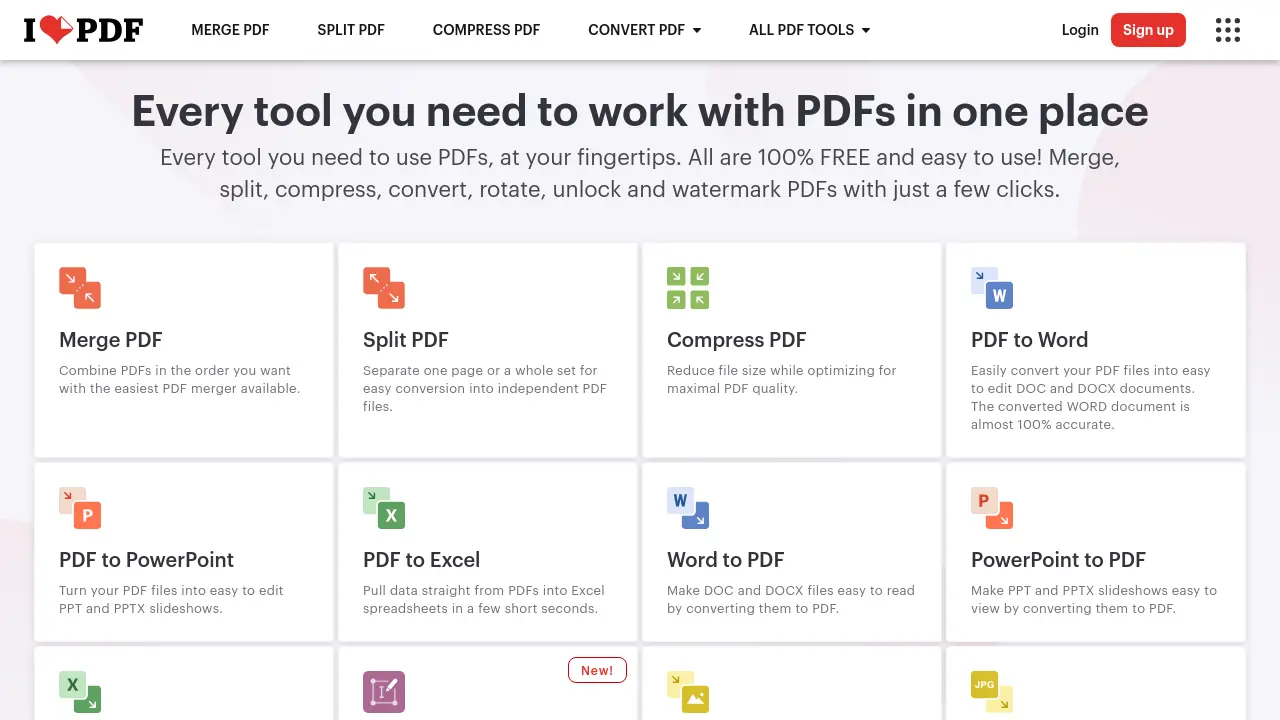
iLovePDF is a comprehensive online platform offering a full suite of PDF editing, conversion, and management tools designed to streamline document workflows for individuals and businesses.
Key Features:
- PDF Conversion: Convert between PDF and Office formats, including Word, PowerPoint, Excel, and image files.
- Merge & Split: Combine multiple PDFs or separate documents into individual files.
- Compression: Reduce PDF file size without compromising quality.
- OCR (Optical Character Recognition): Transform scanned PDFs into searchable and editable documents.
- PDF Editing: Add text, images, shapes, page numbers, and watermarks, or annotate and crop PDFs.
- Security & Signing: Encrypt PDFs with passwords, unlock secured files, redact sensitive content, and request or apply e-signatures.
- PDF Organization: Remove, extract, reorder, and organize PDF pages as needed.
- Repair & Compare: Recover damaged PDFs and compare document versions side-by-side.
- Batch Processing: Process multiple documents simultaneously for efficiency.
- Long-term Archiving: Convert PDFs to PDF/A for reliable archiving.
Use Cases:
- Converting large volumes of documents to and from PDF for business operations.
- Securing confidential PDF files with encryption and watermarking.
- Digitally signing contracts and collecting electronic signatures from clients.
- Extracting and editing data from scanned receipts or invoices using OCR.
- Batch processing multiple PDFs for administrative and legal documentation.
- Repairing and recovering data from corrupt or damaged PDFs.
- Redacting sensitive information for compliance and privacy requirements.
- Comparing different versions of PDF reports or proposals.
-

UPDF
AI-powered PDF Editor for Windows, Mac, iOS, and Android. One License, All Platforms.
 Freemium
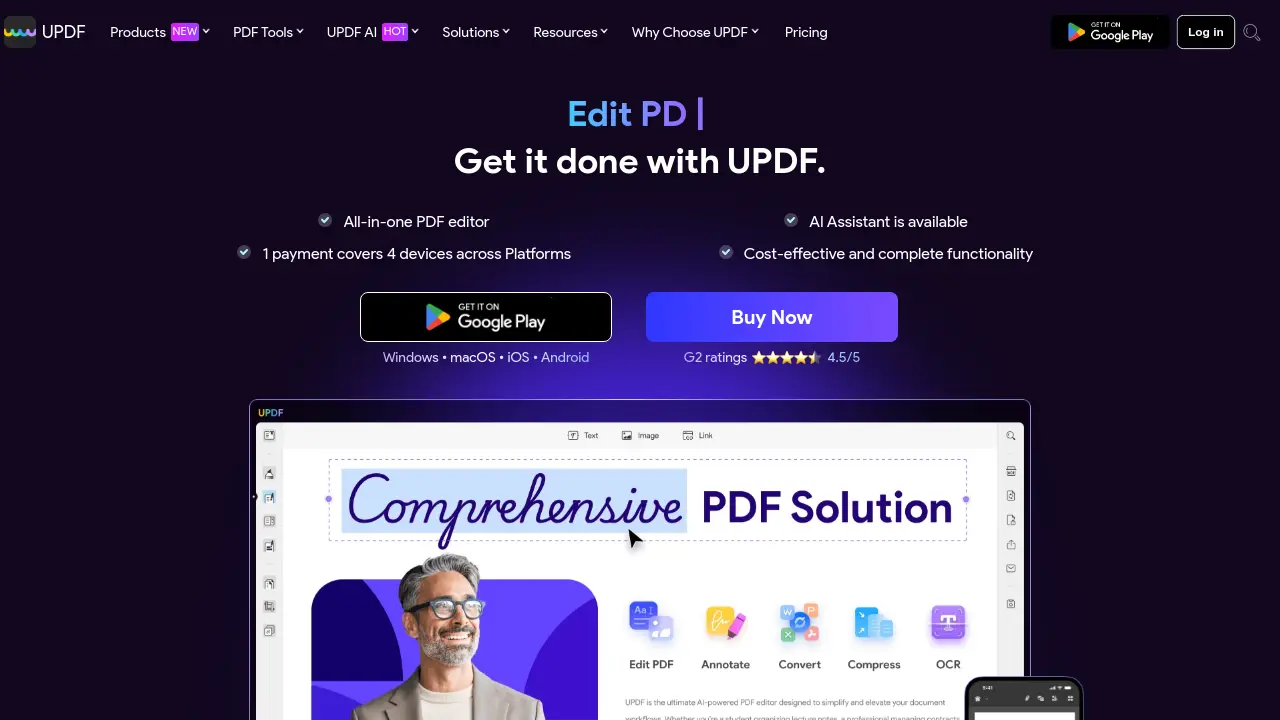
UPDF is an AI-powered PDF editor available across multiple platforms (Windows, Mac, iOS, Android). It offers a comprehensive suite of PDF tools and AI features.
Key Features:
- Edit PDF: Modify text, images, links, headers/footers, and page backgrounds.
- Convert PDF: Transform PDFs into various formats like Word, Excel, and images.
- Annotate PDF: Add notes, highlights, shapes, and comments.
- Organize PDF: Rearrange, add, delete, rotate, and extract PDF pages.
- Merge & Split PDF: Combine or divide PDF documents.
- OCR PDF: Make scanned PDFs searchable and editable.
- Create & Fill Form: Create and complete interactive PDF forms.
- Summarize PDF: Extract key information and main ideas from lengthy PDFs using AI.
- Translate PDF: Translate PDFs into multiple languages.
- Chat with PDF: Ask questions about the PDF content.
- Chat with Image: AI Assistant can identify text, objects and patterns within the uploaded image.
- PDF to Mind Map: Generate mind map from a PDF.
Use Cases:
- Streamlining document workflows in businesses.
- Enhancing study routines for students.
- Managing contracts and legal documents.
- Creating and filling out forms.
- Converting documents between different formats.
- Making scanned documents searchable and editable.
- Summarizing lengthy reports and articles.
- Translating documents for international collaboration.
- Quickly extracting information from images and PDFs.
-

HiPDF
All-in-one Online PDF Solution with AI Capabilities
 Freemium
HiPDF is a comprehensive online PDF tool offering editing, conversion, compression, and merging features, enhanced with AI for summarization, translation, and interaction.
Key Features:
- AI Chat with PDF: Interact with documents to get summaries, explanations, and answers.
- AI PDF Translator: Translate PDF files into over 50 languages.
- Comprehensive PDF Editing: Edit text, add images, change fonts, crop, rotate, and manage pages.
- Versatile PDF Conversion: Convert files to and from PDF (Word, Excel, PPT, JPG, etc.) with OCR support.
- PDF Management Tools: Merge, compress, split, and rearrange PDF files.
- Security Features: Protect PDFs with passwords, unlock protected files, redact information, and add e-signatures.
- AI Read & Summarize: Understand PDF content faster with AI-powered reading and summarization.
Use Cases:
- Summarizing long research papers or reports quickly using AI.
- Translating PDF documents for international communication or study.
- Editing PDF handouts or teaching materials online without downloads.
- Converting scanned documents into editable formats using OCR.
- Compressing large PDF files for easy sharing via email.
- Merging multiple reports or chapters into a single PDF document.
- Adding digital signatures to contracts or agreements.
- Protecting sensitive technical or legal documents with passwords.
- Quickly understanding the key points of a PDF using AI interaction.
-

BestPDFEditor
Expert Reviews of Top PDF Editors for Every Task
 Free
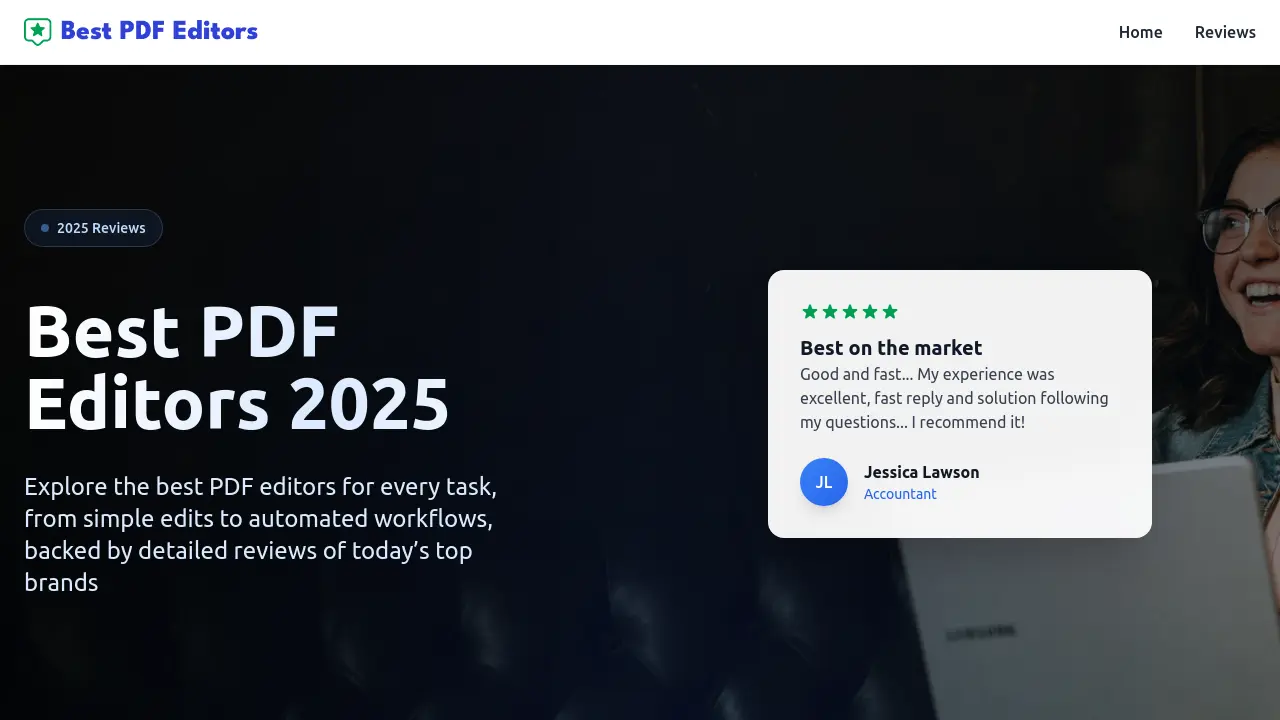
BestPDFEditor provides comprehensive reviews of the best PDF editing tools on the market, with AI-powered recommendations to help users find the perfect solution for their specific needs.
Key Features:
- AI PDF Assistant: Offers personalized PDF tool recommendations based on user needs
- Comprehensive Reviews: Detailed evaluations of top PDF editors with real user feedback
- Feature Comparisons: Side-by-side analysis of PDF editor capabilities across different brands
- Operating System Guidance: Specialized recommendations for Mac and Windows users
- Educational Content: Informative FAQ section about PDF functionality and editor features
- Specialized Tool Categories: Reviews for specific needs like summarization, conversion, and OCR
Use Cases:
- Finding the best PDF editor for your specific needs and budget
- Comparing features between different PDF editing software
- Learning about specialized PDF tools for tasks like summarization or conversion
- Getting recommendations for PDF editors compatible with your operating system
- Understanding the differences between cloud-based and desktop PDF applications
- Learning about electronic signature capabilities in different PDF tools
- Discovering secure PDF editors for handling sensitive documents
-
pdftoword.ai
Every PDF Tool You Need in One Place
 Free
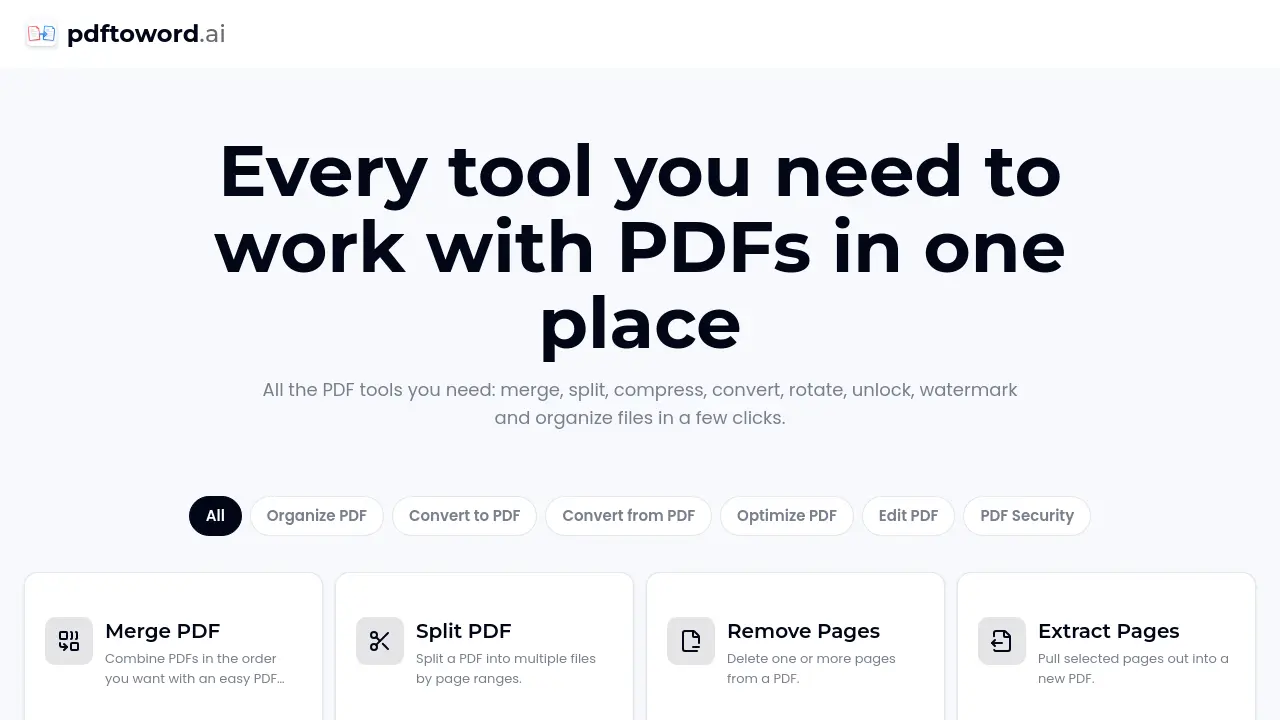
pdftoword.ai is an all-in-one online PDF toolkit offering 24 free tools for converting, editing, compressing, merging, and securing PDF documents without installation or watermarks.
Key Features:
- 24 Free PDF Tools: Access a complete suite of PDF tools including merge, split, compress, convert, rotate, unlock, watermark, and organize
- Format Conversion: Convert between PDF and Word, Excel, PowerPoint, JPG, and HTML with high accuracy
- PDF Editing: Merge multiple PDFs, split documents by page ranges, remove or extract pages, and organize with draggable cards
- Compression and Optimization: Reduce PDF file size while maintaining quality, repair corrupted files, and OCR scanned documents
- Security Features: Password-protect PDFs with AES-256 encryption, unlock owner-protected documents, and automatic file deletion
- No Watermark Output: Process and download files without any watermarks added to the final documents
- Browser-Based Access: Works on any device and browser without requiring software installation or account creation
- Page Customization: Rotate pages, add page numbers, crop margins, and apply custom watermarks
Use Cases:
- Students converting PDFs to Word for editing essays and merging reading materials into single documents
- Business professionals combining reports, exporting invoices to Excel, and protecting contracts before distribution
- Accountants converting PDF statements to Excel spreadsheets for financial analysis
- Legal teams splitting case files, adding watermarks to documents, and password-protecting confidential files
- HR departments organizing employee documents and securing sensitive personnel information
- Researchers compressing large PDF files to meet journal submission size limits
- Project managers merging multiple project documents into comprehensive reports
- Educators converting PowerPoint presentations to PDF format for student distribution
-
7-PDF
Premium PDF Tools with Lifetime Licenses and AI-Powered Features
 Freemium
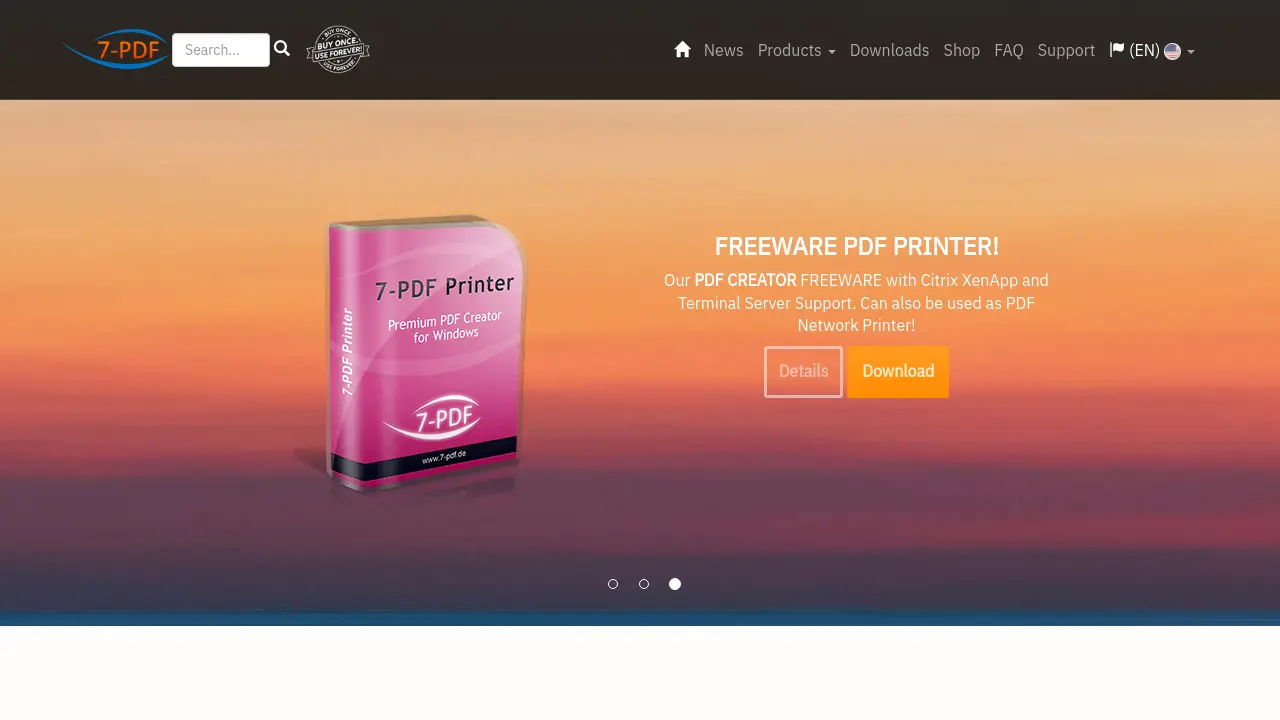
7-PDF offers a comprehensive suite of Windows PDF tools including converters, editors, and e-invoice solutions with AI-powered extraction and lifetime licenses.
Key Features:
- PDF to Word Conversion: Convert PDF files to editable Word documents with high accuracy
- PDF Split and Merge: Combine or separate PDF pages with flexible routines and fast processing
- PDF Printer: Create PDF files from any Windows application with security features and network support
- AI Invoice Extractor: Automatically extract data from invoices using artificial intelligence technology
- ZUGFeRD E-Invoice Support: Create and validate electronic invoices compliant with European standards
- Lifetime Licenses: One-time payment model without recurring subscription costs
- Offline Functionality: Most tools work without internet connection after initial activation
- Windows Compatibility: Supports Windows 11, 10, 8.1, 8, 7 and Windows Server versions
Use Cases:
- Converting PDF documents to editable Word format for content modification
- Splitting large PDF files into smaller documents for easier management
- Merging multiple PDF files into a single document for organization
- Creating PDF files from any Windows application using virtual printing
- Processing electronic invoices with AI-powered data extraction
- Validating ZUGFeRD and XRechnung e-invoices for compliance
- Attaching and extracting files from PDF documents for document management
- Adding watermarks, backgrounds, and security features to PDF files
-

Able2Extract Professional
The All-in-One PDF Converter for Windows, Mac, and Linux
 Pay Once
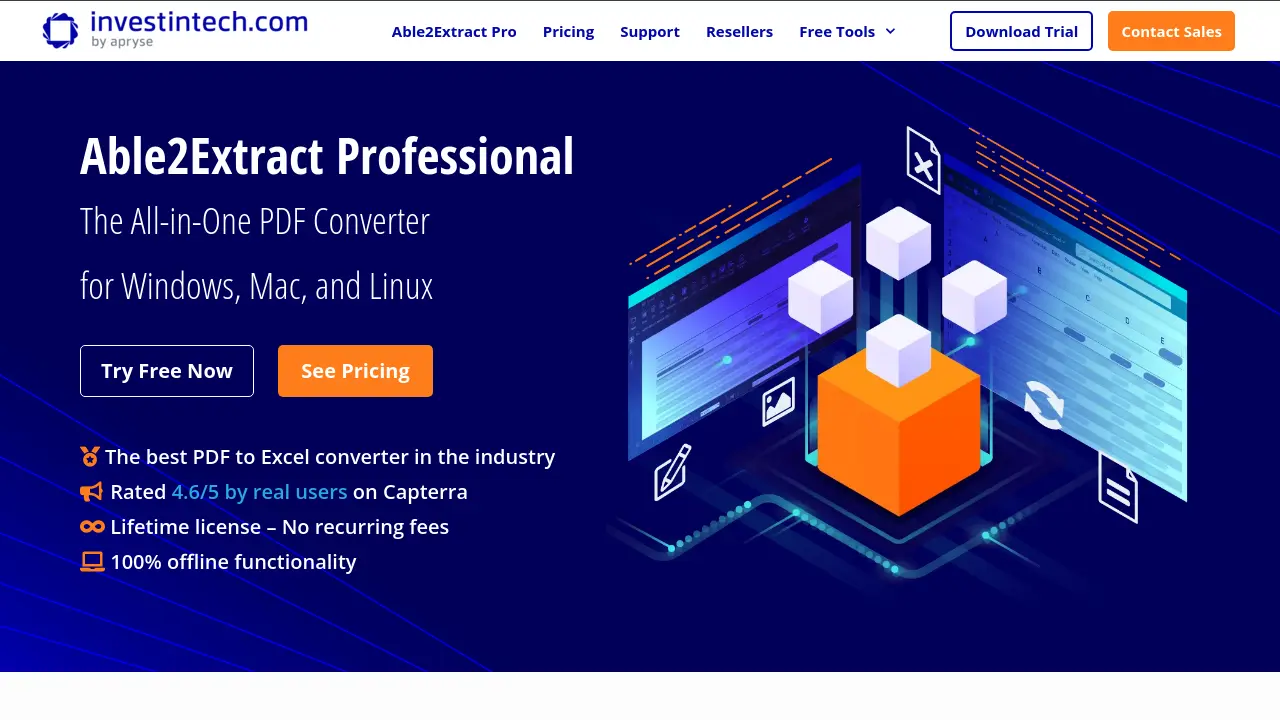
Able2Extract Professional is a comprehensive PDF conversion and editing software that accurately converts PDFs to Excel, Word, AutoCAD, and other formats while retaining original formatting, with batch processing and OCR capabilities.
Key Features:
- PDF to Excel Conversion: Retains original table layout and formatting with maximum accuracy
- Batch Processing: Converts hundreds of files simultaneously to boost productivity
- OCR Technology: Transforms scanned PDFs into editable documents with advanced optical character recognition
- PDF Editing: Modifies PDFs with text editing, image insertion, page splitting, and file compression
- Document Security: Secures sensitive data with permanent redaction, watermarks, and password encryption
- Form Handling: Fills out interactive PDF forms and enables digital document signing
- Multiple Format Support: Converts to Word, CSV, AutoCAD, HTML, images, and PowerPoint formats
- Offline Functionality: Operates 100% offline without requiring internet connection
Use Cases:
- Converting financial reports from PDF to Excel for data analysis
- Transforming scanned documents into editable Word files using OCR
- Batch converting architectural drawings from PDF to AutoCAD format
- Editing and modifying existing PDF documents with text and image changes
- Securing sensitive legal documents with redaction and encryption
- Filling out and digitally signing business forms and contracts
- Converting multiple PDF files to HTML for web publishing
- Reducing PDF file sizes through compression for email distribution
-

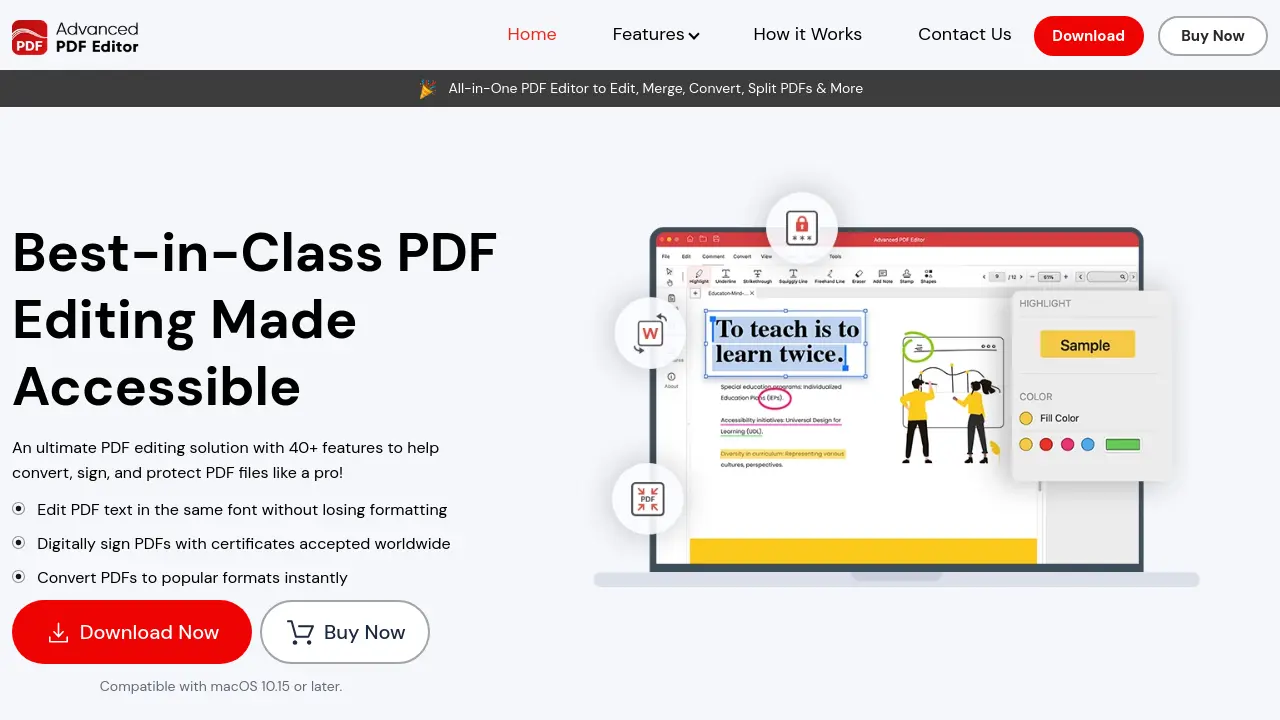
Advanced PDF Editor
Best-in-Class PDF Editing Made Accessible
 FreemiumStarting at $4/month
Advanced PDF Editor is an all-in-one PDF editing solution for Mac, offering over 40 features to edit, merge, convert, sign, and secure PDF files with ease and efficiency.
Key Features:
- Edit Text: Edit PDF text directly without changing font, size, or formatting
- Convert PDF: Convert PDF files to Word, Excel, Image, HTML, and other popular formats
- Sign PDF: Add electronic and digital signatures for validation and authentication
- Secure PDF: Protect documents with password encryption and security features
- Merge PDFs: Combine multiple PDF files into a single document for better organization
- Annotate: Highlight text, add notes, underlines, and shapes for feedback and corrections
- Redact Content: Hide sensitive information using blackout or whiteout tools
- Organize Pages: Rotate, insert, remove, split, and arrange PDF pages as needed
- Compress PDF: Reduce file size for easier sharing via email or social media
- Add Stamps: Apply predefined or custom stamps like 'Approved' or 'Confidential' to documents
Use Cases:
- Editing PDF text for assignments or reports without converting formats
- Merging multiple PDF documents into a single file for presentations
- Converting PDFs to editable formats like Word or Excel for data extraction
- Adding digital signatures to contracts or legal documents for validation
- Securing sensitive PDFs with passwords to prevent unauthorized access
- Annotating PDFs with highlights and notes for collaborative reviews
- Redacting confidential information from documents before sharing
- Compressing large PDF files to facilitate email attachments
-

ABBYY FineReader PDF
The smarter PDF solution
 Paid
ABBYY FineReader PDF is an AI-powered tool for converting, editing, sharing, and collaborating on PDFs and scans, enhancing digital workplace efficiency with advanced OCR technology.
Key Features:
- AI-Powered OCR: Utilize cutting-edge AI for accurate document digitization, retrieval, editing, protection, sharing, and collaboration.
- PDF Conversion: Convert PDFs, document images, and scans into editable and searchable formats with high accuracy.
- PDF Editing: Modify text, images, and layout directly within PDF documents.
- Document Comparison: Identify differences between two versions of a document, including scans (available in Corporate version).
- Automated Conversion: Process and convert up to 5,000 pages per month automatically (available in Corporate version).
- Form Creation: Create fillable PDF forms from scratch or existing documents.
- Security Features: Protect documents with passwords and digital signatures.
- Microsoft Office Integration: Seamlessly work with documents within Microsoft Office applications.
Use Cases:
- Digitizing paper documents for archiving and retrieval.
- Editing scanned contracts or reports.
- Converting PDFs to editable formats like Word or Excel.
- Comparing legal document drafts for changes.
- Creating interactive forms for data collection.
- Securing confidential reports before sharing.
- Collaborating on PDF documents with annotations and comments.
- Extracting text and tables from images or screenshots.
-

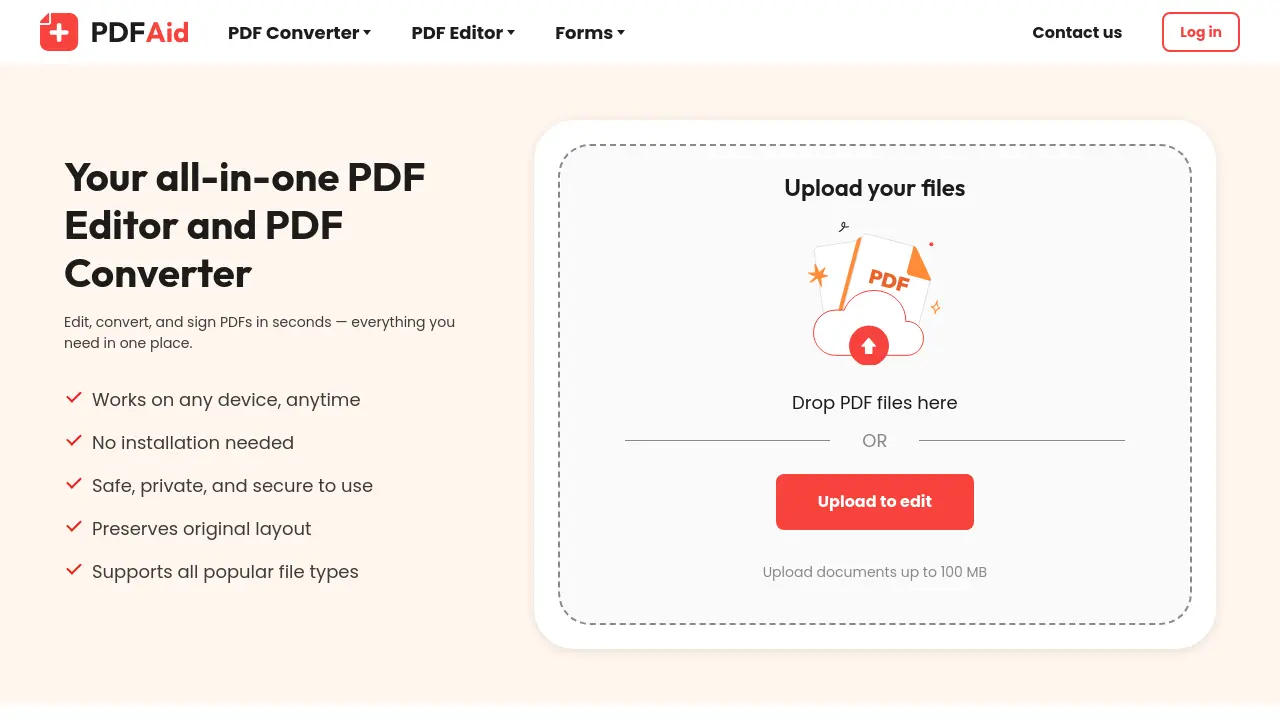
PDFAid
Your all-in-one PDF Editor and PDF Converter
 Free
PDFAid is a comprehensive online PDF solution offering over 50 free tools for editing, converting, and signing PDF documents with powerful OCR capabilities and cross-platform accessibility.
Key Features:
- Online PDF Editor: Edit, sign, merge, highlight, watermark, add images, and share documents with comprehensive editing tools
- File Conversion: Convert between PDF and over 40 formats including Word, Excel, PowerPoint, JPG, and PNG with original formatting preserved
- OCR Technology: Extract searchable, editable text from PDF scans and images with 99.8% character accuracy in 95+ languages
- Form Library: Access customizable forms for work and life including contracts, invoices, tax forms, and legal documents
- Cross-Platform Accessibility: Works on any device with internet access without software installation, supporting all major operating systems
Use Cases:
- Editing and formatting PDF documents for professional presentations
- Converting documents between PDF and other formats for compatibility
- Signing contracts and legal documents electronically
- Extracting text from scanned documents using OCR technology
- Merging multiple PDF files into a single document
- Compressing PDF files to reduce file size for sharing
- Adding watermarks or images to PDF documents for branding
- Filling out tax forms, invoices, and other official documents
-

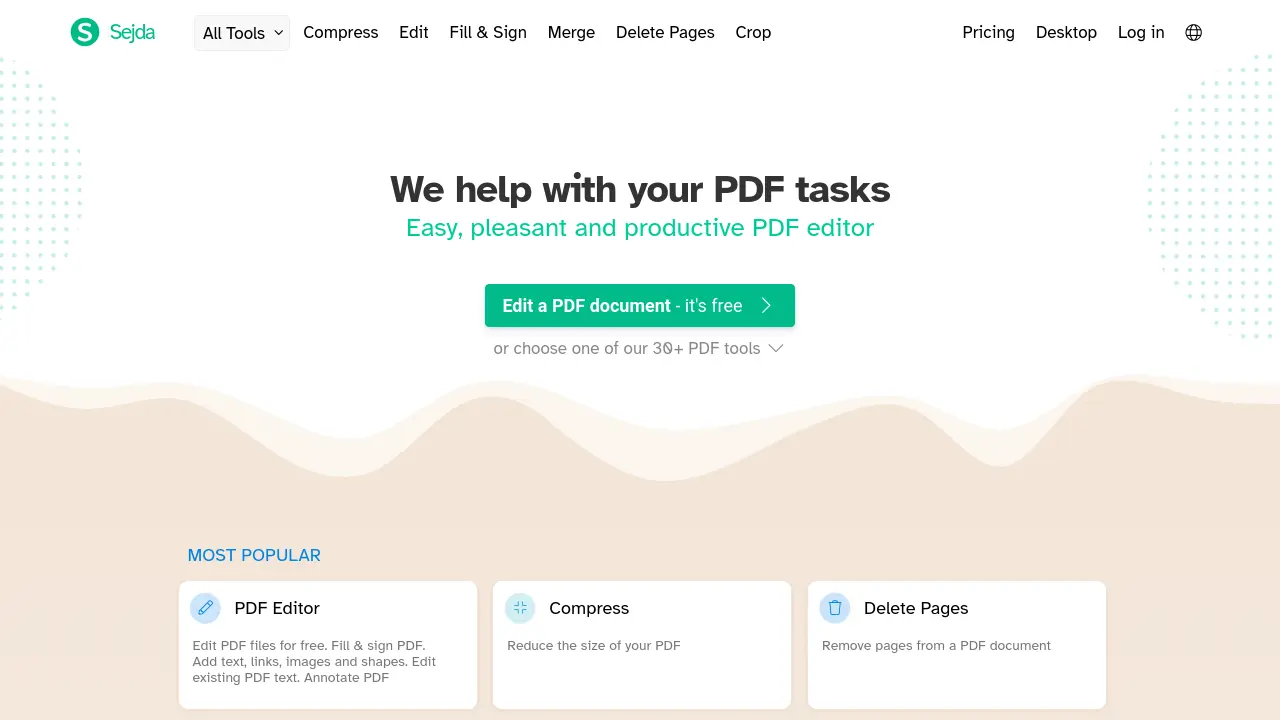
Sejda
Easy, pleasant and productive PDF editor
 FreemiumStarting at $8/month
Sejda is a comprehensive PDF editing and management platform offering over 30 browser-based tools for tasks like editing, merging, splitting, converting, compressing, and securing PDF documents.
Key Features:
- PDF Editor: Edit text, add images, links, shapes, and annotations in PDF documents
- Merge & Split Tools: Combine multiple PDFs and images or split documents by pages, bookmarks, size, or text content
- Format Conversion: Convert PDFs to Word, Excel, PowerPoint, JPG, and other formats, and vice versa
- Security Features: Password protection, permission restrictions, watermarking, and document unlocking
- Compression & Optimization: Reduce PDF file size while maintaining quality through image optimization
Use Cases:
- Editing and annotating PDF documents for review and collaboration
- Combining multiple reports or presentations into a single PDF file
- Extracting specific pages or sections from large PDF documents
- Converting scanned documents to searchable and editable text using OCR
- Reducing PDF file sizes for email attachments or storage optimization
-

ComPDFKit
Comprehensive PDF SDK Solutions for Developers
 Free TrialStarting at $67/month
ComPDFKit provides comprehensive PDF SDKs for developers, enabling integration of PDF viewing, annotation, editing, conversion, and AI-driven document processing functionalities into applications across multiple platforms.
Key Features:
- Cross-Platform SDKs: Libraries available for Web, Windows, Android, iOS, Mac, Server, React Native, Flutter, and more.
- PDF Viewing & Rendering: High-speed, accurate PDF display with navigation, zoom, and display modes.
- Annotation & Markup: Tools for adding notes, highlights, shapes, freehand ink, stamps, and managing annotations.
- PDF Editing: Edit text, images, and paths; manage pages (merge, split, insert, delete, rotate).
- Form Handling: Create, fill, edit, and flatten PDF forms; support for various field types.
- Signatures: Support for both electronic and digital signatures.
- AI-Powered Conversion: Convert PDFs to/from Office formats, images, TXT, HTML, CSV, etc., with high accuracy using OCR.
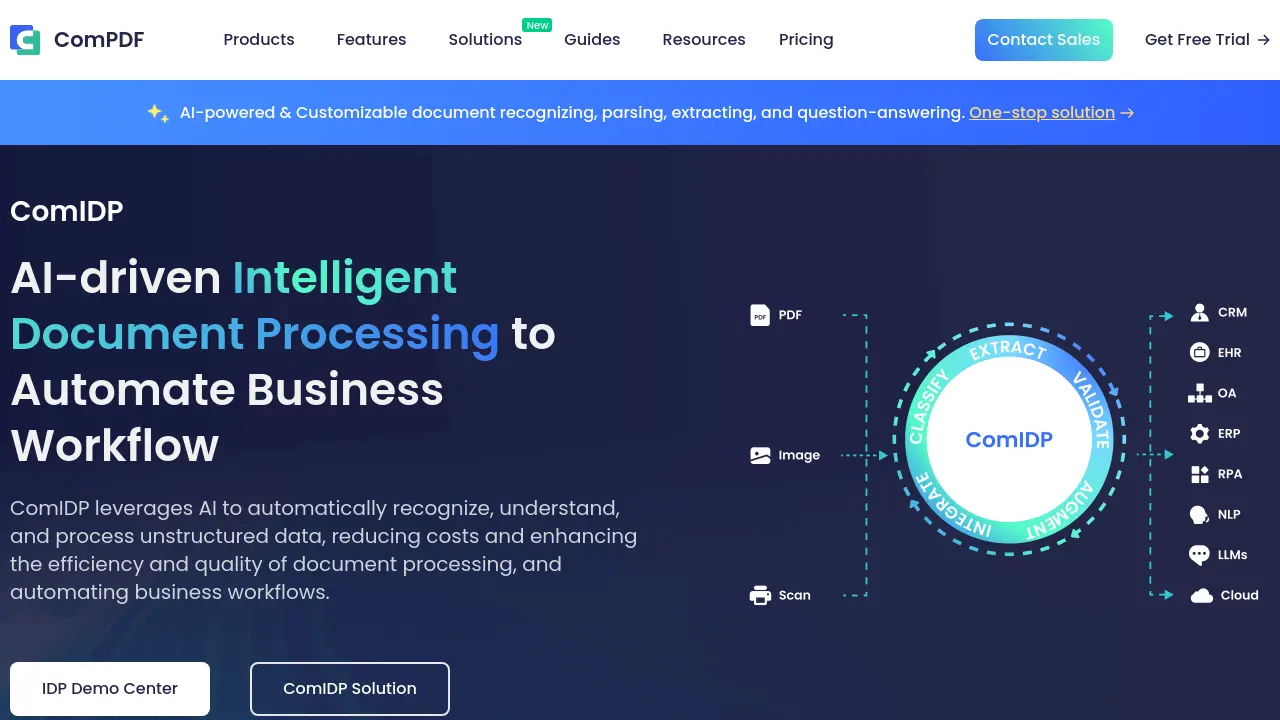
- Intelligent Document Processing (ComIDP): AI-driven recognition, parsing, data extraction (text, tables, stamps), and Q&A for unstructured data.
- Security Features: Encryption, decryption, permissions, watermarking, redaction.
- Advanced Tools: Document comparison, measurement tools, PDF compression, color separation.
Use Cases:
- Integrating PDF viewing and annotation capabilities into web applications.
- Developing mobile apps (Android/iOS) requiring PDF editing and form filling.
- Building desktop software for document management with conversion features.
- Creating server-side applications for batch PDF processing and conversion.
- Automating document workflows using AI-powered data extraction (invoices, contracts, reports).
- Enhancing enterprise systems (e.g., Salesforce, SharePoint) with integrated PDF tools.
- Developing applications for specific industries like construction (drawing markup), education (e-learning materials), or finance (report processing).
-

LightPDF
AI-Powered PDF Solutions for Editing, Converting, and More
 Freemium
LightPDF is an all-in-one AI-powered platform offering a comprehensive suite of tools for PDF editing, conversion, OCR, and document interaction, accessible across desktop, mobile, and web.
Key Features:
- PDF Conversion: Convert PDF files to and from various formats like Word, Excel, PPT, JPG, PNG, and more.
- PDF Editing: Edit text, add annotations, watermarks, and manage pages within PDF documents.
- OCR: Extract text from scanned PDFs and images, converting them into editable formats.
- PDF Security: Protect PDFs with passwords, unlock secured files, and add digital signatures.
- AI Chat: Interact with documents using AI to summarize, extract, explain, analyze content, and answer questions.
- Cloud Sync: Upload documents to the cloud for easy access and management across devices.
- PDF Translation: Translate PDFs Files.
- AI Image Watermark Remover: Remove watermark from image using AI.
Use Cases:
- Converting scanned documents into editable text for archiving or editing.
- Preparing official documents by adding signatures and password protection.
- Quickly summarizing lengthy reports or research papers using the AI Chat feature.
- Converting PDF presentations or spreadsheets to editable formats for updates.
- Managing and accessing PDF files across multiple devices via cloud storage.
- Translating PDF documents into multiple languages.
- Removing watermarks from images.