Daily standups already cover tickets, dependencies, and blockers. When teams adopt AI tools without a dedicated check-in, problems stay private: someone pastes customer data into the wrong workspace, another person rebuilds a prompt chain that already exists, and a third person quietly stops using the approved tool because output quality dropped last Tuesday. None of that appears in a generic "what did you do yesterday" round.
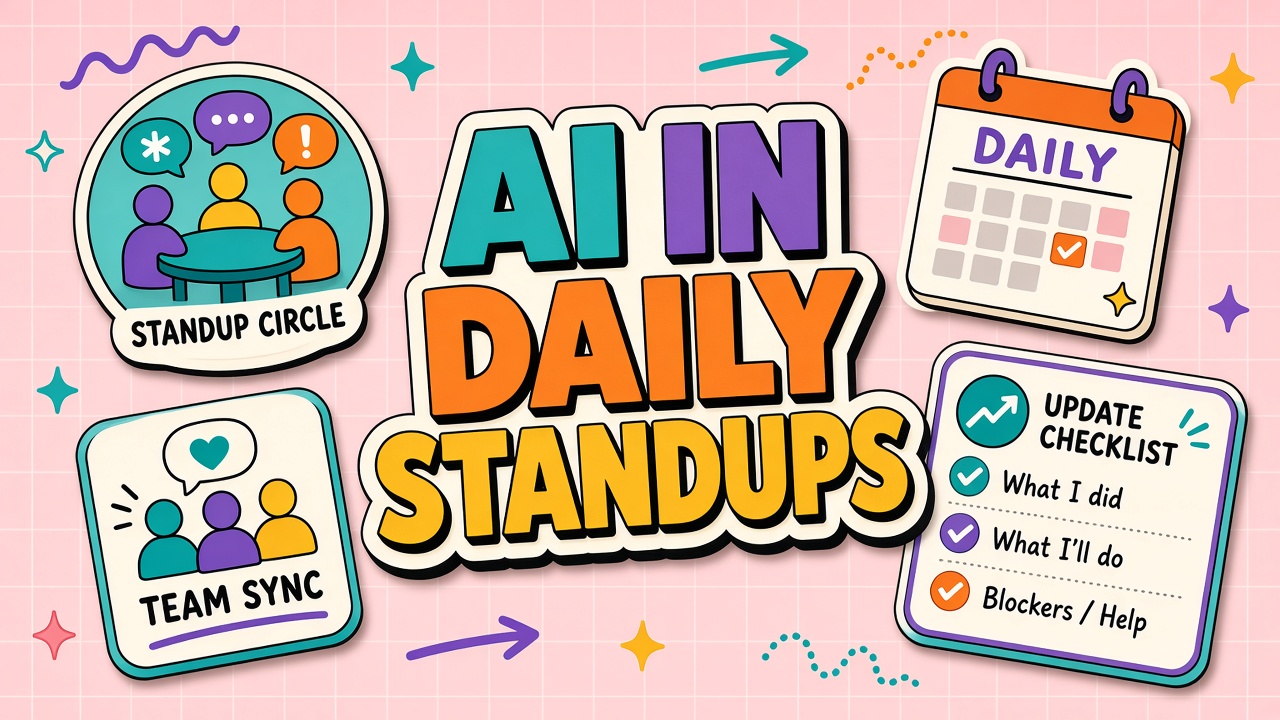
AI tool daily standup integration adds a lightweight, repeatable block to your existing ceremony. Three questions (used, blocked, learned), clear escalation paths for policy and quality issues, and an optional rotating demo slot keep adoption visible without extending the meeting past fifteen minutes. Pair the format with shortlists from AI productivity and AI chatbot categories once your team agrees on which workflows are in scope.
Why AI Tool Updates Need Explicit Standup Airtime
AI adoption fails silently when teams treat tool friction as individual problems instead of team signals. Unlike a broken CI pipeline, a bad prompt or a misunderstood data policy rarely triggers an alert. Without explicit airtime, the same person troubleshoots alone, others copy risky shortcuts, and managers assume adoption is fine because licenses show activity.
Explicit airtime does three jobs in under two minutes per participant:
- Surfaces blockers early: Access, integration, and policy questions get answered before they become deadline fires.
- Distributes learning: Small workflow wins spread without waiting for a quarterly training.
- Normalizes escalation: Quality and compliance issues become discussable, not shameful.
The goal is not to audit every prompt. The goal is to make AI-assisted work as visible as any other dependency your standup already tracks. Teams using transcription, summarization, or chat assistants daily benefit most because failure modes are subtle and cumulative.
| Without AI airtime | With AI airtime |
|---|---|
| Shadow tools persist because nobody asks | Approved tool gaps get logged and routed |
| Policy violations discovered in audit | Near-misses corrected in the same week |
| Experts hoard prompt patterns | Patterns shared in "learned" answers |
| Quality drift blamed on individuals | Model or template issues escalated to owners |
Three Standup Questions: Used, Blocked, Learned
Replace vague "any AI updates?" with three concrete prompts everyone answers in one sentence each. Keep answers short. Capture follow-ups in a shared doc or ticket, not in the standup itself.
- Used: Which approved AI tool did you use on real work since the last standup? Name the workflow, not the vendor slogan. Example: "Used the team chatbot to draft release notes from Jira tickets."
- Blocked: What stopped you from using an approved tool, or what made output unusable? Example: "Blocked on SSO for the research workspace" or "Summaries missed technical terms in API docs."
- Learned: What tip, template, or policy clarification helped? Example: "Learned that pasting ticket IDs instead of full descriptions reduces hallucinated features."
Facilitator rules that keep the block tight:
- Timebox the AI block to two minutes total for teams under eight people; three minutes for larger squads.
- Defer deep debugging to a parking lot or office hours.
- Rotate who goes first so the same expert does not dominate "learned."
- Log recurring blockers weekly; if the same blocker appears twice, open an owner ticket.
Blocker taxonomy for standups
Tag blockers so patterns are searchable in your standup notes:
| Tag | Meaning | Typical owner |
|---|---|---|
| access | Login, SSO, seat, or workspace provisioning | IT or tool admin |
| policy | Unclear what data or workflows are allowed | Security or legal liaison |
| quality | Output wrong, inconsistent, or needs heavy editing | Workflow owner or champion |
| integration | Export, API, or connector failure | Engineering or ops |
| skill | Do not know how to achieve outcome in approved tool | Champion or training lead |
Escalation Paths for Policy and Quality Issues
Standups surface issues; escalation paths resolve them within defined SLAs. Without paths, facilitators become help desks and the AI block gets cut first when meetings run long.
Publish a one-page escalation map linked from your standup doc:
- Access blockers: Ticket to IT with tool name, user, and error text. Target first response within one business day.
- Policy questions: Route to security or legal alias. Urgent customer-facing cases get same-day written guidance.
- Quality regressions: Workflow owner compares sample outputs to baseline; if confirmed, log vendor ticket and notify team channel.
- Repeated skill gaps: Champion schedules a fifteen-minute Loom or live micro-demo within the week.
Critical quality issues (wrong numbers in a customer report, PII in the wrong workspace) bypass the standup queue. The facilitator says "take offline" and the reporter opens the security or incident channel immediately. The standup records that escalation happened, not the sensitive details.
Rotating Demo Slot for Workflow Tips
Once per week, reserve three minutes for one volunteer to show a concrete workflow tip in the approved tool. Demos are optional but scheduled: empty slots become "office hours reminder" instead of skipping the ritual.
Good demo topics are narrow: a prompt template for sprint retros, a export setting that preserves formatting, a review checklist before sending AI-drafted email. Bad demos are vendor tours or hypothetical features nobody uses yet.
- Rotate across roles so support, product, and engineering all contribute.
- Record demos and store in the team playbook with date and tool version.
- Cap prep time at thirty minutes; if it needs more, promote to a training session.
Teams comparing chat and productivity stacks can mine demo ideas from AI productivity listings, then adapt patterns to internal data and policy constraints rather than copying public examples verbatim.
Track demo attendance and replay counts. If replays outperform live attendance, your team is async-first and demos should default to recorded micro-lessons. If live attendance is high, keep the rotating slot but shorten standard standup elsewhere to protect total meeting time.
Standup Script Template for Facilitators
Facilitators need a script so the AI block does not expand into unstructured debate. Paste this into your standup doc and adjust names:
- "AI block: thirty seconds each. Used, blocked, learned. Parking lot for deep dives."
- After round: "Tagging blockers. [Read tags aloud]. Access and policy items go to owners today."
- Weekly: "Demo slot: [name] shows [narrow topic] or we skip to office hours reminder."
- Close: "Open escalations: [list ticket IDs]. Same block tomorrow unless holiday."
New facilitators often fear the AI segment will dominate. The taxonomy and timebox prevent that when enforced consistently for three weeks. Teams that drop the block usually had facilitators who let one person debug live for ten minutes once; reset the norm the next day.
Pair the standup format with a shared channel for AI chatbot status updates when your vendor posts incidents. Facilitators paste the status link into standup notes so "blocked" answers reference a known outage instead of guessing.
Async Standups and Large Team Adaptations
Distributed teams can run the same three questions asynchronously in Slack or Teams: one thread per day, reactions for "I have the same blocker." Synthesize patterns in a weekly five-minute live block instead of reading every async reply aloud.
For teams above twelve people, split by squad or rotate which squads report the AI block each day. Platform teams report integration blockers; product squads report workflow quality. A central AI champion aggregates tags into a weekly summary for leadership.
Measure standup effectiveness monthly: count unique blockers resolved, count repeated blockers, and survey whether practitioners feel safer raising policy questions. If repeated blockers climb for three weeks, the problem is ownership or tooling, not standup format. Escalate to workflow owners rather than adding more standup time.
Frequently Asked Questions
How do async standups handle the AI block?
Post the three questions as a bot prompt or pinned template at the same time each day. Require one reply per person or per pair on shared work. The facilitator posts a Friday rollup: top blockers, top learned tips, open escalations. Async does not mean optional; it means structured writing instead of live speaking.
What changes for standups with more than fifteen people?
Do not ask everyone to speak on AI daily. Rotate squads, use representative reporters, or keep the AI block weekly while standard standup stays daily. The taxonomy and escalation paths stay the same; only airtime shrinks.
Will this turn standups into surveillance?
Frame the block as blocker removal and learning, not output quotas. Facilitators should not ask for prompt transcripts or keystroke counts. If managers use standup notes for performance punishment, practitioners will stop reporting honestly and the ritual dies.
What if someone did not use AI yesterday?
"Used" can be "none on approved tools; manual path for X because Y." That is valuable data about fit or training gaps. Skipping the question hides non-adoption until renewal.
How do hybrid teams split live and async standup?
Run the AI block live for whoever is in the room or on video, then require async replies from remote-only members before end of day. Merge tags into one rollup doc. Do not read async essays aloud; summarize patterns only.
The Bottom Line
Integrating AI into daily standups takes two minutes when you ask what was used, what blocked progress, and what was learned. Tag blockers, publish escalation paths, and rotate short demos so wins compound. Visibility beats assumption: teams that talk about AI friction weekly fix it faster than teams that only discuss AI at purchase time.
Start next standup with the three questions on a slide. Iterate after two weeks using blocker tags, not opinions. The format is deliberately boring so adoption sticks.
Share monthly blocker tag trends with IT and security leads. Patterns justify roadmap fixes better than one-off complaints in email threads nobody archived.