
What is PDFDIT?
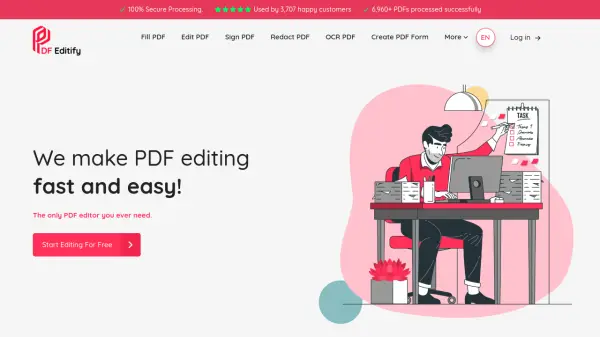
PDFDIT is an advanced PDF editing solution that provides users with comprehensive control over their PDF documents. The platform enables direct text editing, content addition, and style modifications through an intuitive interface designed for seamless document management.
With integrated AI text recognition technology, PDFDIT allows users to modify entire document content while maintaining the original formatting and appearance. The tool offers robust security features including encryption and compliance protocols, along with scalable solutions for handling varying document volumes efficiently.
Features
- AI Text Recognition: AI-powered system for modifying entire document content with indetectable changes
- Direct Text Editing: Edit text directly within PDF documents without conversion
- Style Modification: Change text styles and formatting within PDF files
- Content Addition: Add new content to existing PDF documents
- Security Features: Robust encryption and secure protocols for document protection
- Scalability: Manage growing volumes of PDFs with adaptable solutions
- User-Friendly Interface: Simple, quick integration and seamless PDF management
Use Cases
- Editing text in existing PDF documents
- Adding new content to PDF files
- Modifying text styles and formatting in PDFs
- Managing multiple PDF documents efficiently
- Securing sensitive PDF documents with encryption
- Handling large volumes of PDF editing tasks
- Streamlining PDF workflow processes
FAQs
-
What are the usage limits for free accounts?
Free accounts have a maximum of 3 daily uses and 10 monthly uses. -
What features are included in the Pro plan?
The Pro plan includes unlimited daily and monthly uses, advanced PDF editing, AI-powered text recognition, and priority support. -
Is there a limit on the number of PDFs I can edit?
The number of PDFs you can edit depends on your plan's usage limits - free accounts have limited uses while Pro offers unlimited editing. -
Can I get a refund for my subscription?
Refund policies are not specified on the website; users should contact support for refund inquiries. -
How secure is the payment process?
The website mentions payment safety but does not provide specific details about payment security measures.