
What is NetDrive?
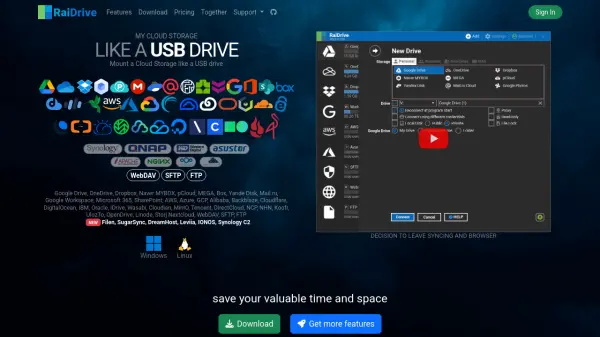
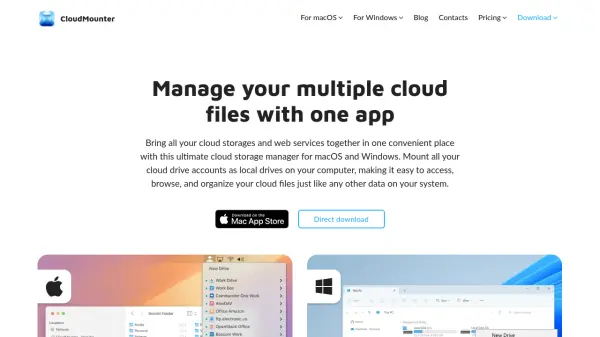
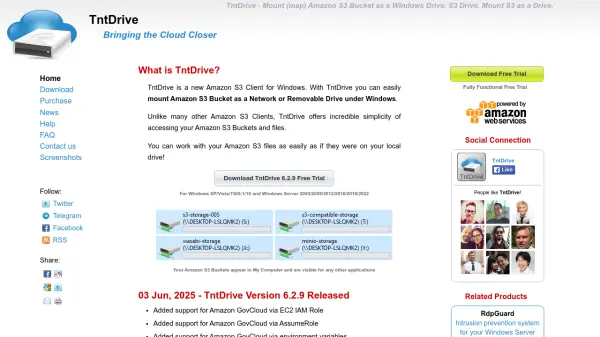
NetDrive enables seamless integration of cloud storage services by mounting them as local drives on Windows and macOS systems. This software allows users to access remote files through familiar interfaces like Windows Explorer and macOS Finder, making it compatible with all existing applications. It includes advanced features such as file locking to prevent overwrites during editing, background uploading for efficient file transfers, and team management capabilities for collaborative environments.
The tool supports multi-user file locking specifically for Microsoft Office files, ensuring data integrity in shared workspaces. Users can mount drives at system boot without requiring login, facilitating integration with system services. NetDrive also offers a File Browser for direct remote file operations without mounting overheads, along with force refresh functionality to instantly update folder contents from servers.
Features
- File Lock: Prevents overwrites by locking files during editing, with support for all file types including Microsoft Office
- Background Uploading: Uploads files using background processes to save time, especially with many small files
- Team Drive Management: Allows team administrators to configure and publish shared drives for members with individual credentials
- File Browser: Enables opening, downloading, renaming, and deleting remote files without mounting overheads
- System Boot Mounting: Mounts drives on Windows at boot time without requiring user login
Use Cases
- Accessing cloud storage files through local file explorers like Windows Explorer
- Collaborating on shared documents with team members while preventing overwrites
- Uploading large numbers of small files efficiently to remote storage
- Managing team access to unified cloud storage configurations
- Integrating cloud storage with system services that require drive mounting