
What is CloudMounter?
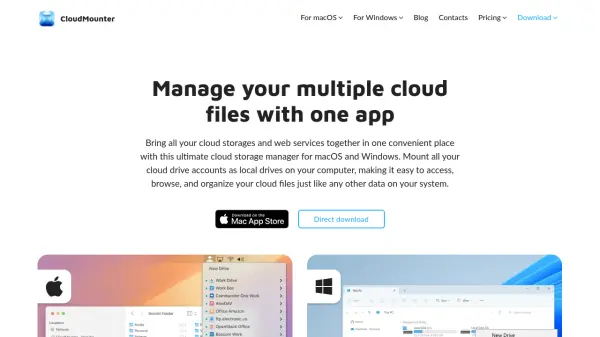
CloudMounter is a cloud storage management application designed for macOS and Windows operating systems. It allows users to mount various cloud storage services and remote servers as local drives on their computers, providing seamless integration with system file explorers like Finder and Explorer. This functionality enables direct access, browsing, and organization of cloud files as if they were stored locally, eliminating the need for multiple applications or manual downloads.
The tool supports a wide range of services including Dropbox, OneDrive, Amazon S3, Google Drive, WebDAV, SFTP, FTP, pCloud, Box, Backblaze, MEGA, and OpenStack. It features multi-cloud management capabilities, allowing users to transfer files between clouds via drag-and-drop, work offline with cached files, and encrypt cloud data for security. By optimizing local storage usage, CloudMounter helps save hard drive space while maintaining a streamlined workflow.
Features
- Multi-Cloud Management: Unify and manage multiple cloud storage accounts in one application
- Local Drive Integration: Mount cloud services and servers as local drives in Finder and Explorer
- File Transfer Between Clouds: Drag-and-drop files across clouds without downloading to local storage
- Offline Access: Work with cloud files offline by caching them locally
- Cloud Storage Encryption: Protect sensitive data with robust encryption features
Use Cases
- Centralizing file management across multiple cloud storage services
- Accessing and editing cloud files directly without downloading them locally
- Transferring files between different cloud accounts efficiently
- Working with cloud data offline to maintain productivity without internet access
- Saving local hard drive space by storing large files in the cloud