ReddRadar

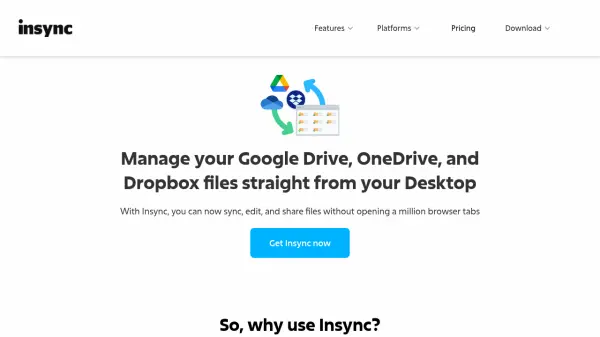
What is insynchq.com?
Insync is a desktop application that brings your cloud storage files from Google Drive, OneDrive, and Dropbox directly to your computer. It integrates seamlessly with your file manager, allowing you to work with cloud files as if they were local. With support for multiple accounts and clouds, selective syncing, and the ability to sync external drives, Insync gives you full control over your file management.
Whether you are an individual or a business, Insync offers plans tailored to your needs. The desktop version is a one-time purchase with optional support renewal, while the Office plan provides advanced features for teams including custom domains and auto-login for servers.
Features
- Multiple accounts: Sync all your Google Drive, OneDrive, and Dropbox accounts simultaneously.
- Selective syncing: Sync only the files you need to save local storage space.
- Plug n' sync: Sync network drives, external drives, SD cards, and thumb drives.
- Keep your file structure: Sync any file or folder from anywhere in your local storage.
- Distribution support for Linux: Works on Ubuntu, Debian, Fedora, and more.
- File manager integration: Access cloud files directly from your desktop file manager.
- One-way sync: Choose to sync only from cloud to local or local to cloud.
- Cloud browser: Browse cloud files without syncing them locally.
Use Cases
- Sync cloud files to your desktop for offline access.
- Manage multiple cloud storage accounts from one place.
- Automatically back up local folders to the cloud.
- Collaborate on cloud files without using a web browser.
- Keep cloud files organized with local file management tools.
FAQs
-
Can I still use Insync without getting Insync Care?
Yes, you can, but without Insync Care you will not receive further technical support. -
Can I transfer this plan to a different email?
No, licenses are non-transferable. -
What is per cloud account?
It refers to the accounts you have added on the app. For example, if you have email@domain.com using Google Drive and OneDrive, that counts as two cloud accounts.