
What is Klu?
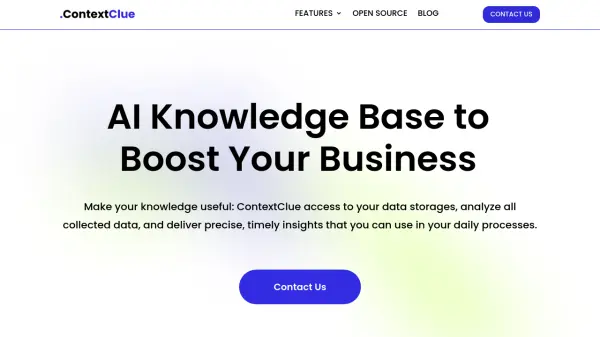
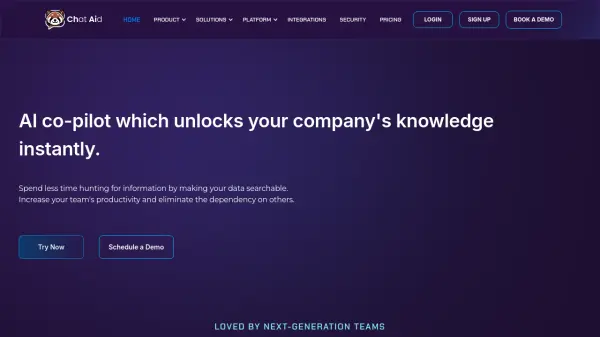
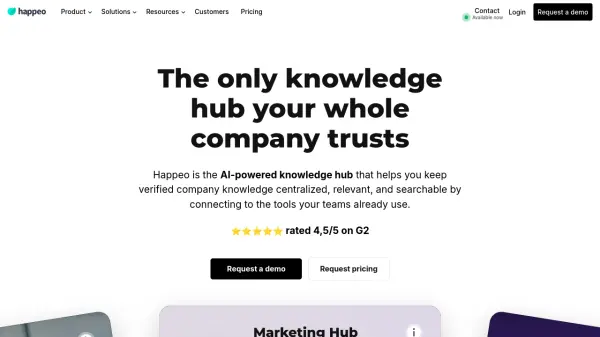
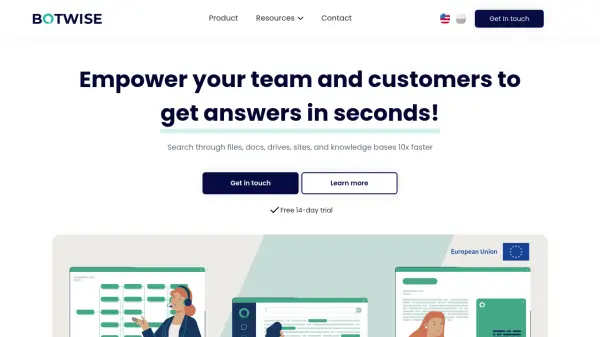
Klu is an innovative AI-powered search and Q&A platform that centralizes company knowledge across multiple applications. By integrating with popular tools like Gmail, Slack, Notion, Google Drive, Trello, and GitHub, it creates a unified search interface that breaks down information silos and enhances team collaboration.
The platform features advanced security measures, including SOC2 certification, encrypted indexes, and self-hosting options. It saves teams approximately 2-3 hours per week by providing instant access to information and enabling natural language queries for precise, contextually relevant answers.
Features
- Cross-Platform Integration: Consolidates information from multiple workplace applications
- Natural Language Search: Provides instant answers to questions in conversational format
- Encrypted Storage: Ensures data security with encryption at rest and in transit
- Self-Hosting Option: Allows companies to manage their own infrastructure
- Unified Search Interface: Enables searching across all connected platforms
- AI-Powered Q&A: Delivers contextually relevant answers from company knowledge base
Use Cases
- Customer Support Information Access
- Employee Onboarding
- Project Management Documentation
- Research and Development Knowledge Sharing
- Compliance and Audit Management
- Internal Knowledge Base Search
- Team Collaboration Enhancement
- Information Retrieval Optimization
FAQs
-
Can I cancel my subscription anytime?
Yes, you can cancel your subscription before it expires. The process is straightforward and transparent for all users. -
Do you offer a free trial?
Yes, a 7-day free trial is available for new users with no credit card required. -
Do you offer custom solutions for enterprise?
Yes, tailored solutions are available for larger organizations or those with specific requirements through the sales team.