What is HEIC to PDF?
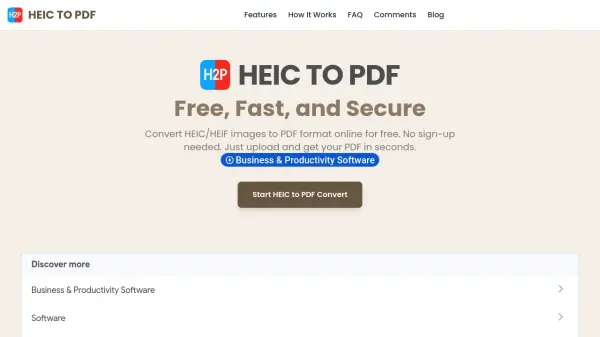
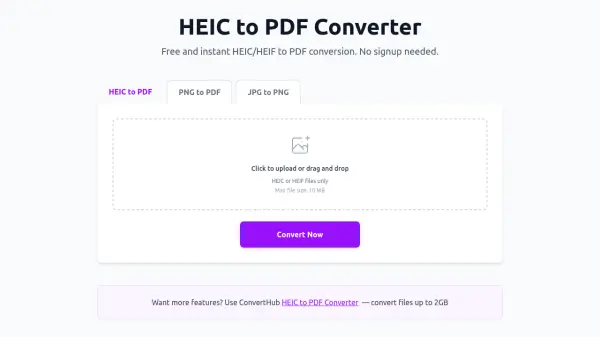
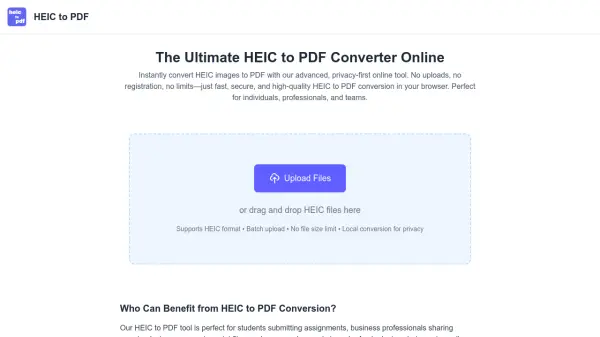
HEIC to PDF is an advanced online converter designed to transform HEIC images into PDF files instantly and securely. Using cutting-edge browser-based image processing technology, it performs all conversions locally on the user's device, eliminating the need for file uploads to external servers. This approach guarantees robust privacy, as data never leaves the user's device, ensuring compliance with global privacy regulations. The tool supports batch uploads, has no file size limits, and works seamlessly across all major operating systems and browsers.
The converter is ideal for a wide range of applications, from students submitting assignments to professionals sharing reports or designers preparing print files. It preserves original image quality, allows merging multiple images into a single PDF or exporting separate files, and is completely free and ad-free. Regular updates introduce new features and performance improvements, making it a reliable choice for anyone needing to make Apple device photos universally accessible.
Features
- Local Processing: All conversion happens in the browser with no file uploads to servers
- Batch Conversion: Convert multiple HEIC files to PDF in one click
- Privacy-First: Data never leaves the device, ensuring full privacy compliance
- No Limits: No file size or number limits for conversions
- Quality Preservation: Maintains original image quality during conversion
- Cross-Platform Compatibility: Works on all major operating systems and browsers
- Free and Ad-Free: 100% free usage with no advertisements
- Eco-Friendly: Reduces energy consumption by avoiding cloud-based processing
Use Cases
- Students converting HEIC images for assignment submissions
- Business professionals sharing reports or presentations in PDF format
- Designers preparing print files from Apple device photos
- Archiving photo libraries from Apple devices into PDF documents
- Making Apple device photos universally accessible for sharing or printing
FAQs
-
How does the HEIC to PDF converter ensure privacy?
All conversion happens locally in your browser, so files are never uploaded to any server, ensuring total privacy. -
Are there any usage limits for the HEIC to PDF tool?
No, there are no file size or number limits; you can convert as many HEIC images to PDF as needed. -
Does the HEIC to PDF converter preserve image quality?
Yes, it preserves the original quality of your HEIC images during the conversion to PDF. -
What platforms and browsers are supported by the HEIC to PDF tool?
It works on all major operating systems and browsers, with no software installation required. -
Is the HEIC to PDF converter free to use?
Yes, it is 100% free, ad-free, and requires no registration or payment.