What is HEIC to PDF Converter?
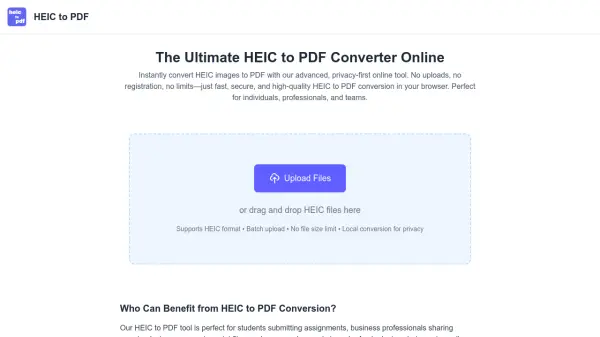
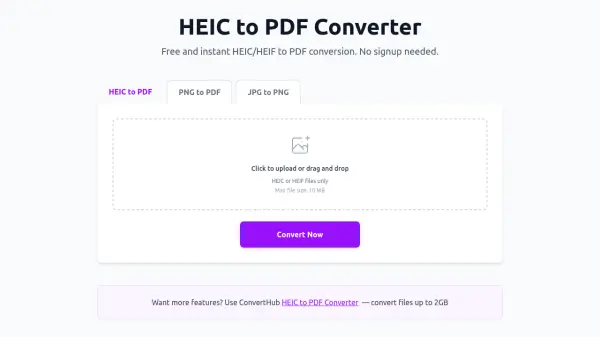
HEIC to PDF Converter is an online tool designed to convert HEIC (High Efficiency Image Container) and HEIF (High Efficiency Image Format) files to PDF (Portable Document Format). These modern image formats, commonly used by Apple devices, offer superior compression but have limited compatibility with non-Apple devices and software. By converting HEIC files to PDF, users ensure maximum compatibility across all devices and platforms, making it easy to view, share, and print images without requiring special software.
The converter provides fast conversion with high-quality results, processing files securely without storing them on servers. It operates completely free of charge with no hidden fees, watermarks, or limitations, and does not require users to create an account or sign up. The tool supports single-file conversions with a maximum file size of 10 MB, though users can access ConvertHub for larger files up to 2 GB.
Features
- Fast Conversion: Convert HEIC images to PDF in seconds with high-performance processing
- High Quality: Maintain maximum image quality during the conversion process
- No Registration: Convert images without creating an account or signing up
- Free to Use: Completely free online converter with no hidden fees or watermarks
- Secure Processing: Files are processed securely and not stored on servers
Use Cases
- Converting HEIC photos from Apple devices to PDF for universal compatibility
- Sharing HEIC images as PDF files across different platforms and devices
- Archiving HEIC images in PDF format for long-term preservation
- Printing HEIC images by converting them to PDF format
- Viewing HEIC files on non-Apple devices through PDF conversion
FAQs
-
What is the maximum file size for conversion?
The maximum file size is 10 MB for this converter, though ConvertHub offers conversion for files up to 2 GB. -
Can I convert HEIF files as well as HEIC files?
Yes, the converter supports both HEIC and HEIF file formats for conversion to PDF. -
How long does the conversion process take?
Conversion usually takes just a few seconds to complete. -
Is there a limit to how many files I can convert?
There is no limit to the number of files you can convert, but the tool processes one image at a time. -
What devices and browsers are supported?
The converter works on all devices and browsers that support file uploads, as PDF is a universal format.