Image Converter favicon

Image Converter
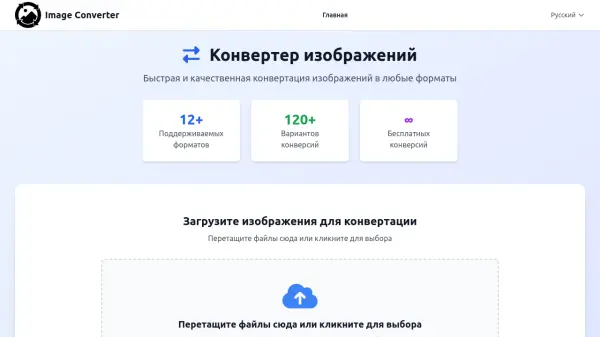
Fast and high-quality image conversion to any format

What is Image Converter?

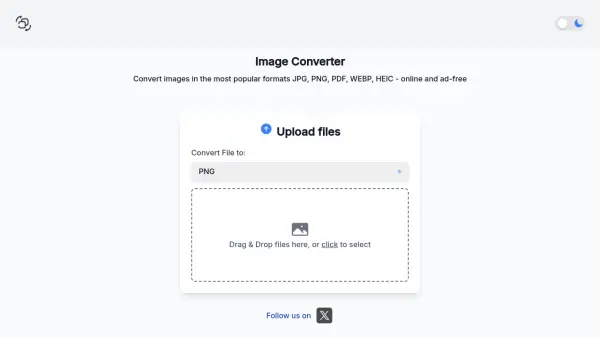
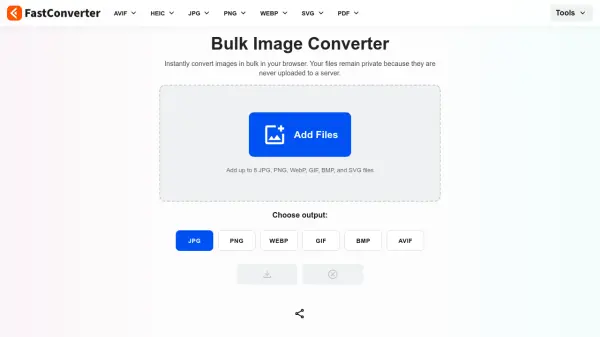
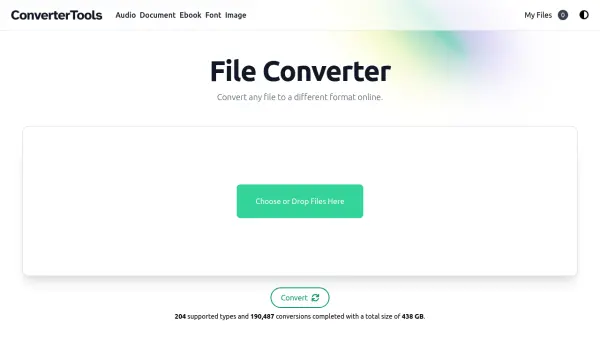
Image Converter is a professional online tool designed for converting images between various formats quickly and efficiently. It supports over 12 different image formats and offers more than 120 conversion options, making it versatile for different needs. The platform provides quality control settings for output files and includes a vectorization feature that converts raster images into vector curves, particularly effective for black-and-white images, logos, and simple graphics.

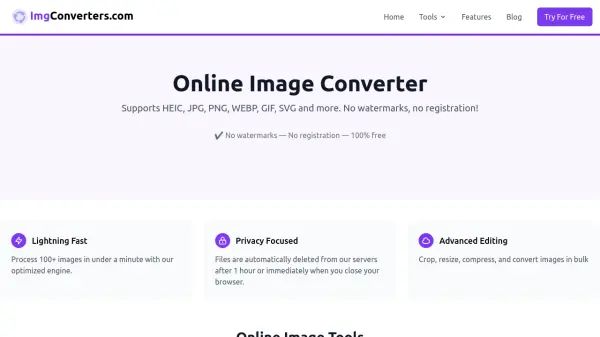
The service is completely free with no payments, registration, or limitations, ensuring accessibility for all users. Files are processed securely and automatically deleted after conversion, maintaining privacy. It works seamlessly across computers, tablets, and phones, offering a user-friendly interface with drag-and-drop functionality for easy file uploads.

Features

  • Fast Conversion: High-speed processing of files of any size
  • Free Service: No payments, registration, or limitations
  • Security: Files automatically deleted after processing
  • Cross-Device Compatibility: Works on computers, tablets, and phones
  • Quality Settings: Control over size and quality of output files
  • Vectorization: Converts raster images to vector curves for monochrome images

Use Cases

  • Converting iPhone photos from HEIC to JPEG format
  • Optimizing PNG images to WebP for website performance
  • Transforming SVG vector graphics into PDF documents
  • Converting images for use in different software applications
  • Preparing images for printing or digital distribution

Related Tools:

Blogs:

  • Best AI tools for recruiters

    Best AI tools for recruiters

    These tools use advanced algorithms and machine learning to automate tasks such as resume screening, candidate matching, and predictive analytics. By analyzing vast amounts of data quickly and efficiently, AI tools help recruiters make data-driven decisions, save time, and identify the best candidates for open positions.

  • Top 6 AI note-taking tools for 2026: in-person, online, and hybrid use cases

    Top 6 AI note-taking tools for 2026: in-person, online, and hybrid use cases

    Most AI note-taking lists are really lists of meeting bots, which join your video call and transcribe it. That's useful, but it's half the picture. Decisions happen in hallway conversations, client dinners, on-site visits, and hybrid rooms where nobody is on a video link. This guide covers different parts of the note-taking workflow: hardware capture for in-person settings, platform-native tools for online calls, and AI layers for organizing and synthesizing what you've captured. It compares six tools by capture context, workflow fit, pricing, and limitations.

  • Best AI tools for Product Photography

    Best AI tools for Product Photography

    Explore top AI tools that can elevate your product photography, helping you enhance images, streamline workflows, and create professional visuals with ease.

  • AI tools for video voice overs

    AI tools for video voice overs

    Discover the next level of video production with AI-powered voiceover tools. Enhance your content effortlessly, ensuring professional-quality narration for your videos.

Didn't find tool you were looking for?

Be as detailed as possible for better results