What is OnlineConvertFree?
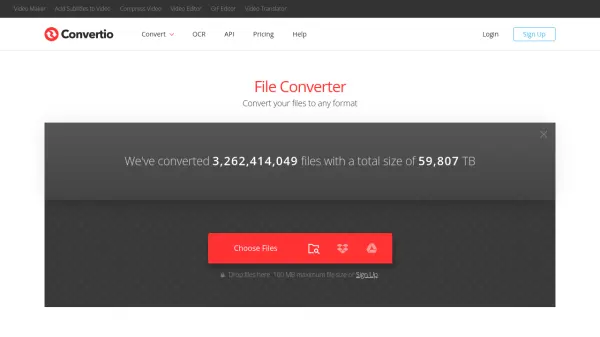
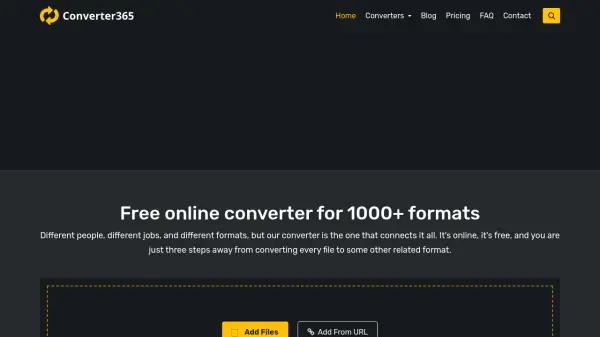
OnlineConvertFree is an online file conversion service that enables users to convert various file formats without installing software. The platform supports a wide range of file types including documents, images, audio, video, books, and archives, allowing for seamless format transformations. Users can access the service from any device with an internet connection, making it convenient for both personal and professional use.
The tool offers multiple conversion options such as PDF to Word, PNG to JPG, MP3 to WAV, and many others, with fast processing times for small to medium files. It includes additional features like OCR (Optical Character Recognition) for extracting text from images and website screenshot capabilities. The service is available in multiple languages and provides API access for developers to integrate conversion functionalities into their applications.
Features
- Document Conversion: Convert between formats like PDF, DOCX, XLSX, HTML, and RTF
- Image Conversion: Transform image files between formats such as JPG, PNG, GIF, SVG, and WEBP
- Audio Conversion: Convert audio files between MP3, WAV, M4A, FLAC, and other formats
- Video Conversion: Change video formats including MP4, AVI, MOV, MKV, and WEBM
- Archive Conversion: Convert archive files like ZIP, RAR, 7Z, and ISO
- OCR Functionality: Extract text from images using optical character recognition
- Website Screenshot: Capture screenshots of websites directly
- API Access: Integrate conversion capabilities into applications through various APIs
Use Cases
- Converting business documents between different formats for compatibility
- Transforming image files for web optimization or editing purposes
- Changing audio formats for media players or editing software
- Converting video files for different devices or platforms
- Extracting text from scanned documents or images using OCR
- Creating website screenshots for documentation or analysis
- Converting e-book formats for different e-readers
- Compressing or converting archive files for storage or sharing
FAQs
-
How many files can I convert per day with the free plan?
Free clients have limitations on converting more than 2 files at a time, but paid plans offer unlimited conversions per day. -
How long does it take to convert a file?
Small and medium files typically take about one minute to convert, while larger files or those with extended codecs may require more time. -
Is software installation required to use OnlineConvertFree?
No, OnlineConvertFree operates entirely online and does not require any software installation on your computer or mobile device. -
What payment methods are accepted for premium plans?
Accepted payment methods include credit/debit cards (Visa, MasterCard, Amex, Discover, Diners Club, JCB), Paddle, PayPal, Google Pay, Apple Pay, Alipay, iDEAL, Sofort, and GiroPay. -
What should I do if my file doesn't convert properly?
If you encounter conversion issues, you can contact support via email at [email protected] or visit the support page on the website for assistance.