What is ConverterTools?
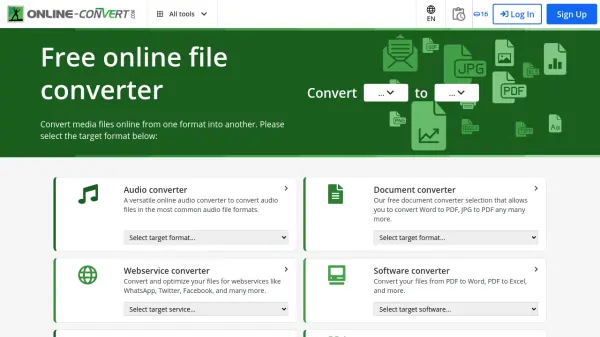
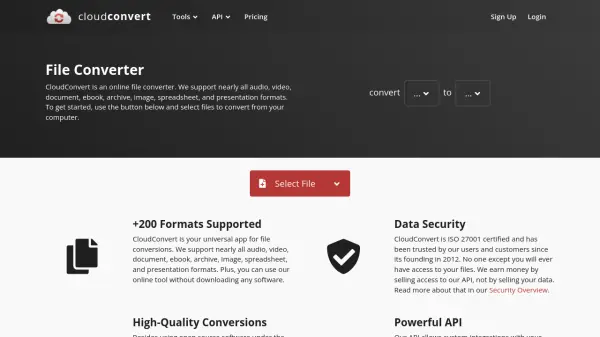
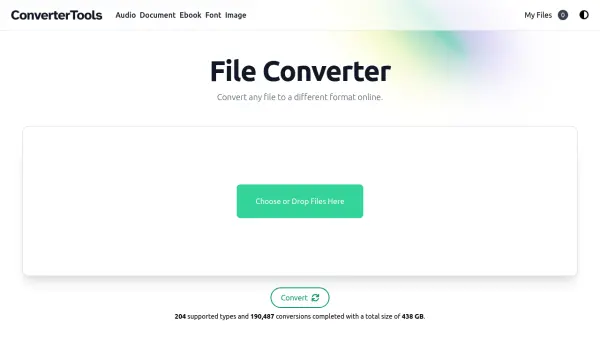
ConverterTools is a comprehensive online file conversion platform that enables users to convert files between more than 200 different formats. The service operates directly in a web browser, eliminating the need for third-party software installations. It supports conversions across various categories including audio, documents, ebooks, fonts, and images, making it a versatile tool for handling diverse file types.
The platform prioritizes user convenience with a simple drag-and-drop interface and automatic format detection. Files are processed on secure servers and are automatically deleted within 30 minutes to ensure privacy. ConverterTools is optimized for all devices, including mobile and tablets, and allows up to two concurrent conversions with automatic queuing for additional files.
Features
- Fast and Convenient: Browser-based service with no software installation required
- 200+ Formats Supported: Converts over 200 file types across multiple categories
- Guaranteed Security: Files are automatically deleted within 30 minutes
- Easy to Use: Simple drag-and-drop interface with automatic format detection
- Works on All Devices: Optimized for mobile, tablet, and desktop browsers
Use Cases
- Converting proprietary file formats to more accessible formats
- Transforming read-only files like PDFs into editable documents
- Changing file formats for compatibility with different software
- Batch converting multiple files with automatic queuing
- Converting files while traveling using mobile devices
FAQs
-
What types of files can ConverterTools convert?
ConverterTools supports over 200 file formats across audio, document, ebook, font, and image categories. -
How many files can I convert at once?
The tool supports two concurrent conversions, with additional files automatically queued for processing. -
How long are my files stored after conversion?
Files are automatically deleted from the servers within 30 minutes after conversion for security. -
Do I need to install any software to use ConverterTools?
No, ConverterTools is a browser-based service that requires no software installation. -
Is ConverterTools free to use?
Yes, ConverterTools is completely free to use with no hidden costs.