You do not need Photoshop for a product thumbnail. You need an online background remover that isolates the subject, keeps the hair, and exports a PNG with a real alpha channel. In 2026 that job is a browser upload for most people: drop a JPEG, wait a few seconds, download a cutout. The difference between tools is not the button. It is what happens around flyaways, glass bottles, white sneakers on white seamless, and whether the free tier watermarks the file.
This guide compares dedicated cutout engines such as remove.bg and Photoroom with free browser tools you can try without a design suite. Browse the full background remover tag when you want the wider catalog, or start from transparent background photo tools if you only care about PNG output.
Hair, glass, and the checkerboard test
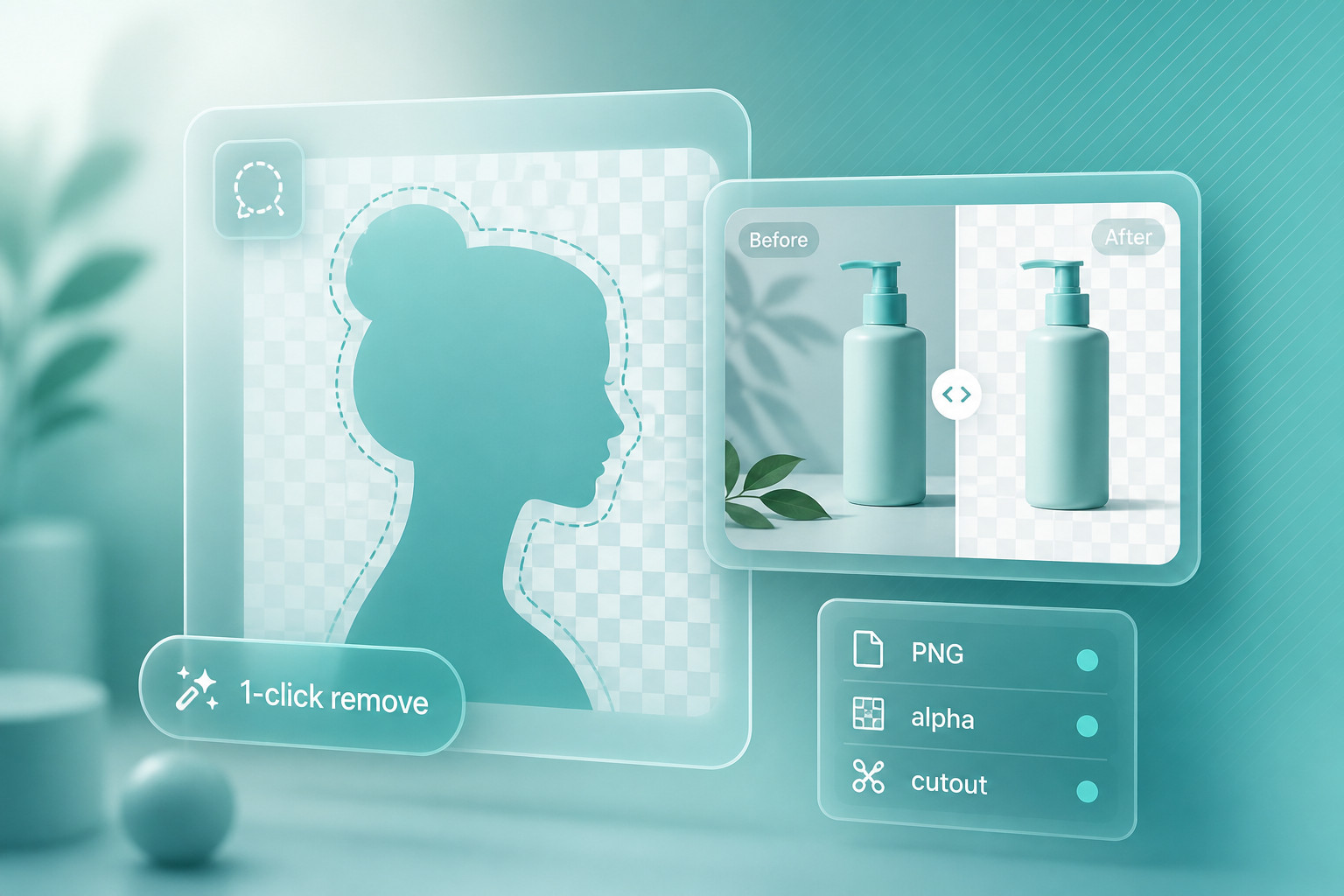
Marketing pages love a before and after slider. The after shot is usually a person on a studio color. That is the easy case. A useful PNG background remover has to survive a harder set of files:
- Hair and fur. Individual strands, not a plastic helmet around the head.
- Glass and bottles. Highlights should stay. The label should not melt into the table.
- White on white. Product photography on seamless paper is where cheap models punch a hole in the shoe.
- Soft shadows. Some tools delete the contact shadow and leave the object floating. Others keep a muddy gray smear.
- True transparency. Open the file on a checkerboard. If you still see a white fringe, it is a JPEG wearing a PNG extension.
Zoom to 200 percent on the edge. If you see a one-pixel color halo from the original background, the matte is wrong. That fringe shows up the moment you drop the cutout onto a dark hero banner. Paid engines such as remove.bg and Removal.AI still win most hair and glass tests. Free sites can be fine for a social avatar or a mockup that nobody will pixel-peep. Do not ship a 4K catalog from the first free result without looking at the alpha.
A practical before and after check takes two minutes. Keep the original on the left. Put the PNG on black, then on a saturated brand color. Look at three places only: the outline of the hair or label, the contact point with the ground, and any hole that should stay open (a mug handle, a chair back, a necklace). If the handle fills in, the model treated negative space as subject. If the ground contact disappears, you will spend longer faking a shadow than you saved on the cutout. That is the quality comparison that matters, not a homepage slider of a studio portrait on a fake gradient.
Photo cutouts are not video cutouts
Still-image removers and video removers share a marketing category. They do not share an engine. A photo tool estimates one matte. A video tool has to hold that matte across frames so the subject does not flicker, grow a second ear, or leave a ghost of the old background on frame 12.
Stills
One file, one matte
Upload JPG, PNG, WebP, or HEIC. Export PNG or WebP with alpha. This is remove.bg, NoBG.app, BG, and most of the background remover directory. Use these for catalogs, headshots, and listing photos.
Motion
A matte that has to hold
Green screen replacements, talking-head cleanup, and product clips need temporal consistency. Background Remover AI lists stills and video on one site. Phone editors such as Facetune and Picsart mix cutouts into a broader video timeline. Expect credits, length caps, and more artifacts than a still PNG.
If your brief is a Shopify packshot, ignore video features. If your brief is a 15-second reel with a branded backdrop, a photo PNG background remover will not save you. You will either film on a real key or pay for a video matte. Mixing the two jobs in one tab is how people waste an afternoon uploading MP4s to a tool that only accepts JPEG.
Who to open first
Columns below are the filters that actually change the workflow: whether you can stay in the browser, whether batch and API exist as a product, and whether the free path is usable. Feature lists change. Confirm on the tool page before you build a pipeline around a credit pack.
| Tool | Pricing | PNG / alpha | Batch or API path | Open this for |
|---|---|---|---|---|
| remove.bg | Freemium | Yes, the category default | Desktop app, plugins, paid API | Hair, products, Photoshop |
| Photoroom | Freemium | Yes, plus templates | App batch; API on business plans | Listings and brand kits |
| NoBG.app | Freemium | PNG / JPG / WebP / GIF in | Single-file web flow | Quick browser tests |
| BG | Free | One-click stills | No serious batch story | Zero-budget stills |
| ezremove.ai | Free | Subject isolation in browser | Manual, one image at a time | Casual portraits |
| Removal.AI | Freemium | Clean product edges | Bulk credits, developer docs | Catalog volume |
| BatchRemover | Usage based | Products, people, logos | Built around many files | Folder dumps |
| withoutBG API | Free trial | API-first PNG | This is the product | Your own app or script |
| iLoveIMG | Freemium | Alongside compress / convert | Multi-file web queue | Mixed image chores |
| Icons8 | Freemium | Yes, inside a design kit | Account tools, not a raw API | Cutout then icons / photos |
Two head-to-heads worth opening
Side-by-side pages beat another paragraph of feature recap. If you are choosing a dedicated stills engine, start with remove.bg vs NoBG.app. remove.bg is the name people search. It is fast (often a few seconds), has Photoshop and desktop hooks, and prices the good resolution. NoBG.app is the lighter browser alternative: PNG, JPG, GIF, or WebP up to a small file cap, less plugin surface, enough for a one-off cutout.
If you want a free-leaning pair instead of the category leader, read BG vs ezremove.ai. Both are listed as free, both run in the browser, and both are built for a single still rather than a warehouse of SKUs. BG is the simpler one-click pitch. ezremove.ai sells subject detection on portraits and everyday photos. Neither replaces a paid API when you have 800 packshots. Both beat installing a desktop suite for one LinkedIn headshot.
Batch processing and API access
One upload is a chore. Two hundred uploads is a product decision. Treat batch and API as different jobs even when the same vendor sells both.
- Folder batch in a UI. BatchRemover is named for this. Photoroom's apps are built for sellers who process a day's listings. iLoveIMG and TinyWow let you queue several images next to compress and convert, which is handy if cutout is one step in a messier file day.
- Plugins inside the editor you already use. remove.bg's Photoshop and Figma add-ons keep the matte next to the layers panel. That is batch in the sense of "I will not leave Photoshop 40 times," not "I will hit an endpoint."
- An HTTP API. withoutBG API exists so your backend can send bytes and get a PNG back. remove.bg and Removal.AI sell the same idea to shops that already generate thumbnails in code. Read the rate limits and the commercial license before you wire it to a public upload form.
A free online background remover tool with a five-file cap is not a batch product. You will sit there clicking. If you are a developer, skip the pretty homepage and look for docs, webhooks, and a stated maximum megapixel size. If you are a merchandiser, a desktop or mobile batch screen will beat an API key you never wanted.
Photoshop, Canva, and the rest of the stack
Cutout is rarely the last step. You still need type, a brand color, and a size for the channel. That is why integrations matter more than another 2 percent of edge quality for a lot of teams.
Photoshop. Select Subject and Remove Background inside Photoshop are good enough for many portraits. Dedicated engines still win on hair and glass. The practical setup is a plugin or a round-trip: run remove.bg (or a similar API), drop the PNG on a layer, refine the mask only where it failed. Do not rebuild the whole matte by hand unless the file is a hero for print.
Canva. Canva's own background remover lives behind paid seats. If your team already lives in Canva, using that button is faster than exporting, visiting a third site, and re-uploading. If you only need a PNG and you do not want a Canva subscription, a free browser tool plus a Canva free account (upload the transparent file) is the usual workaround. Watch compression. Canva will sometimes flatten a careful alpha into a slightly crunchy edge. If the graphic is going to ads, export the PNG from the remover at full size, place it, and export the ad from Canva at the size the network wants. Do not download a small Canva preview and run that through a second remover.
All-in-one editors. BeFunky, Pixelied, inPixio, and Picsart treat background removal as one tile in a collage / retouch / template product. Use them when the next step is a poster, not a raw asset. Use a specialist when the PNG has to survive a developer handing it to a storefront theme.
Free online background remover tools, ranked
"Free" usually means a preview, a watermark, a daily cap, or a downscaled export. Rank by whether you can leave with a usable PNG, not by whether the homepage says free. This order is for still photos in a browser, not for video and not for 4K print.
-
BG and ezremove.ai for a first pass with no invoice. Start here if you have one portrait and five minutes. Compare them directly on BG vs ezremove.ai if you cannot tell them apart from the homepages.
-
Erase BG and Rembgai when you want another free engine on the same file. Run two tools. Keep the matte that does not chew the hair. Disagreement between engines is a signal the photo is a hard case.
-
NoBG.app and SnapBG when the file type is awkward (GIF, WebP) or you want a slightly more product-like UI without jumping to remove.bg credits yet.
-
iLoveIMG and TinyWow when cutout is one of five jobs (compress, convert, crop) and you do not want five new accounts.
-
RMBG and Removebg.one as extra stills options if the first four leave a halo. They will not all fail in the same place.
-
Freemium leaders last on a free list on purpose: remove.bg and Photoroom both let you try the model, then they meter resolution, credits, or branding. Pay when the free PNG is the one you would not put on a product page.
A free background remover for pictures is enough for a Discord avatar, a slide, or a mockup. It is a weak plan for a 2,000-SKU catalog. The moment you care about consistent shadows and a license you can show a client, move to credits or an API.
Background remover apps on a phone
Search results for background remover apps are a different market from desktop APIs. The job is usually a selfie, a marketplace listing shot with a messy kitchen behind it, or a story sticker. Photoroom is the one to try first for selling: batch, brand kits, and templates live on iOS and Android. Picsart and Facetune wrap cutouts in retouching and effects, which is right for social and wrong if you need a naked PNG for a developer. Check whether the export is actually transparent or a JPEG on a fake checkerboard. Phone galleries love to flatten alpha.
Privacy is worse on a phone than people assume. A "free" app that wants contacts and full photo library access is not a bargain. Prefer tools that process one picker image and state whether files are stored. Browser tools such as ByeBackground advertise on-device processing. That is the right instinct for ID photos and anything you would not post.
What this ranking is not
The background remover tag has dozens of listings. Many are general photo editors that added a cutout button, clone homepages, or tools aimed at generating a new backdrop rather than deleting one. This piece stays on stills you will actually download as PNG, plus a short video caveat so you do not upload an MP4 into a JPEG form. We did not score every clone of remove.bg, and we did not invent lab accuracy percentages. If two free tools disagree on a hard edge, believe the checkerboard, not the brand.
Object removers (delete a person from a beach) and watermark removers are adjacent products. They inpaint pixels. A PNG background remover punches a hole and leaves transparency. Using the wrong one is how you get a smeared background instead of an alpha channel. If your brief says "put this bottle on 12 colored cards," you want a cutout. If it says "remove the tourist from the left," you want inpainting.
A workflow that does not fight the PNG
- Shoot or export the largest clean still you have. Do not run a remover on a screenshot of a screenshot.
- Try one free engine and one paid preview on the same file. Keep the better matte. Throw the other away.
- Open the PNG on a black background and a white background. Halos show up immediately.
- If you need a drop shadow, add it in the layout tool. Do not trust the muddy shadow the model invented.
- For volume, stop clicking. Use BatchRemover, Photoroom batch, or withoutBG API.
- Place the file in Photoshop or Canva last, not first, unless the native remover is already good enough.
- Name the export with the SKU or person, not "download (3).png". Future you will thank present you when the catalog has 400 cutouts.
Frequently asked questions
What is the best free online background remover tool right now?
For a single still and no card, BG or ezremove.ai is the honest start. Run Erase BG on the same photo if the first edge looks chewed. Pay remove.bg when the free PNG would embarrass a product page.
How do I know the PNG is actually transparent?
Open it in a browser, Photoshop, or any viewer that shows a checkerboard. If the "transparent" area is white or gray, you have a flattened image. Re-export. Do not upload a JPEG and hope the extension save as PNG invented an alpha channel.
Can I remove a background from video in the same tools?
Usually no. Photo tools estimate one matte. Background Remover AI and phone suites that advertise video are the exception, with credits and flicker as the cost. For a talking-head you will still get a cleaner result from a real key or a dedicated video editor.
Do I need an API if I only edit a few photos a week?
No. Use the website or a Photoshop plugin. APIs pay off when a script, a PIM, or a storefront generates cutouts without a human in the loop. That is withoutBG API and the paid developer plans on the big stills engines, not a free homepage.
Is a background remover app better than the browser?
Better for marketplace sellers who shoot on a phone and publish the same day. Photoroom is the usual recommendation there. Better for a designer on a laptop? No. Stay in the browser or in Photoshop so you keep the full-resolution PNG.
The takeaway
Match the tool to the file, not to the loudest "1-click" headline. One still and a free tab: BG or ezremove.ai. A slightly more serious browser cutout: NoBG.app or Erase BG. Hair, glass, Photoshop, and a name clients already trust: remove.bg. Listings, brand kits, and a phone: Photoroom. A pile of SKUs: BatchRemover or Removal.AI. Code: withoutBG API. See remove.bg vs NoBG.app and BG vs ezremove.ai when you want the pairwise version of that advice.
Every listing in this piece sits in the background remover directory. Start there when your use case is weirder than a packshot, or open transparent background photo tools if the only requirement is a PNG that survives a checkerboard.