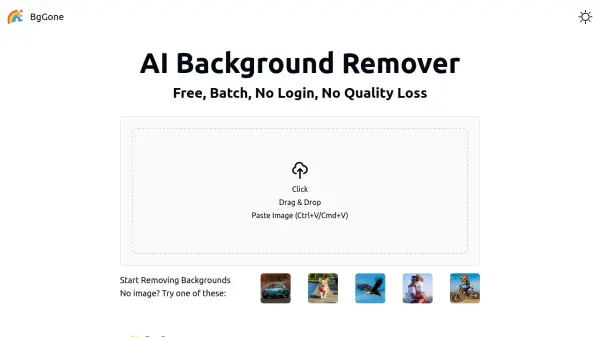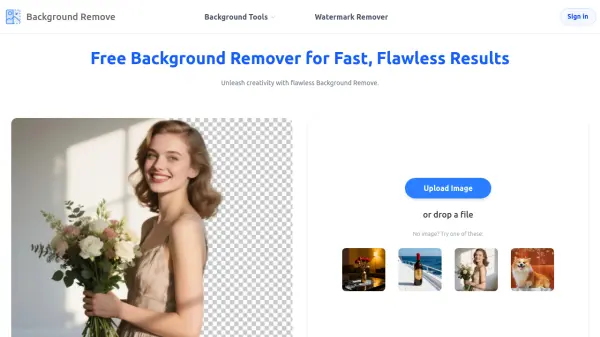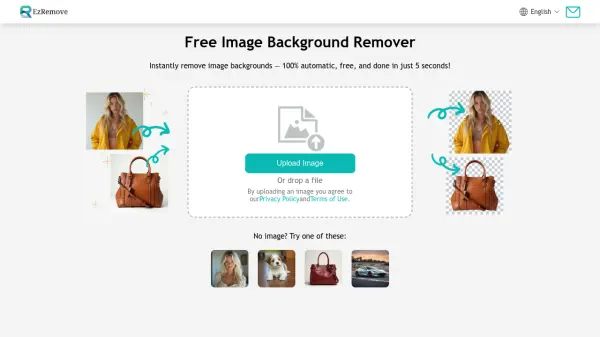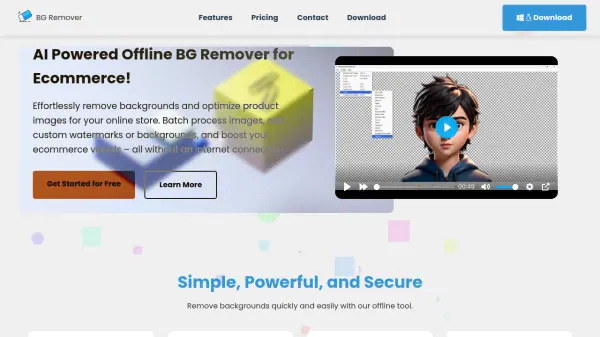
What is BatchRemover?
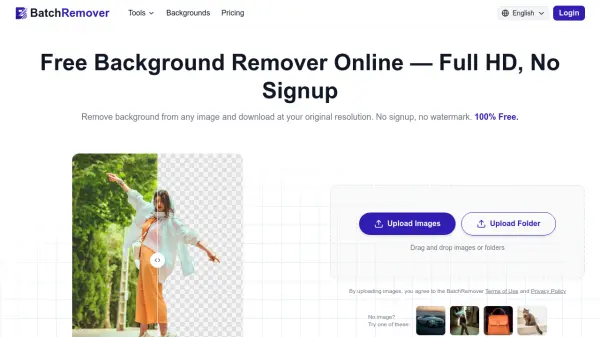
BatchRemover is an online AI background removal tool that handles products, people, animals, food, logos, and graphics with precision edge detection , including complex details like hair, fur, and transparent objects. Unlike most "free" tools that downscale output or add watermarks, BatchRemover delivers downloads at the exact original resolution, completely free for single images, with no account or sign-up required.
Beyond simple background removal, the platform allows users to replace the background with any solid color, upload a custom backdrop image, or resize the canvas to fit platform-specific dimensions such as Amazon, Instagram, eBay, or Shopify. Exports are available in PNG, JPG, or WebP formats, and paid plans unlock batch processing of up to 60 images simultaneously, with folder uploads and ZIP downloads for high-volume workflows.
Features
- Full HD Export: Downloads retain the exact original resolution — no downscaling, no compression, no watermarks.
- AI Precision Edge Detection: Automatically handles complex subjects including hair, fur, transparent objects, and product shapes.
- Background Replacement: Replace removed backgrounds with any solid color or a custom uploaded image.
- Canvas Resizing: Resize the background canvas to match platform-specific dimensions for Amazon, Instagram, eBay, Shopify, and more.
- Multi-Format Export: Download results as transparent PNG, compressed JPG, or modern WebP.
- Batch Processing: Process up to 60 images simultaneously on paid plans, with full folder upload and ZIP download support.
- No Account Required: All free features are accessible without creating an account or signing up.
- New User Credits: New users receive 20 free credits to trial batch removal.
Use Cases
- Removing backgrounds from product photos for Amazon, eBay, and Shopify listings
- Creating passport and ID photos with required white or blue backgrounds
- Batch processing portraits and headshots for photographers
- Exporting transparent PNGs for graphic design, compositing, and mockups
- Preparing print-on-demand designs for t-shirts, mugs, and phone cases
- Creating branded social media posts with custom backgrounds
- Processing real estate images for cleaner property presentations
- Removing white backgrounds from logos for design projects
How It Works
Upload Your Photo
Drag, drop, or select your images. The tool accepts JPG, PNG, and WebP formats — either as a single image or an entire folder.
AI Removes the Background
The AI background remover automatically detects edges with precision, handling hair, fur, complex shapes, and product outlines in seconds.
Download and Use Anywhere
Choose your preferred format — PNG, JPG, or WebP — and download at full original resolution. Optionally replace or resize the background before downloading.
FAQs
-
Is BatchRemover really free with no watermarks?
Yes. BatchRemover is completely free for single image processing. There are no watermarks, no resolution limits, and no account required. Paid plans are only needed for batch processing multiple images at once. -
How does batch background removal work?
Upload multiple images or an entire folder, and the AI processes all of them simultaneously. You can then download the results individually or as a ZIP file. No waiting between images or repetitive clicking is required. -
Are uploaded images stored or used for AI training?
No. Images are processed securely and are not stored permanently on the servers. BatchRemover does not use your images for training or share them with third parties. Processed images are automatically deleted after a short period. -
Can background-removed images be used commercially?
Yes. Every image processed with BatchRemover — whether on the free or paid plan — belongs entirely to the user and can be used for product listings, ads, marketing materials, or any commercial project. -
What is the difference between the Lifetime and Yearly paid plans?
Lifetime plans offer credits that never expire and support up to 30 images per batch. Yearly subscription plans offer a lower per-image cost, support up to 60 images per batch, and include folder upload functionality, but renew annually.