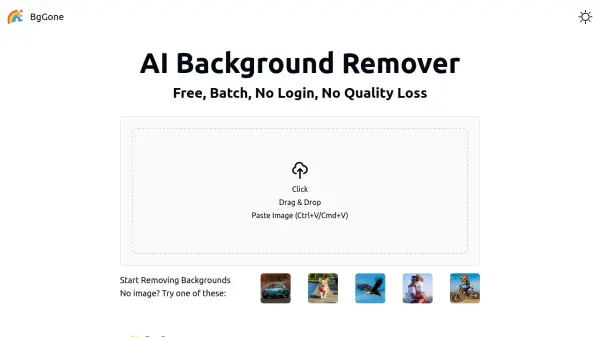
What is BgGone?
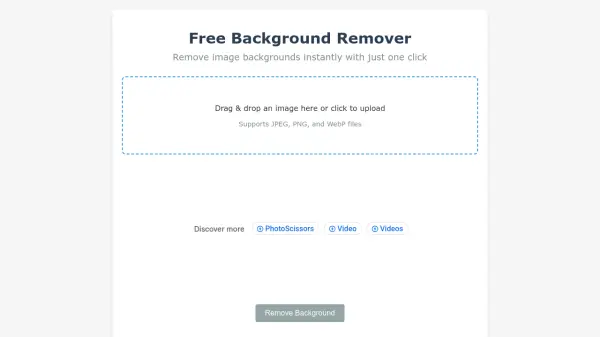
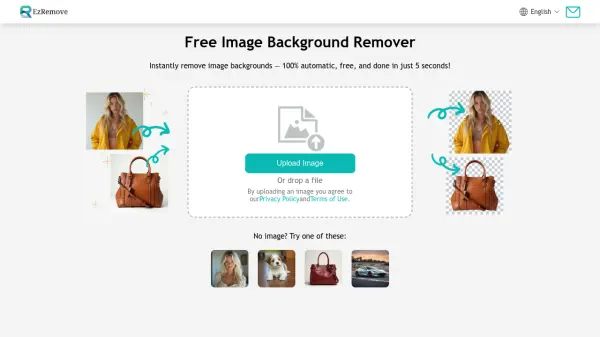
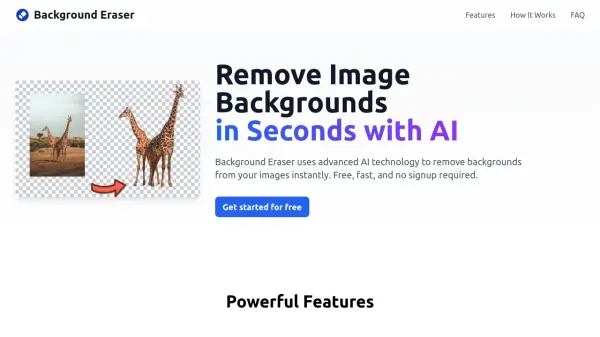
BgGone is an AI-powered background removal tool designed for efficiency and privacy. It enables users to remove backgrounds from multiple images simultaneously through a simple drag-and-drop, paste, or upload interface. All processing occurs locally in the browser, ensuring no images are uploaded to external servers, which enhances privacy and speed. The tool supports common image formats like JPG, PNG, WEBP, and AVIF, and maintains full resolution without compression or watermarks.
This tool is ideal for creators, designers, online sellers, and anyone needing clean, transparent images for projects. It offers batch processing capabilities, making it suitable for handling product photos, profile pictures, and e-commerce images. With no subscriptions, credit cards, or login requirements, BgGone provides a free and accessible solution for background removal, powered by advanced AI for accurate and fast results.
Features
- Batch Background Removal: Process multiple images at once with a single click
- Local Processing: All image processing occurs in the browser for enhanced privacy and speed
- No Login Required: Use instantly without creating an account or providing personal information
- Free Forever: No subscriptions, credit cards, or usage limits with full access to features
- High-Quality Output: Download images in transparent PNG format with no compression or watermarks
- AI-Powered: Utilizes advanced AI for fast and accurate background removal
- Multiple Input Methods: Upload, drag-and-drop, or paste images from clipboard for convenience
- Format Support: Handles common image formats including JPG, PNG, WEBP, and AVIF
Use Cases
- Removing backgrounds from product photos for e-commerce listings
- Cleaning up profile pictures for social media or professional use
- Isolating subjects from cluttered scenes for design projects
- Preparing images for marketing materials and social media posts
- Batch processing multiple images for online sellers and creators
FAQs
-
Why is the first processing slow?
On the first run, the necessary data (~80MB) is fetched and stored in the browser cache, making subsequent processing faster. -
Why can't my mobile device run this tool?
Mobile devices often have performance limitations that restrict browser memory, so using a desktop computer is recommended for the best experience. -
What image formats are supported?
Common formats including JPG, PNG, WEBP, and AVIF are supported. -
Is there an image size limit?
For optimal performance, images under 10MB are recommended, though larger images may still work but could affect processing speed.