

What is Erase BG?
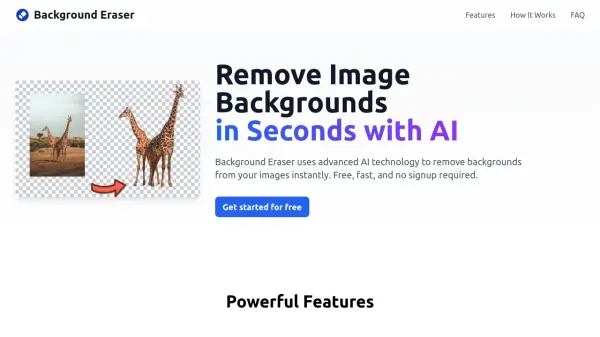
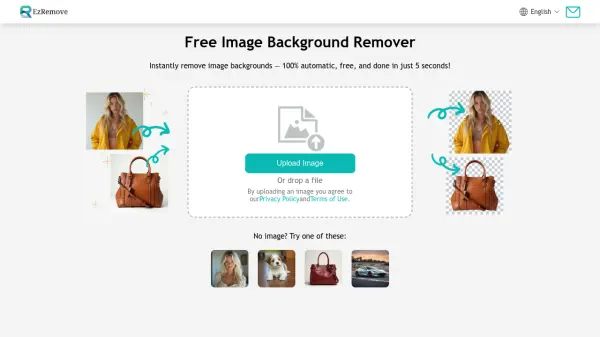
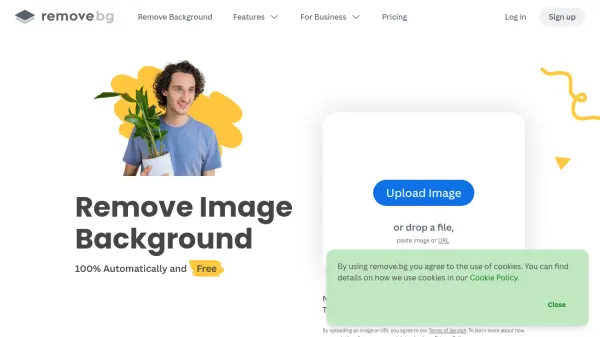
Erase BG is a free online service designed for removing backgrounds from images. Utilizing advanced AI, it effectively eliminates backgrounds from photos of humans, animals, and products, delivering high-quality results up to 4K resolution.
The platform supports a wide variety of image formats, including JPG, JPEG, WEBP, and PNG. Beyond background removal, Erase BG provides convenient tools for image conversion, compression, and background color changes. The service is designed for ease of use, requiring no special software or skills, simply drag and drop your images.
Features
- AI background removal: Our AI detects and removes the background from any image, no matter how complex.
- Free usage: You can remove the background from images for free.
- High-resolution support: Remove the background from images with HD to 4K resolution.
- Transparent PNG output: Download your image with a transparent background in PNG format.
- JPEG output: Download your image with a white background in JPEG format.
- Custom output size: Choose the exact dimensions you need for your output image.
- Drag and drop upload: Upload your image by dragging and dropping it into the box.
- Unlimited uploads: You can upload unlimited photos to erase the background.
- Image converter: Convert image to JPG, PNG, GIF, WEBP formats, and much more.
- Image Compressor: Easily compress images to 5 kb.
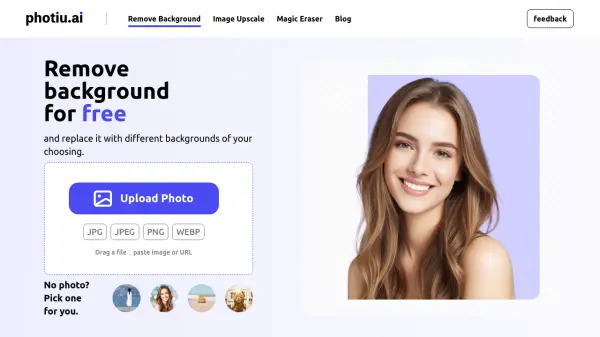
- Change background: Change photo background with different colors and backgrounds.
Use Cases
- Removing backgrounds from product photos for e-commerce
- Creating transparent PNG images for graphic design
- Preparing images for presentations and social media
- Changing photo backgrounds to different colors
- Compressing images for websites
- Converting images to different formats
FAQs
-
Can I download bg(Background) removed HD photos for free?
Yes, you can download unlimited background removed photos for free. There is no any hidden charges. -
What kind of image file formats are compatible with the BG Eraser tool?
Our bg eraser supports most of the image formats including JPG, JPEG, WEBP and PNG images. -
Do I need to create an account for downloading HD background removed photo ?
No, you don't need to create an account for using our service. You can download unlimited bg removed HD photos without any hassle. -
What is the maximum resolution for image supported by your free BG eraser ?
You can remove background from image up to 4K resolution, which is 4000 pixels in width and height. -
Can I change the background color of my photo / use a custom image as a background?
Yes you can change the background color of your photo after removing the background of your photo and can download it in HD.