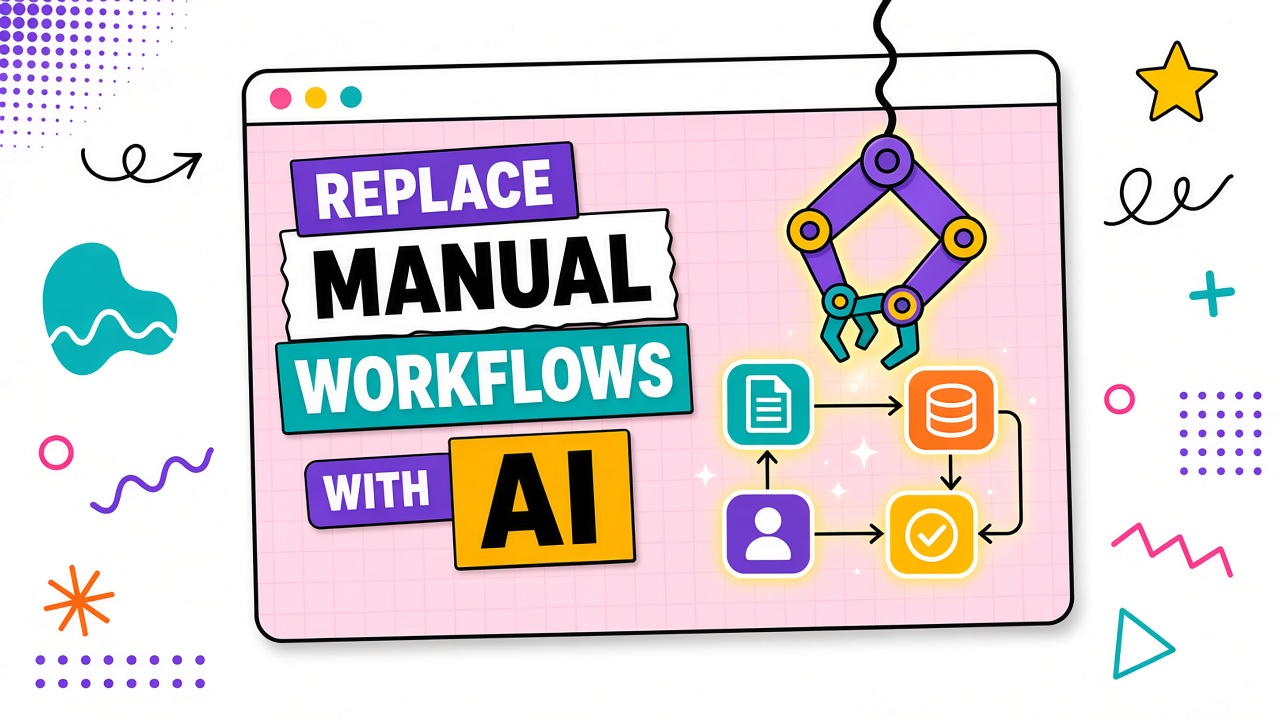
Teams rush to replace manual workflows with AI before they understand the manual workflow. Steps get skipped, quality checks vanish, and the new process ships wrong answers faster. The fix is not less AI. The fix is better mapping.
This guide shows how to replace manual workflows with AI using current-state documentation, bottleneck analysis, leverage scoring, checkpoint design, and a single-workflow pilot before scale. Explore AI automation tools and AI productivity tools after your map is drafted.
Current-State Workflow Documentation
Document how work happens today, including unofficial shortcuts. Interview the people who perform the job weekly. Capture triggers, inputs, ordered steps, tools, reviewers, outputs, and median time per run.
Before map template
- Workflow name: One verb-first line
- Trigger: Event that starts the job
- Steps (as-is): Numbered list with owner per step
- Tools today: SaaS, spreadsheets, email, personal habits
- Quality checks: What reviewers verify before ship
- Baseline: Median minutes and typical rework rate
Bottleneck and Error Analysis
Mark steps where time piles up or errors repeat. Bottlenecks are not always the longest step; sometimes a two-minute copy-paste blocks a two-hour review because formatting is wrong.
| Step | Median time | Error type | Automation candidate? |
|---|---|---|---|
| Gather source material | 25 min | Missing attachments | Partial (templates, not full AI) |
| First draft | 60 min | Inconsistent structure | High |
| Expert review | 30 min | Factual errors if skipped | Human-only |
| Publish / send | 10 min | Wrong recipient | Low (rules-based automation) |
AI-Suitable vs Human-Only Steps
AI suits high-volume drafting, summarization, formatting, and first-pass classification when outputs are checkable against explicit rules. Keep humans on judgment calls, novel strategy, regulated advice, and anything where errors are irreversible or customer-visible without review.
Leverage scoring per step
Score each step from 1 to 5 on time saved potential, error reduction, and checkability. Automate the highest combined score first, not the most annoying step if it is not checkable.
- Time saved if AI handles 80% of the step well
- Error reduction based on historical rework
- Checkability: can a reviewer verify output with a short checklist?
- Data sensitivity: does the step require restricted processing?
- Integration cost to insert AI without breaking downstream steps
Checkpoint Design for Quality Control
Every AI-assisted step needs a named reviewer, acceptance checklist, and failure log. Checkpoints are not optional "if you have time" reviews. They are part of the workflow definition.
- Input checkpoint: Confirm sources and redact sensitive fields before AI processing.
- Output checkpoint: Reviewer marks pass, minor edit, or major rewrite.
- Ship checkpoint: Named approver for customer-facing or financial content.
Pilot One Workflow Before Scaling
Run a two-week pilot on one workflow with ten to twenty real jobs. Compare median total work time and critical failure rate to baseline. Scale only when thresholds clear; otherwise adjust checkpoints or reject the automation point.
| Pilot signal | Scale | Hold or rollback |
|---|---|---|
| Total work time | Stable drop with same quality bar | Review time increased net-negative |
| Critical failures | Rare and caught at checkpoint | Uncaught errors on real inputs |
| Voluntary reuse | Practitioners choose new flow | Workarounds back to manual |
Frequently Asked Questions
Is partial automation worth it?
Yes when one high-leverage step clears checkpoints without increasing total work time. Full end-to-end automation is rarely the first win. Draft assistance with expert review often returns ROI faster than unattended publishing.
What is a rollback plan?
Document the prior manual steps, keep templates accessible, and set a decision date to revert if metrics fail. Rollback should take less than one day, not a quarter-long migration project.
Which AI tool should we pick for the pilot?
Pick the tool that passes a short evaluation on your representative inputs with acceptable review effort. The workflow map matters more than the brand on the login screen.
How do we handle resistance from people who own the manual process?
Involve them in mapping and checkpoint design. AI should remove tedious steps they already dislike, not remove judgment they are paid for. Co-design builds adoption; top-down mandates build workarounds.
The Bottom Line
Replace manual workflows with AI by mapping the current process, scoring leverage, inserting AI at checkable steps, and piloting one workflow before scale. Faster wrong output is not automation. Measured improvement with human checkpoints is.