What is FastConverter?
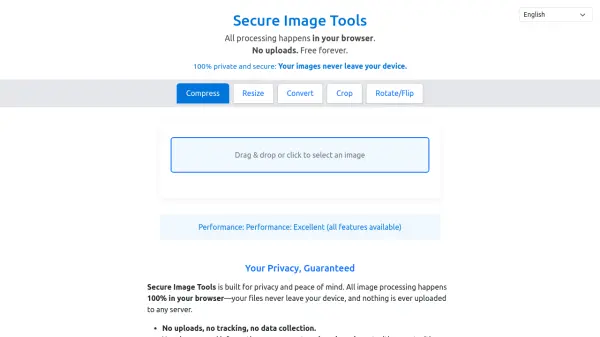
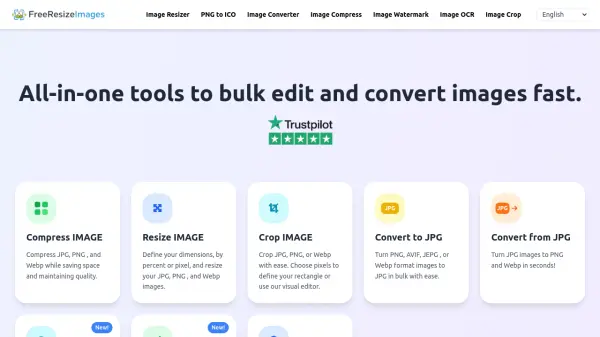
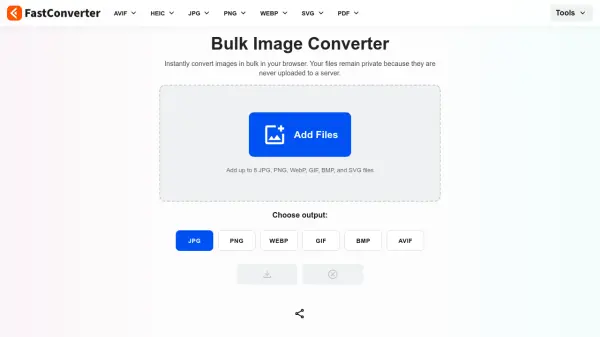
FastConverter is a comprehensive image processing platform designed for modern web workflows. At its core is a powerful bulk image converter that processes up to 8 images simultaneously, transforming them between all major formats in seconds. All conversions happen entirely in the browser using advanced HTML5 Canvas technology, ensuring images never leave the user's device and eliminating wait times for uploads or downloads from remote servers.
Beyond bulk conversion, FastConverter offers specialized tools including an image compressor for reducing file sizes while maintaining visual quality, an image resizer for adjusting dimensions with smart aspect ratio preservation, an image upscaler for enhancing images using advanced algorithms, and an app icon generator for creating complete icon sets from a single source image. The platform serves everyone from individual users optimizing photos for social media to developers preparing assets for production applications, providing intuitive tools with professional power and precision.
Features
- Bulk Conversion: Convert up to 8 images simultaneously between multiple formats
- Client-Side Processing: All image processing happens in your browser with no file uploads
- Multiple Tools: Includes image compressor, resizer, upscaler, and app icon generator
- Privacy Protection: Files never leave your device, ensuring complete data security
- No Registration Required: Use all features immediately without creating an account
Use Cases
- Optimizing website images for faster loading and better SEO performance
- Converting image formats for compatibility with different platforms and devices
- Reducing file sizes of images for email attachments or social media sharing
- Preparing app icons for iOS, Android, and web applications from source images
- Resizing and enhancing images for print publications or digital content creation
FAQs
-
What image formats does FastConverter support for input and output?
FastConverter supports JPG, PNG, WebP, GIF, BMP, and SVG as input formats, and JPG, PNG, WebP, GIF, BMP, and AVIF as output formats. -
How many images can I convert at once using the bulk converter?
The bulk converter allows you to process up to 8 images simultaneously in a single batch. -
Does FastConverter work on mobile devices?
Yes, FastConverter works on all modern mobile browsers, though processing smaller batches of 2-4 images is recommended for optimal performance on mobile devices. -
What happens if I convert to a lossy format like JPG?
Converting to lossy formats like JPG involves a trade-off between quality and file size, where some image data is discarded to create smaller files, while lossless formats like PNG maintain perfect quality.