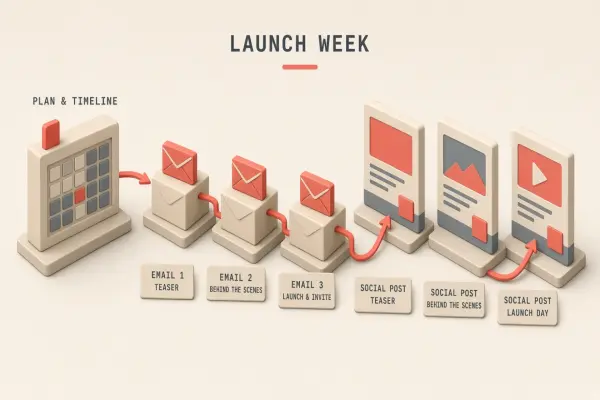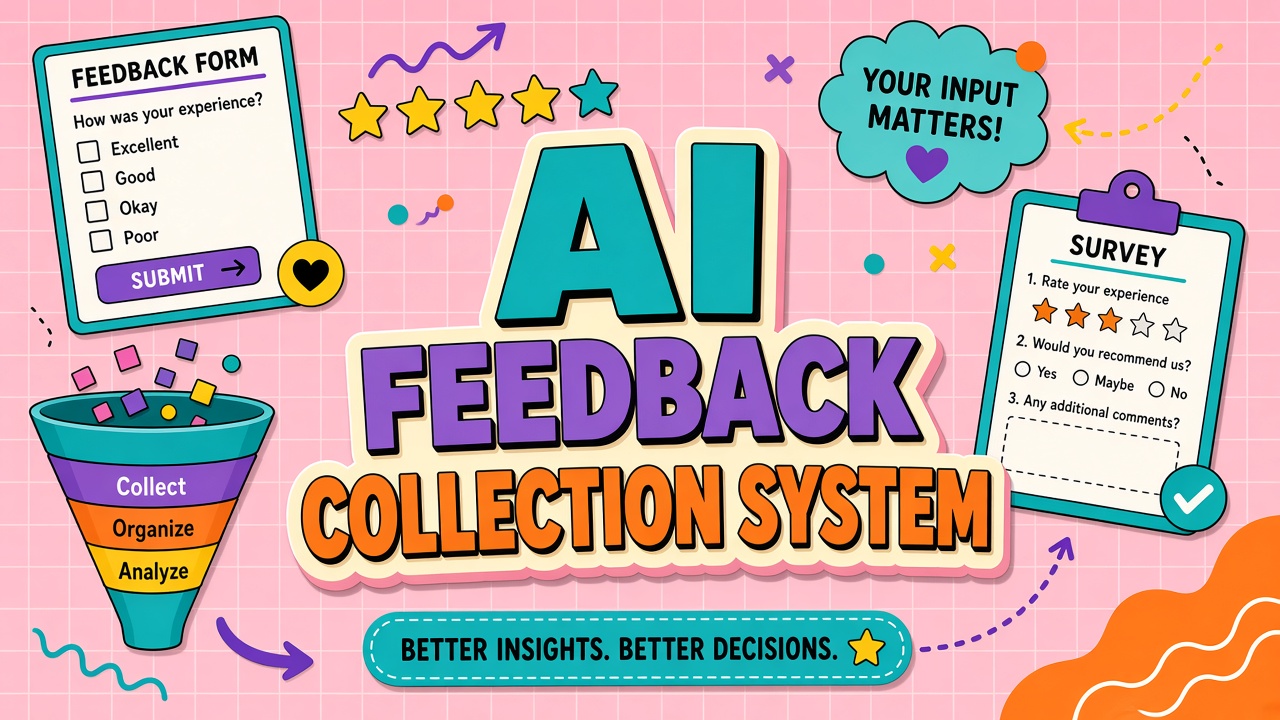
AI quality problems surface as scattered screenshots and vague complaints that "the bot lied." Without structure, product teams cannot reproduce issues, vendors cannot fix them, and the same failure repeats weekly. An AI tool feedback collection system captures context, routes issues to owners, and closes the loop with reporters so trust in the program grows.
The system applies to internal copilots and customer-facing AI customer service deployments. Link feedback themes to your AI chatbot roadmap and vendor QBRs so patterns become commitments, not anecdotes.
Feedback Types: Bug, Quality, Policy, and Idea
Four primary feedback types keep triage fast. Bugs are broken behavior: errors, timeouts, failed integrations. Quality issues are wrong or harmful output when the system technically worked. Policy issues are outputs that violate internal rules or external regulations. Ideas are feature requests and workflow improvements.
Force reporters to pick one primary type at submission. Allow secondary tags. Quality and policy issues need different reviewers: quality may go to AI operations, policy to compliance. Mixing them in one queue slows response and hides regulatory risk.
| Type | Example | Default owner |
|---|---|---|
| Bug | Integration returns 500 after OAuth refresh | Platform engineering |
| Quality | Summary invents contract terms not in source doc | AI ops / prompt owner |
| Policy | Draft email includes unapproved discount language | Compliance / legal |
| Idea | Add Salesforce connector to writing assistant | Product management |
Required Context: Workflow, Sample, and Severity
Empty feedback tickets waste triage time. Require fields that make reproduction possible without a live interview.
- Workflow: Which team, tool, and task (e.g., "Support tier 1, chatbot, refund eligibility check").
- Sample input: Redacted prompt, uploaded file name, or ticket ID. Attach screenshots with PII blurred.
- Expected vs actual: What should have happened and what the model did instead.
- Severity: P1 customer blocked, P2 wrong output shipped, P3 annoyance, P4 enhancement.
- Frequency: One-off, intermittent, or every time for this input pattern.
- Environment: Production vs pilot, model version if known, browser or API path.
For AI chatbot deployments, store conversation IDs so engineers can pull vendor logs under DPA terms. Internal copilots should link to prompt template version and retrieval corpus snapshot date.
Severity rubric teams can share
P1: customer-facing harm, regulatory exposure, or revenue impact today. P2: material quality degradation affecting a core workflow. P3: edge case or cosmetic issue with workaround. P4: ideas and nice-to-haves. Publish the rubric inside the form so reporters align with on-call expectations.
Triage Owners and Weekly Review
Every submission needs a named queue owner and SLA. AI program leads run a weekly 30-minute review: new tickets, aging P1/P2 items, repeat themes, vendor escalations. Without a calendar ritual, feedback piles up until executives ask why adoption stalled.
- Intake: Auto-acknowledge receipt with ticket ID within one business hour.
- Triage: Owner validates type, severity, and assignee within one business day.
- Investigation: Reproduce, tag root cause (model, prompt, data, integration, user error).
- Resolution: Fix, workaround, or documented risk acceptance.
- Vendor loop: Export reproducible cases to vendor support with correlation IDs.
Route customer-impacting failures to owners of AI customer service workflows. Cross-functional issues get a single DRI even when legal and engineering both weigh in.
Closing the Loop With Reporters
Feedback systems die when reporters never hear back. Closure messages should state outcome, timeline, and whether the fix is live. Thank reporters by name in team channels when a report prevented a customer incident.
Publish a monthly digest: tickets opened, resolved, top themes, vendor fixes shipped. Tie digest metrics to program goals (fewer repeat quality issues, faster mean time to reproduce). Champions in each department promote the form when they see closures happen.
What to send vendors
Vendors need minimal reproducible packages: timestamp, request ID, model ID, redacted prompt, tool trace, expected behavior. Batch related tickets quarterly for account reviews. Track vendor ticket age in the same dashboard as internal SLAs.
Integrating Feedback With Vendor QBRs
Quarterly business reviews should open with your top ten reproducible tickets from the feedback system, not vanity adoption charts. Export closed P1 and P2 items with vendor ticket IDs, resolution dates, and whether fixes shipped in production. If the same quality theme appears three months running, negotiate roadmap priority or contractual service credits.
Compare feedback volume per licensed seat across departments. A spike in one region may indicate training gap rather than model regression. Pair feedback tags with LMS completion data before blaming the vendor.
Building Eval Datasets From Feedback
High-quality feedback tickets are gold for regression evals. With reporter permission, redact PII and add input-output pairs to an internal harness. Each resolved bug becomes a test case so the next model upgrade cannot reintroduce the failure. Policy violations deserve separate eval suites from quality bugs.
Tag datasets accordingly and run them in CI before prompt template changes propagate to production customer service AI flows connected to your chatbot stack.
Frequently Asked Questions
Should feedback be anonymous?
Allow anonymous submission for sensitive policy concerns, but default to authenticated reports so engineers can follow up. Anonymous tickets still need workflow and sample fields; otherwise triage fails.
How do we tag customer impact?
Add a boolean and count: did external customers see the bad output? Link CRM or support ticket IDs. Customer-impacting P2s escalate like P1 for communication planning.
Jira, Slack, or a dedicated form?
Use a form that creates structured records (Jira, ServiceNow, or a lightweight internal app). Free-text Slack threads are fine for discovery but must convert to tickets within 24 hours.
Should we collect positive feedback too?
Yes. Wins justify budget and identify prompts worth templating. Tag "exemplar output" for training champions and eval datasets.
What metrics prove the system works?
Track time to first response, time to reproduce, repeat issue rate, reporter return rate, and vendor fix lead time. Flat submission volume with falling repeats signals maturity.
Operational metrics dashboard
Build a dashboard fed from your ticket system: open count by type, mean time to triage, percent closed within SLA, top five recurring root causes, vendor-linked ticket age. Review in the weekly AI ops meeting. Trend lines matter more than point-in-time snapshots. A rising policy queue with flat quality queue may signal training failure, not model regression.
Share a sanitized version with executive sponsors monthly. Sponsors do not need ticket IDs; they need themes and commitments. Transparency builds budget defense when vendors ask for renewal.
From Anecdotes to an Improvement Engine
An AI tool feedback collection system turns noise into a prioritized backlog tied to workflows, vendors, and compliance. Start with four types, mandatory context fields, weekly review, and visible closures. Teams running AI chatbots and customer service AI stacks that instrument feedback early ship safer features and negotiate vendor fixes with evidence instead of frustration.
Instrument feedback at launch, not after the first executive escalation. Early signals are smaller and cheaper to fix. Pair the system with knowledge base updates so every resolved ticket improves documentation for the next reporter.
Embed thumbs-down or report links inside chat UIs so reporting takes seconds. Route policy issues to compliance, quality to AI ops, bugs to engineering, and ideas to product. Weekly triage with published SLAs keeps reporters submitting. Monthly theme summaries give sponsors visibility without reading every ticket. Customer-impacting issues escalate into the incident playbook when severity thresholds hit. Structured feedback replaces Slack anecdotes with reproducible evidence for vendors at QBR time.
Anonymous channels remain available for sensitive policy reports while default authenticated tickets enable follow-up questions. Positive feedback tags help champions template exemplar outputs. Metrics to watch: time to first response, repeat issue rate, and reporter return rate. A healthy system shows stable volume with falling repeats as quality improves.
Routing rules should be published where reporters submit feedback: internal engineering for bugs, AI ops for quality, compliance for policy, product for ideas, and account managers for validated vendor defects. Weekly triage reviews aging P1 and P2 items first. Closure emails state outcome and whether fix is live. Monthly digests celebrate reporters who prevented customer harm. Integrate feedback themes into vendor QBR decks as reproducible ticket bundles with IDs and dates. Eval datasets built from closed tickets prevent regressions on the next model upgrade. Start simple: four types, required context, weekly review, visible closures.
Customer-facing chatbots need conversation IDs in every quality report. Support macros should link to the feedback form so agents report issues during live calls. Severity rubrics published in the form align reporters with on-call expectations. Policy issues route to compliance even when the reporter prefers anonymity through a secure channel. Ideas route to product backlog with duplicate detection in weekly review. Vendor packages need timestamps, model IDs, and redacted prompts. Without structure, the same failure becomes folklore; with structure, it becomes a tracked fix and a QBR talking point backed by evidence.
Program leads should review feedback dashboards weekly alongside incident trends and vendor ticket aging. Consistency beats tooling brand: a well-used Jira form outperforms an abandoned custom portal. The feedback system is how teams turn scattered complaints into measurable improvement for chatbots and customer service AI.
Required fields stay minimal: workflow, sample, severity, expected versus actual. Weekly triage reviews P1 and P2 first. Closure messages state whether fixes are live. Vendor QBRs open with reproducible ticket bundles. Eval datasets from closed tickets guard against model regressions. Positive feedback becomes prompt templates champions reuse across teams. Structured feedback is how customer service AI programs learn faster than competitors who rely on anecdotal complaints alone.
Start with four feedback types, mandatory workflow context, weekly triage, and visible closures. That foundation scales from a single chatbot pilot to a full customer service AI program without losing signal in Slack noise.