Creator channels scale content with AI drafts for scripts, newsletters, and community posts, but inconsistent tone erodes audience trust faster than a late upload. An ai workflow brand voice guide creators system documents voice attributes, banned phrases, example paragraphs, and prompt prefixes so every draft passes a rubric check before publish. AI generates volume; your voice guide enforces the personality viewers subscribed for.
This workflow fits solo creators, small media teams, and agencies managing multiple creator accounts. Build the guide with AI code tools when you template rubrics and AI transcription tools when you mine past videos for phrasing patterns, then humans approve every rule.
Voice Attributes With Do and Do-Not Examples
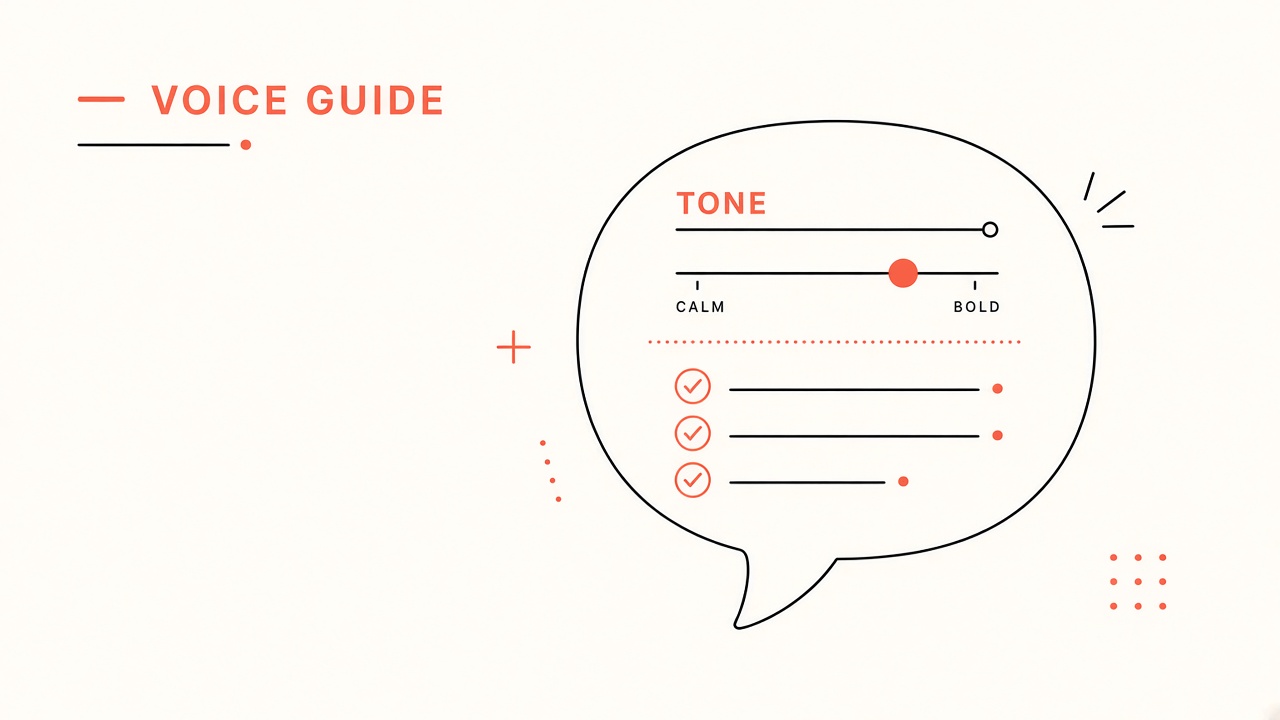
Define three to five voice attributes (direct, curious, warm, skeptical, playful) each with a do example sentence and a do-not example pulled from real channel copy, not generic marketing filler. Attributes must be observable in text so reviewers and AI can score drafts against them.
- List attributes your audience already associates with your channel (survey or comment themes).
- For each attribute, write one on-brand sentence from a top-performing post.
- Write one off-brand sentence showing the common mistake (too corporate, too hype, too vague).
- Add context: when to lean in (tutorial vs rant vs sponsor read).
- Version the attribute table when channel positioning shifts.
| Attribute | Do example | Do not example |
|---|---|---|
| Direct | "Here is the step that actually fixed my export." | "In today's fast-paced digital landscape..." |
| Curious | "I tested three tools because the pricing page confused me." | "This revolutionary solution will transform everything." |
| Warm | "If you are stuck on step two, that is normal." | "Simply follow these easy steps." (dismissive) |
Banned Words and AI-Slop Patterns
Maintain a banned word list and structural patterns that signal generic AI output (empty superlatives, hedge stacks, fake enthusiasm) and require rewrites before any draft ships. Banned lists work best when paired with replacement guidance, not just prohibition.
- Collect slop phrases from rejected AI drafts in a shared doc.
- Category: hype words (game-changer, unlock), vagueness (leverage, landscape), false intimacy (hey folks!).
- Add channel-specific bans (inside jokes misused, competitor names, outdated product terms).
- For each ban, suggest an on-brand alternative or "delete and be specific" rule.
- Run automated scan on drafts; human confirms context exceptions (quoted speech, sponsor mandatory lines).
| Pattern type | Example to ban | Replacement approach |
|---|---|---|
| Hype opener | "In this comprehensive guide..." | Start with the problem or result |
| Hedge stack | "It is important to note that..." | State the fact directly |
| Listicle filler | "Let's dive in" | Transition with substance |
| Fake consensus | "Many experts agree..." | Name source or use "I found" |
Prompt Prefix for All AI Drafts
Every AI content request starts with the same voice prefix: attributes summary, audience description, banned terms, two gold-standard paragraphs, and output format so models inherit constraints before the task prompt. Store the prefix in a snippet tool or team doc; never rely on memory per session.
- Prefix block one: who you are, who the audience is, content pillar.
- Prefix block two: attribute bullets with do examples only (keep under 200 words).
- Prefix block three: banned words pasted verbatim.
- Prefix block four: paste one gold paragraph from a recent hit piece.
- Task prompt comes last: topic, length, CTA, facts that must appear.
For an ai workflow brand voice guide creators team, version the prefix (v1.3) in the filename of exported drafts so you can trace which voice rules produced which post.
Channel-Specific Format Blocks
Add format addenda for YouTube scripts (spoken rhythm, contraction rules), email (subject line tone), and tweets (character limits, thread structure) without duplicating the full voice guide each time. AI handles structure; the prefix enforces personality across formats.
Review Rubric for Outsourced Editors
Score every draft on a simple rubric (voice match, specificity, banned-term clean, factual accuracy) with pass thresholds before payment or publish, so contractors and AI outputs meet the same bar. Rubrics turn subjective "sounds like us" into checklist items interns can apply.
- Voice match (1 to 5): read aloud test against gold paragraph.
- Specificity (1 to 5): concrete nouns, numbers, steps vs vague claims.
- Banned clean (pass or fail): automated plus human spot check.
- Facts (pass or fail): links, product names, pricing current.
- Revision cap: one included round; second round only for factual errors.
| Score | Voice match meaning | Action |
|---|---|---|
| 5 | Indistinguishable from creator draft | Publish after fact check |
| 3 to 4 | Right ideas, minor tone fixes | Creator light edit |
| 1 to 2 | Generic or wrong persona | Rewrite or reject |
Quarterly Voice Guide Updates From Analytics
Every quarter, review top and bottom performing content for phrasing patterns, comment sentiment, and unsubscribe spikes after tone shifts, then update attributes, bans, and gold paragraphs in the voice guide. Voice guides decay when the channel evolves but the doc stays frozen.
- Export top 10 posts by retention or conversion for the quarter.
- Highlight repeated phrases commenters praise ("felt like you were talking to me").
- Review flops for slop patterns or off-brand sponsor tone bleed.
- Update gold paragraph examples from fresh hits, retire stale ones.
- Announce internal changelog: voice guide v2.0 effective date.
| Signal | Possible voice issue | Guide update |
|---|---|---|
| Comments "too salesy" | Sponsor tone leaking into organic posts | Separate sponsor voice addendum |
| High retention, low shares | Deep but dry tone | Add playful attribute examples |
| AI drafts always fail rubric | Prefix too long or contradictory | Trim prefix, strengthen gold sample |
Gold Paragraph Library
Maintain a library of five to ten gold paragraphs from your best-performing posts, tagged by format and topic, and paste the closest match into every AI prompt prefix so models mirror proven rhythm and specificity. Gold paragraphs outperform abstract adjectives like "conversational" because they show sentence length, humor placement, and how you handle uncertainty.
- Extract paragraphs with high retention segments or strong comment praise.
- Tag: tutorial, opinion, sponsor-adjacent, community reply, email intro.
- Rotate gold samples monthly so models do not overfit one era of your channel.
- Include one paragraph that shows how you say no or push back politely.
- Store in versioned doc linked from team Notion or Google Drive.
| Gold sample type | Use in prompt when | Refresh signal |
|---|---|---|
| Tutorial opener | How-to scripts and course lessons | New format hook outperforms old |
| Opinion piece | Newsletter rants, LinkedIn posts | Audience tone shift in comments |
| Community welcome | Onboarding and FAQ drafts | Membership rebrand |
Multi-Channel Voice Variants
When one creator runs YouTube, newsletter, and paid community, define a shared core voice with per-channel modifiers (longer explanations on YouTube, tighter hooks on email) so AI does not paste identical tone everywhere. Core attributes stay fixed; format modifiers attach to the prompt prefix.
- Core doc: attributes, bans, gold paragraph (channel agnostic).
- YouTube addendum: spoken contractions, pause markers, hook length.
- Newsletter addendum: subject line patterns, PS usage, link density.
- Community addendum: reply warmth, moderation tone, no engagement bait.
Automated Slop Scan Before Publish
Run every draft through a banned-term scanner and slop-pattern regex list before human rubric scoring so obvious AI tells never reach the creator review queue. Automation catches "delve" and "tapestry" faster than tired eyes on the tenth post of the week.
- Maintain banned list in plain text synced to scanner tool or custom script.
- Flag hedge phrases and empty transitions as warnings, not hard fails, for context review.
- Log scan results with draft version for pattern analysis over time.
- Update scanner when quarterly review finds new recurring slop in failed drafts.
Voice Guide Onboarding for New Writers
New writers and contractors complete a calibration exercise: score three anonymous paragraphs, rewrite one off-brand sample, and pass a banned-word scan before receiving live assignments. Onboarding takes one hour and prevents weeks of off-voice drafts that burn review time.
- Send voice guide PDF plus prompt prefix template on day one.
- Calibration quiz: which paragraph is on-brand and why (multiple choice plus short answer).
- Rewrite task: fix provided slop paragraph under 200 words.
- Reviewer scores rewrite with same rubric used for production work.
- Pass threshold: 4 of 5 on voice match before first paid task.
Store calibration answers in a shared drive folder so you can compare writer growth over time and retire contractors who repeatedly fail rubric after coaching.
Frequently Asked Questions
How long should a creator brand voice guide be?
Two to four pages of actionable rules beat a fifty-page brand book nobody opens; prioritize attributes, bans, gold examples, and the prompt prefix over abstract mission statements. Link to longer strategy docs separately if needed.
Can AI write the voice guide from my videos?
AI can draft attribute hypotheses and slop lists from transcripts, but the creator must approve every rule against intent and sponsor obligations. Use transcription mining as a starting point, not final authority.
How do I enforce voice with multiple writers?
Shared prompt prefix, banned-word scanner, and rubric scoring before publish; reject payment on failed rubric to align incentives. Weekly calibration: reviewers score the same paragraph independently until alignment improves.
Should sponsor reads use the same voice guide?
Use a sponsor addendum with legal required lines and disclosure placement, layered on core voice so reads stay authentic without violating brief mandatory copy. Never let sponsor templates override banned hype lists without legal review.
Document Voice Before You Scale Drafts
A durable ai workflow brand voice guide creators practice captures attributes with do and do-not examples, bans slop patterns, standardizes prompt prefixes, scores outsourced work with rubrics, and refreshes quarterly from analytics. AI multiplies output; the voice guide protects trust. Build your prefix block today and run the next three AI drafts through the rubric before publish.