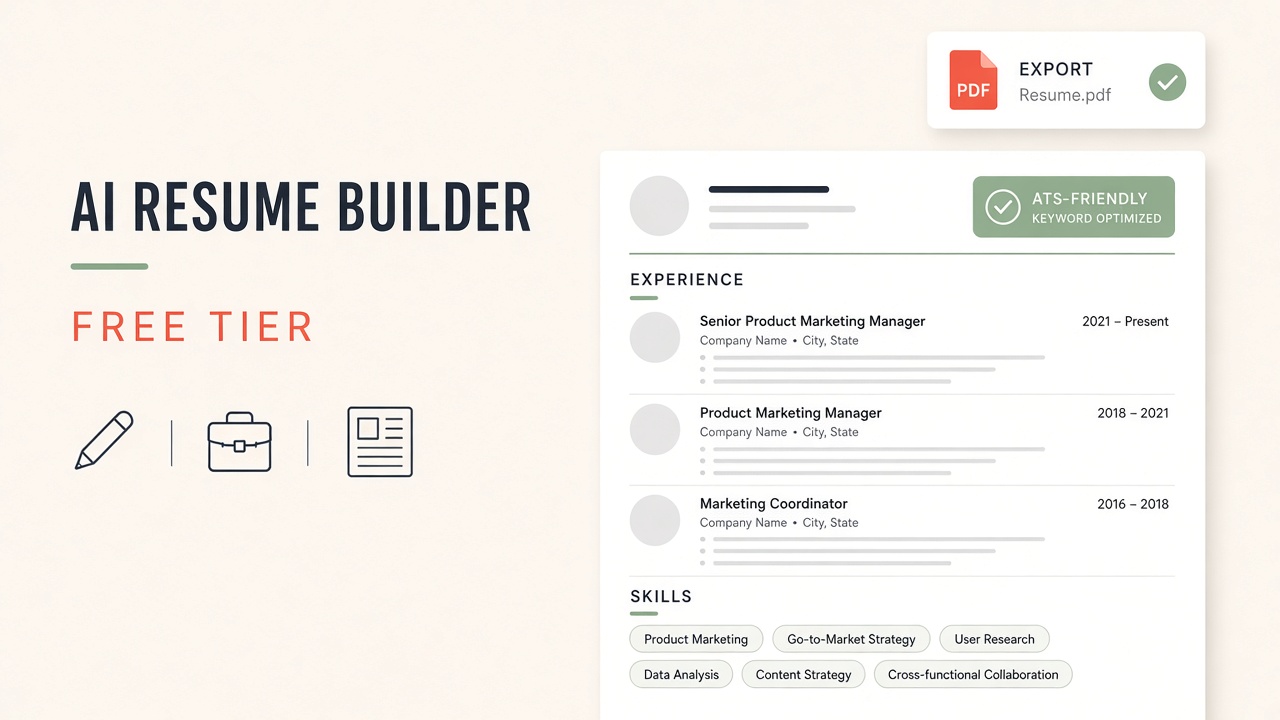
A free AI resume builder should help you ship a tailored PDF without trapping every export behind a paywall. In 2026 the best free tiers combine structured templates, bullet rewriting from your job history, and hints for applicant tracking systems (ATS). The catch is familiar from other AI categories: one free download per month, watermarked PDFs, or AI tailoring locked until you upgrade.
This guide focuses on two builders with usable free paths: Rezi and FlowCV. You will see a free-tier comparison table, a step-by-step tailoring workflow, ATS formatting rules, common mistakes, and an FAQ on downloads and privacy. For wider context, read top AI resume builders to land your dream job and AI based resume makers to boost your job search. Browse related tools under the resume tag on EliteAI.tools.
What free AI resume builders actually include
Free AI resume builders typically include template selection, section editing, basic spell check, and limited AI rewrites of experience bullets. Paid tiers add unlimited PDF exports, cover letters matched to each job, keyword scanners tuned to specific postings, and sometimes LinkedIn import. Free does not mean "no account": both Rezi and FlowCV use accounts to save versions, which helps when you maintain a master resume and role-specific variants.
Treat AI output as a first draft. Hiring managers still spot generic phrases ("results-driven professional") when every bullet sounds interchangeable. The builder's job is to compress your facts into scannable lines; your job is to verify metrics, dates, and tool names so nothing on the PDF is false.
Usually free
Structure and formatting
Headings, spacing, and font stacks that parse cleanly in ATS. FlowCV emphasizes design-forward templates; Rezi emphasizes content scoring and keyword alignment.
Often paid or capped
Unlimited tailoring
Per-job AI rewrites, unlimited PDF downloads, and deep ATS reports may exhaust free credits quickly during an active search with ten applications per week.
Comparison table: free tiers and export limits
Limits change; confirm on each vendor site before you schedule a submission deadline. This table describes typical 2026 positioning for job seekers comparing ai resume builder free options.
| Tool | Free tier focus | AI features | Export | Best for |
|---|---|---|---|---|
| Rezi | Account with limited free resume builds or downloads; paid unlocks full library | Bullet generation, keyword targeting, Rezi Score style feedback on paid tiers | PDF export within free allowance; verify current download cap | Keyword-aware tailoring to specific job descriptions |
| FlowCV | Free templates and editor; premium templates or exports may be gated | AI content suggestions and phrasing help in editor workflows | PDF download; check watermark or premium-only designs | Visual layout control and multi-version resume management |
Rezi: AI tailoring and keyword alignment
Rezi markets to applicants who paste a job description and want the resume to echo required skills without stuffing keywords blindly. The product walks you through sections (summary, experience, skills, education), suggests bullet improvements, and surfaces scoring feedback on higher tiers. On the free plan, treat each AI generation as precious: finalize your master employment history first, then run tailoring only when you are serious about a role.
Rezi works well when you apply to large employers that run ATS filters before a human reads page one. Mirror the job posting's language where you truly have the skill, but keep bullets honest. If the posting asks for Kubernetes and you only touched Docker Compose, describe container exposure accurately instead of inventing cluster admin experience.
FlowCV: templates and version control
FlowCV appeals to candidates who care how the resume looks in PDF and how fast they can spin a second version for a different industry. The editor supports multiple resumes under one account, which matters when you maintain a "technical IC" variant and a "people management" variant with different bullet emphasis.
FlowCV's free tier is strong for layout experiments: column balance, icon usage, and section order. Before you pick a flashy template, run the PDF through a plain-text paste test (open the PDF, copy all text, paste into Notepad). If the text scrambles, simplify the design for ATS-heavy applications and reserve the decorative PDF for networking emails where a human reads it directly.
Step-by-step: build and tailor a resume with AI
Follow this sequence once per target role so free credits last through a multi-week search.
- Collect sources. Export LinkedIn PDF, old resume, and performance reviews with metrics (revenue, latency reduction, tickets closed). AI cannot invent numbers you never measured.
- Pick a builder. Use Rezi when the job description is long and keyword-rich; use FlowCV when you need layout control or multiple visual variants.
- Draft the master resume. Enter roles in reverse chronological order. Write bullets as Action + Metric + Context (for example, "Reduced checkout errors 18% by adding integration tests in CI").
- Paste the job posting. On Rezi, use tailoring features if included in your plan. On FlowCV, manually adjust the skills section and summary to reflect the posting's top five requirements you legitimately meet.
- Run an ATS sanity check. Single column, standard headings (Experience, Education, Skills), no text inside images, file name like Firstname-Lastname-Resume.pdf.
- Export and archive. Save PDF plus a plain .docx backup if the tool allows. Store a spreadsheet of which resume version went to which company.
ChatGPT-style prompting can supplement builders when you hit free limits: paste a bullet and ask for three tighter variants, then paste the winner back into FlowCV or Rezi. That hybrid approach mirrors workflows in AI based resume makers to boost your job search, but keep personally identifiable data out of public chat logs when your employer policy forbids it.
Keeping it ATS-friendly
Applicant tracking systems parse resumes into fields before recruiters search keywords. Fancy design breaks parsing. Use standard section titles, avoid tables for core experience text, and export PDFs generated by the builder rather than printing to PDF from a screenshot.
| Practice | Why it matters |
|---|---|
| Standard headings | ATS maps "Work Experience" reliably; creative labels like "My Journey" may fail. |
| Keywords from the posting | Match skills you truly hold; recruiters notice keyword stuffing in phone screens. |
| Simple typography | FlowCV templates with heavy graphics belong in human-forward channels, not every portal upload. |
| Consistent dates | Month/year format across roles prevents parsing gaps that look like unemployment. |
Rezi's scoring features (when available on your plan) highlight missing keywords; FlowCV's strength is enforcing visual hierarchy so humans skim quickly. Use both lenses: machines on the upload, humans on the interview table.
Common mistakes and how to fix them
Mistake: letting AI inflate titles. Fix by locking official titles from HR records and only adjusting summary language to reflect scope (for example, "led three engineers" if true).
Mistake: one resume for every industry. Fix by maintaining a master doc and two child versions in FlowCV, or role-specific Rezi projects when credits allow. Software engineers and product managers should not share identical skills blocks.
Mistake: ignoring the cover letter. Many free tiers charge for cover letters. Draft a short custom paragraph in your own voice even when the builder does not automate it; reference one company fact and one metric from the resume.
Mistake: uploading the wrong file type. Some portals want .docx while you only exported PDF from a free tier. If Word export is paid, copy plain text into an open-source editor and save .docx manually for that application only.
Mistake: skipping the human proofread. AI swaps tense, duplicates bullets, or mislabels dates. Read aloud once; errors show up faster by ear than by eye.
Accounts, privacy, and data you share
Resume builders store employment history, contact information, and sometimes LinkedIn tokens. Use a strong password, enable two-factor authentication when offered, and delete old versions if you change jobs or remove a phone number. Read each vendor's data processing terms before you paste a confidential client list into an AI prompt.
Free tiers fund themselves through upgrades; your content may train models only when you opt in. Decline training opt-ins if your current employer restricts cloud AI on proprietary metrics. For more product comparisons beyond these two tools, see top AI resume builders to land your dream job.
When to move from free to paid
Upgrade when download caps block real applications, when you need unlimited tailoring during a layoff sprint, or when ATS reports become the bottleneck between you and interviews. Stay on free when you are exploring a career pivot and only need one polished PDF for informational interviews. FlowCV premium templates matter for design roles; Rezi paid features matter when every posting has a unique keyword cloud.
Either way, pair software with network outreach. AI resume builders improve formatting and phrasing; they do not replace referrals. Keep networking notes in the same spreadsheet as resume versions so you know which PDF each contact received.
Frequently asked questions
Is Rezi or FlowCV better as a free AI resume builder?
Choose Rezi when keyword alignment to a specific job description is the priority. Choose FlowCV when template design and multiple resume versions matter more than automated scoring. Many job seekers test both free tiers before picking one paid upgrade.
Can I download a resume PDF for free?
Both tools allow PDF export on free or trial tiers within current limits. Rezi may cap the number of free resumes or downloads; FlowCV may gate certain premium designs. Export early in your session so you do not lose work if a session expires.
Are free AI resume builders ATS safe?
ATS safety depends on template choice more than brand. Pick simple layouts, standard headings, and text-based bullets. Test by copying text out of the PDF. If copying fails, switch to a simpler FlowCV template or Rezi layout before uploading to a corporate portal.
Do I need an account to use a free AI resume generator?
Yes for Rezi and FlowCV if you want saved versions and cloud editing. Account creation is standard so you can return to edits; it also means you should protect login credentials because resumes contain personal data.
Can ChatGPT replace a resume builder?
ChatGPT can rewrite bullets but will not manage layout, versioning, or PDF export unless you paste into another tool. A practical chat gpt resume builder workflow uses chat for phrasing and FlowCV or Rezi for structure and export. See AI based resume makers to boost your job search for hybrid patterns.
Will recruiters know I used AI?
Recruiters notice generic buzzwords and mismatched seniority, not the builder brand in the PDF metadata. Specific metrics, coherent career progression, and customized summaries read as human-authored even when AI assisted the first draft.
The takeaway
Free AI resume builders earn their place when they save formatting time and tighten bullets without blocking your first real application. Start with Rezi for job-description-driven tailoring and FlowCV for template control and multiple versions. Keep ATS rules in mind, proofread every export, and use resume tools on EliteAI.tools plus top AI resume builders to land your dream job when you outgrow free caps during an active search.