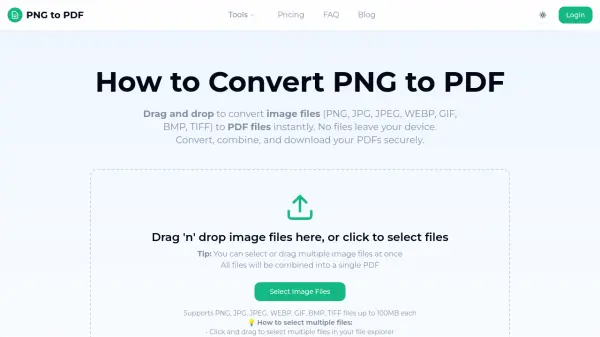
What is PNG to PDF Converter?
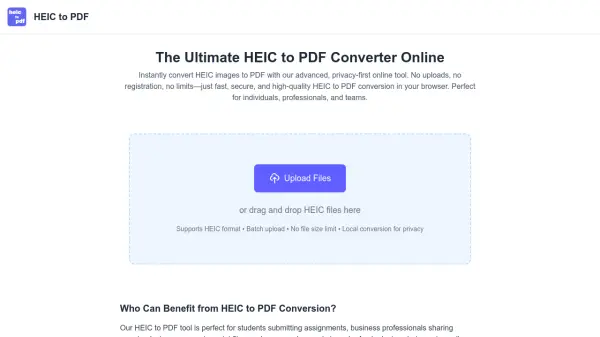
PNG to PDF Converter is a free online tool that transforms image files (PNG, JPG, JPEG, WEBP, GIF, BMP, TIFF) into PDF documents directly in your browser. All processing happens locally on your device, ensuring your files never leave your computer. This guarantees maximum privacy and security while providing instant conversion without server delays.
The tool supports batch processing, allowing you to combine multiple images into a single PDF or create separate PDFs. It offers customization options like choosing page sizes (A4, Letter, or custom dimensions) and controlling output quality. No software installation is required, and it works across all major platforms including Windows, Mac, Linux, and mobile devices.
Features
- Local Processing: All file conversion happens in your browser without uploading to external servers.
- Batch Conversion: Convert multiple image files into a single PDF or separate PDFs at once.
- Custom Page Sizes: Choose from A4, Letter, or set custom dimensions for your PDF.
- Quality Control: Maintain original image quality or optimize for smaller file sizes.
- Cross-Platform: Works on Windows, Mac, Linux, and mobile devices via any web browser.
- No Installation: No need to download or install any software.
Use Cases
- Converting PNG images to PDF for documents or presentations.
- Combining multiple scanned images into a single PDF file.
- Creating PDF portfolios from various image formats.
- Converting web images (WEBP) to a universally compatible PDF format.
- Preparing image-based reports or invoices in PDF format.
FAQs
-
Can I convert multiple PNG files at once?
Yes, you can drag and drop multiple image files or select them using the file picker. They will be combined into a single PDF or you can choose to create separate PDFs. -
What file formats are supported?
The tool supports PNG, JPG, JPEG, WEBP, GIF, BMP, and TIFF file formats. -
Are my files secure and private?
Absolutely. All file conversion happens locally in your browser. Your files never leave your device and are not stored on our servers. -
Do I need to install any software?
No, the converter works directly in your web browser. No downloads or installations are required. -
What are the file size limits?
Each file must be under 100 MB. There is no limit on the number of files you can convert, but the free plan allows up to 10 conversions per day.