What is PDF to JPG?
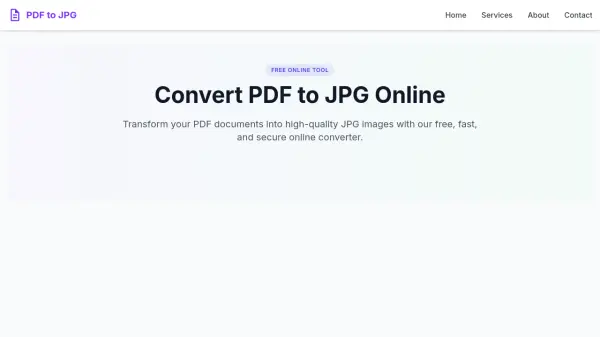
Transform your PDF documents into high-quality JPG images with our free, fast, and secure online converter.
Simply upload your PDF, choose your preferred resolution (from 72 DPI for web to 300 DPI for high-quality print), and download the converted JPG images individually or as a ZIP archive. All files are automatically deleted after conversion for privacy and security.
Simply upload your PDF, choose your preferred resolution (from 72 DPI for web to 300 DPI for high-quality print), and download the converted JPG images individually or as a ZIP archive. All files are automatically deleted after conversion for privacy and security.
Features
- Free to Use: No cost for converting PDF to JPG.
- High Quality: Choose DPI settings from 72 to 300 for optimal quality.
- Secure: Files automatically deleted after conversion.
- Fast Conversion: Optimized engine for quick results.
- Multi-Page Support: Convert all pages of a PDF to separate JPG images.
- No Installation: Works in any web browser on any device.
Use Cases
- Sharing PDF content on social media as images
- Inserting PDF content into presentations or documents
- Creating image archives of important documents
- Viewing PDF content on devices without PDF support
FAQs
-
Does converting PDF to JPG reduce quality?
Converting from vector (PDF) to raster (JPG) may cause some quality loss. Our tool uses advanced algorithms to minimize loss. For best results, choose a higher DPI setting (300 DPI). -
Can I convert password-protected PDF files?
No, our tool cannot process password-protected or encrypted PDF files. Remove protection first using original software or a PDF editing tool. -
How many pages can I convert at once?
Multi-page PDFs up to 50MB are supported. Each page becomes a separate JPG. For larger documents, convert in sections. -
Is my data safe when using this converter?
Yes. All processing happens on secure servers, and files are automatically deleted after conversion or within 24 hours. We do not store or analyze document content. -
Does this tool work on all platforms?
Yes, it works on any device with a web browser, including iPhone, iPad, Android, Windows, Mac, Chromebook, and Linux.