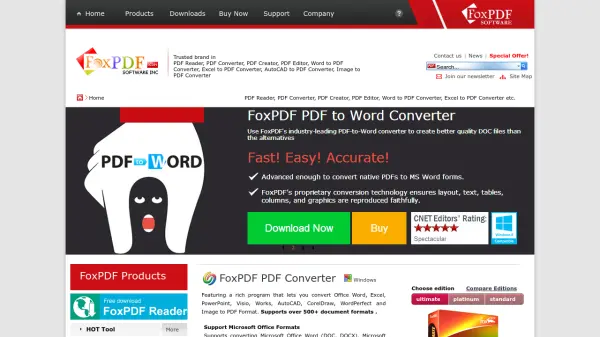
What is FoxPDF?
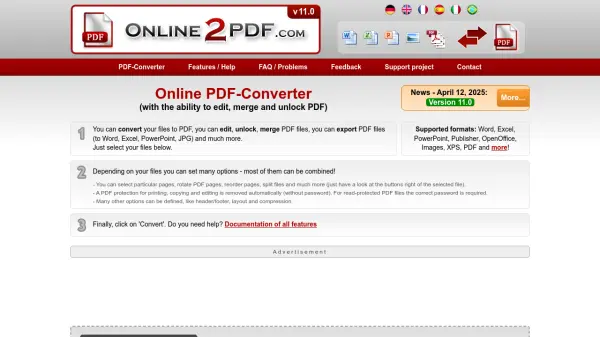
FoxPDF provides a range of software solutions designed for PDF management on Windows systems. The platform includes tools for converting various file formats to PDF, editing PDF documents, and reading PDF files. Key products such as FoxPDF PDF Converter support conversion from Microsoft Office formats (Word, Excel, PowerPoint), AutoCAD, CorelDraw, and images, with batch processing and multi-core optimization for efficiency. The PDF Editor allows users to open, edit, and save documents in PDF format, while the free FoxPDF Reader offers basic viewing capabilities.
The software emphasizes security with options to set PDF passwords and supports multiple languages including English, Chinese, German, French, Italian, and Japanese. It caters to both individual and professional needs with different editions (Ultimate, Platinum, Standard) available for purchase, alongside free tools for basic conversions like JPG to PDF. The platform is trusted for its reliability in handling diverse document types and providing user-friendly interfaces for PDF-related tasks.
Features
- PDF Conversion: Supports converting over 500 document formats including Microsoft Office, AutoCAD, CorelDraw, and images to PDF with batch processing and multi-core optimization
- PDF Editing: Allows opening, editing, and saving documents in PDF format from formats like Word, RTF, and TXT
- Security Features: Enables setting PDF open passwords for output files to enhance document protection
- Multilingual Support: Available in multiple languages including English, Chinese, German, French, Italian, and Japanese for user-friendly operation
- Free Tools: Includes free converters for basic tasks like JPG to PDF and a free PDF reader for viewing documents
Use Cases
- Converting Microsoft Office documents to PDF for sharing and archiving
- Editing PDF files by opening and modifying content from Word, RTF, or TXT formats
- Batch converting multiple files to PDF to save time and improve workflow efficiency
- Securing PDF documents with passwords to control access and protect sensitive information
- Using free tools for quick image-to-PDF conversions without purchasing software