What is Clean Inbox for Gmail?
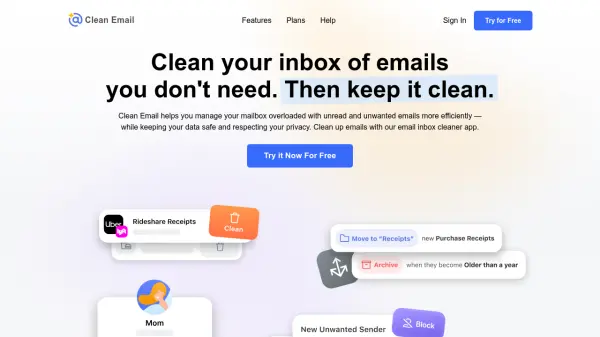
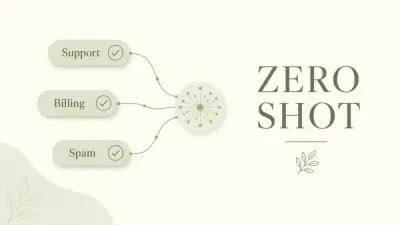
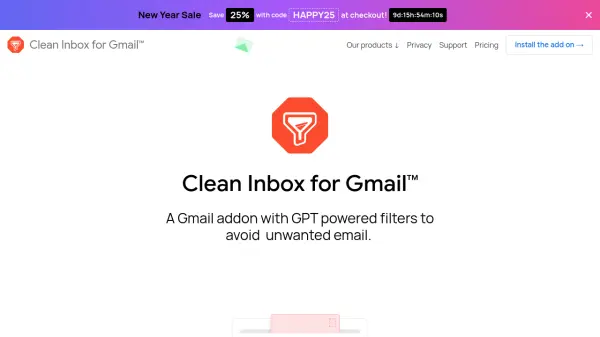
Clean Inbox for Gmail is an innovative email management solution that leverages GPT-3.5 technology to help users maintain a cleaner, more organized inbox. The addon provides smart filtering capabilities that automatically label incoming emails into relevant categories, making email management more efficient and less time-consuming.
The tool prioritizes user privacy and security, ensuring that email contents are never read or stored, while only applying labels to filtered emails rather than deleting them. With features like public category browsing and custom filter creation, users can easily manage unwanted senders and streamline their email organization without the need for manual unsubscription processes.
Features
- GPT-Powered Filtering: Uses GPT-3.5 technology for intelligent email categorization
- Public Categories: Access to pre-made email categories for quick implementation
- Custom Filter Creation: Create personalized filters using AI technology
- Sender Management: Block specific senders without needing to unsubscribe
- Privacy Protection: Ensures email content remains private and secure
- Safe Filtering: Labels emails instead of deleting them
Use Cases
- Managing promotional emails
- Organizing business communications
- Filtering unwanted newsletters
- Categorizing incoming emails automatically
- Blocking persistent unwanted senders
FAQs
-
Is my email content safe and private?
Yes, the tool prioritizes privacy and cannot read the contents of your emails. Filtered emails are never deleted, only labeled. -
How does the GPT-powered filtering work?
The tool uses GPT-3.5 technology to analyze email patterns and create custom filters, which can recognize similar emails and suggest appropriate filtering rules. -
Can I use pre-made email categories?
Yes, you can browse and install public categories to label entire incoming categories of emails with just one click.