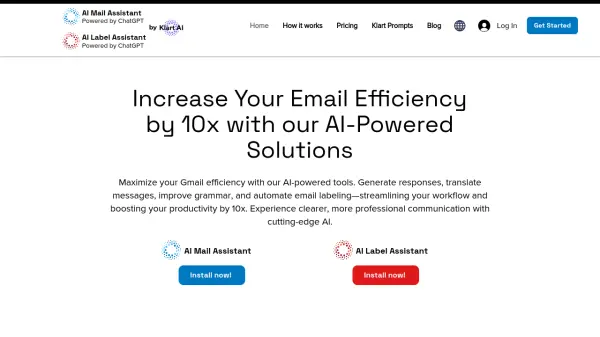
What is AI Mail Assistant?
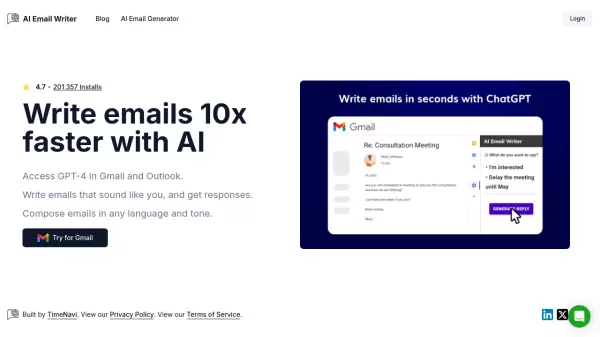
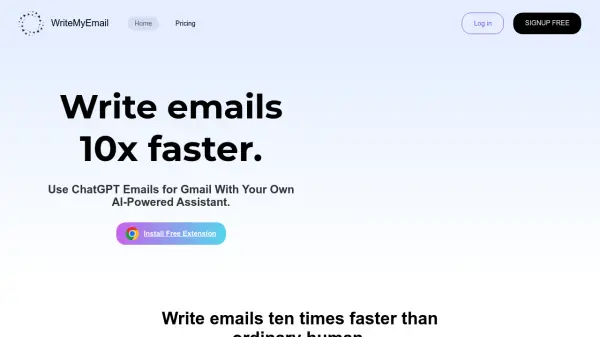
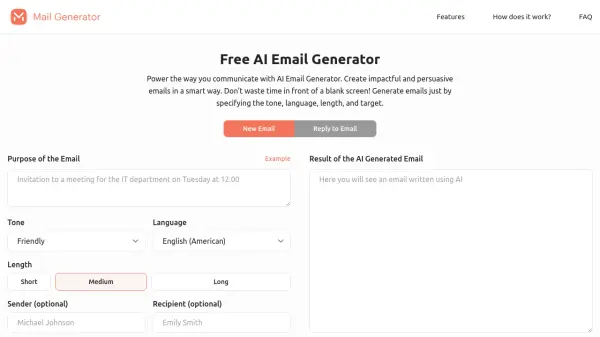
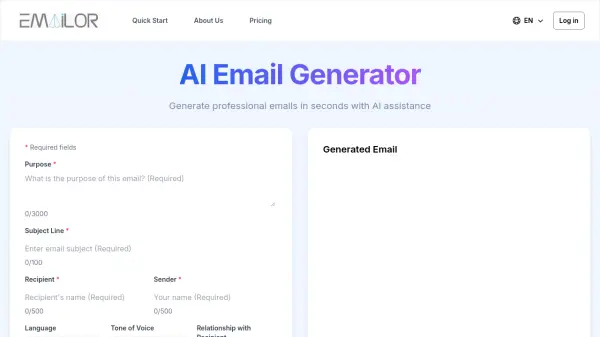
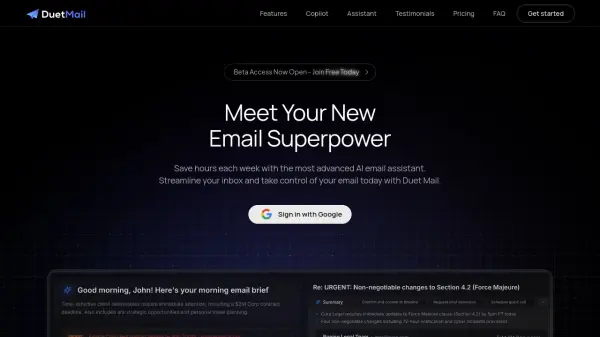
AI Mail Assistant, powered by OpenAI's ChatGPT, transforms your Gmail experience. This tool enables users to generate accurate email responses, summarize lengthy threads, translate messages, and refine drafts for improved clarity and professionalism.
Perfect for professionals seeking to streamline workflows, minimize errors, and overcome language barriers, It integrates directly into Gmail, providing a seamless and efficient way to manage email communications. It enhances productivity by ensuring clearer and more impactful email interactions.
Features
- Generate Smart Email Responses: Leverage GPT-4 to quickly and accurately generate email responses.
- Improve & Enhance Emails: Checks drafts for errors and offers improvement suggestions for a polished and professional image.
- Quick Email Summaries: Extracts the key points of lengthy emails.
- Instant Access to ChatGPT Expertise: Get real-time support by asking questions to ChatGPT directly within Gmail.
- Seamless Translation in 13 Languages: Translates both incoming and outgoing emails.
- Comprehensive Text Analysis & Detection: Detects sarcasm, harassment, discrimination, mobbing, ethical issues, and sensitive topics in email communications.
Use Cases
- Generate email replies quickly and accurately.
- Improve grammar and wording in emails.
- Summarize long email threads.
- Translate emails to and from 13 languages.
- Detect sensitive content within emails.
- Automate email labeling and archiving.
FAQs
-
What payment options are available?
We offer secure payment options via Stripe and PayPal. -
Can I cancel my subscription?
Yes, you will have the option to cancel your subscription whenever you want.