What is Mail Magic AI?
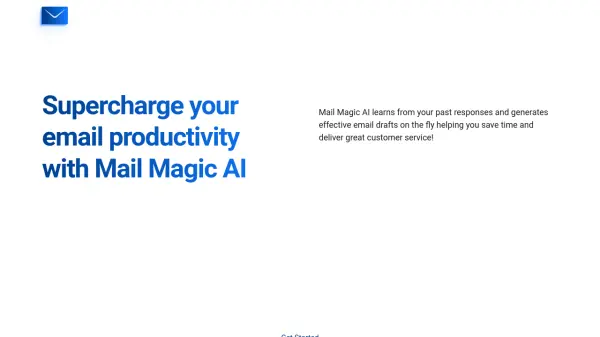
Mail Magic AI leverages advanced machine learning algorithms to analyze your previous email communications. This allows it to generate email drafts that reflect your unique communication style and meet specific business objectives, regardless of the language used.
The tool seamlessly integrates with both Gmail and Outlook, offering automatically generated drafts for review on both mobile and desktop devices. This helps to enhance overall productivity by automating the email drafting process.
Features
- Auto Draft Tool: Uses past responses to generate efficient, time-saving email drafts.
- Adaptive Learning: Learns from your past email history to match your tone and voice.
- Cross-Platform Compatibility: Instantly review drafts on any device (mobile and desktop).
- Gmail and Outlook Integration: Automates workflow within popular email platforms.
- Enhanced Security: Customizable AI models and enhanced security options available for enterprise users.
Use Cases
- Streamlining email communication for customer service teams.
- Improving email response times for sales and marketing professionals.
- Managing high volumes of email correspondence efficiently.
- Creating consistent and personalized email responses.
- Enhancing overall productivity by automating email drafting.