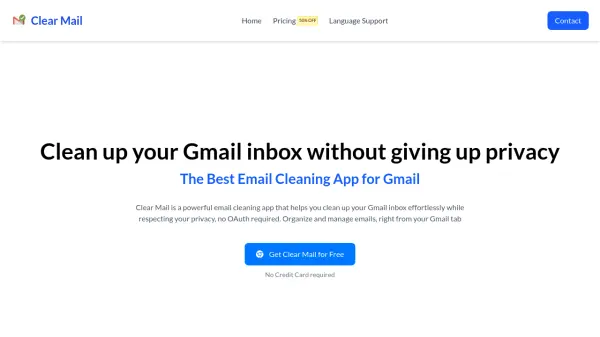
What is Clear Mail?
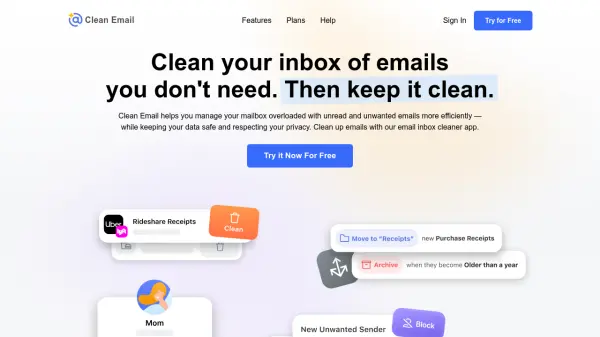
Clear Mail offers effortless email cleaning and organization for Gmail users, delivering all functionalities directly within your Gmail tab without the need for cumbersome installation. Prioritizing user privacy, the tool ensures that all data processing occurs locally, keeping your email information secure and never leaving your system.
The intuitive filters help users swiftly identify frequent senders and repetitive subject lines, making it easy to declutter communications. With coverage across all Gmail tabs—including Primary, Promotions, Social, Updates, and Forums—Clear Mail sets a new standard for inbox management, combining powerful utilities with a privacy-first approach.
Features
- Effortless Email Cleaning: Organize and declutter Gmail inbox with minimal effort from within the Gmail tab
- Privacy First: All data processing occurs locally, ensuring email information is never transmitted externally
- Intuitive Mail Filters: Easily find and sort emails by frequent senders or repetitive subjects
- Comprehensive Tab Management: Clean across all Gmail tabs including Primary, Promotions, Social, Updates, and Forums
- Free Access: Core features and multiple usage credits available at no cost
Use Cases
- Quickly declutter your Gmail inbox to reduce overwhelming email volume
- Identify and remove unwanted or repetitive emails from frequent senders
- Organize Gmail across all categories for improved productivity
- Maintain privacy while managing emails without exposing sensitive data
- Efficiently set and reuse saved filters for ongoing email cleanup
FAQs
-
How does Clear Mail ensure privacy?
All data processing happens locally on your device, and no email information ever leaves your system. -
Does Clear Mail require installation outside Gmail?
No, Clear Mail operates directly within your Gmail tab, so no additional installation is needed. -
What are credits and how are they used?
Credits are used each time you generate a report to help clean a specific Gmail tab, with free users receiving a set number of credits each week. -
Are there any costs to use Clear Mail?
Core features of Clear Mail are available for free, but additional features may be accessed by upgrading in the future.