What is ZenMail?
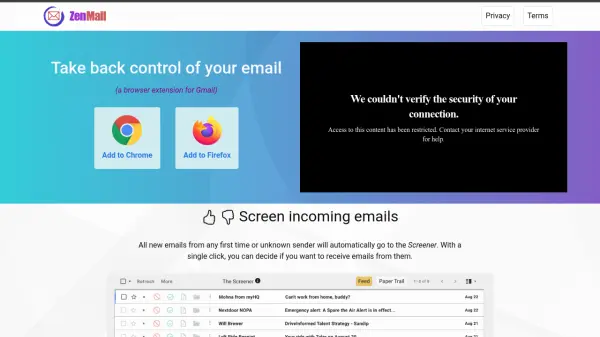
ZenMail is a browser extension designed for Gmail users to enhance email management through automated screening and routing. The tool operates locally from the user's browser, ensuring complete privacy and security by not transmitting any identifiable information to external servers or third parties.
It automatically directs all new emails from first-time or unknown senders to a Screener, allowing users to decide with a single click whether to receive future emails from those senders. Additionally, ZenMail enables automatic routing of incoming emails to designated locations such as the Inbox, The Feed, The Paper Trail, or existing Gmail labels, helping users organize their email flow efficiently.
Features
- Email Screening: Automatically sends new emails from unknown senders to a Screener for review
- Automatic Routing: Routes future incoming emails to designated folders like Inbox, The Feed, or Gmail labels
- Privacy-Focused: Operates locally in the browser without transmitting data to external servers
- Browser Compatibility: Available as extensions for Chrome and Firefox
Use Cases
- Managing email overload by filtering unknown senders
- Organizing incoming emails into specific categories automatically
- Enhancing email privacy and security for Gmail users
- Streamlining email workflow for professionals and businesses