
What is Calm Calendar?
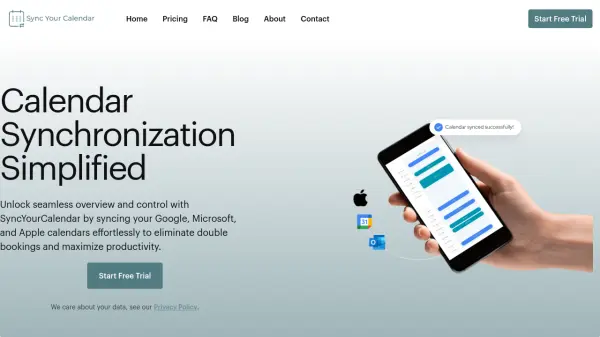
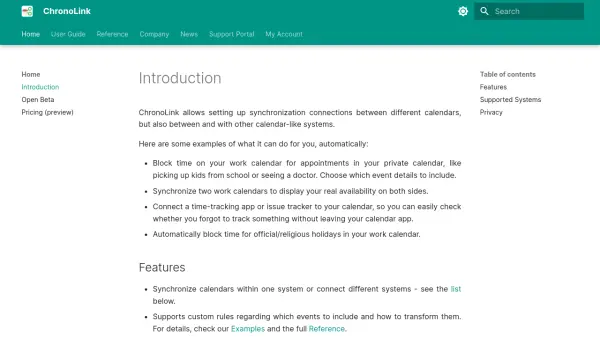
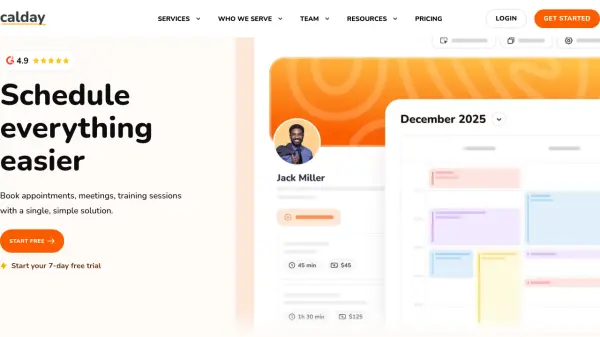
Calm Calendar is an AI-powered service designed to enhance work-life balance by intelligently synchronizing calendar events across multiple platforms while maintaining privacy. It connects personal calendars with work calendars, copying events without revealing sensitive details, so colleagues can see when you're busy without knowing why. This approach helps minimize scheduling conflicts and creates better separation between professional and personal commitments.
The service supports integration with Google, Apple, Microsoft Exchange, Outlook, Fastmail, and other CalDAV services, offering unlimited workflows and calendars. Users can filter synchronization by specific days and hours to ensure out-of-hours plans remain private. Calm Calendar operates with a strong ethical commitment, keeping data secure and private, using renewable energy hosting where possible, and directing profits to community support initiatives.
Features
- Multi-Calendar Support: Connect to Google, Apple, Microsoft Exchange, Outlook, Fastmail, and other CalDAV services
- Unlimited Workflows & Calendars: Manage event flow between calendars with complete customization
- Filter by Days/Hours: Only copy events within specified time periods to maintain privacy
- Privacy Protection: Synchronize events while excluding private details to keep personal information confidential
- Ethical Operations: Data security, renewable energy hosting, and profit direction to community support
Use Cases
- Preventing meeting conflicts by showing availability without revealing personal details
- Maintaining work-life separation by keeping personal calendar events private
- Synchronizing multiple calendars across different platforms and services
- Filtering calendar synchronization to specific time periods for privacy control
- Managing professional availability while protecting personal schedule confidentiality