-

winWhisper
Transform Speech Into Perfect Text
 Free Trial
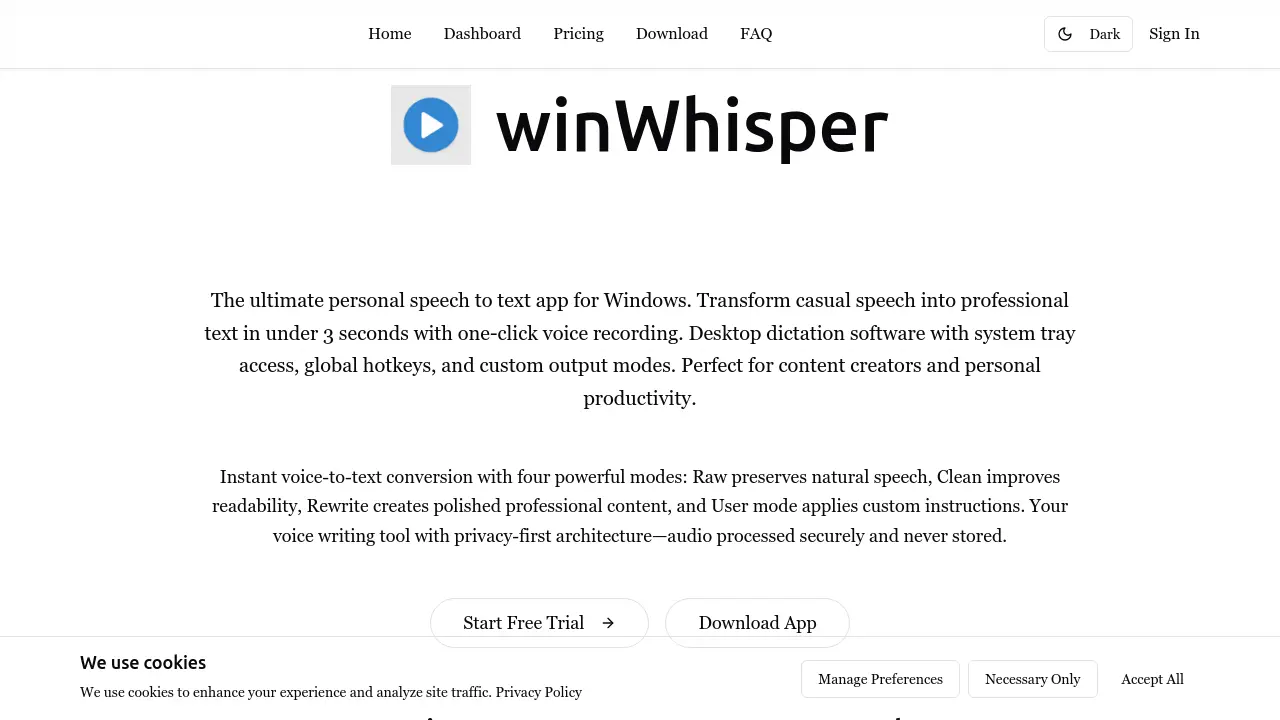
WinWhisper is a personal speech-to-text app for Windows that converts casual speech into professional text in under 3 seconds with one-click voice recording, featuring desktop dictation software with system tray access, global hotkeys, and custom output modes.
Key Features:
- Instant Conversion: Transforms speech to text in under 3 seconds with one-click recording
- Multiple Output Modes: Offers Raw, Clean, Rewrite, and User modes for customized text results
- Privacy-First Architecture: Audio and text data processed securely without server storage
- 70+ Language Support: Full transcription capability across numerous global languages
- Windows Integration: Desktop application with system tray access and global hotkeys
- Pay-As-You-Go Pricing: Transparent credit-based system without subscriptions or hidden fees
Use Cases:
- Content creation through voice dictation
- Professional transcription for business meetings
- Personal productivity enhancement
- Language translation through speech conversion
- Academic research transcription
- Accessibility support for voice-to-text needs
-

Microsoft Text-to-Speech Downloader
Download Microsoft synthesized Text-to-Speech audio with 1 click
 FreemiumStarting at $5/month
A user-friendly tool that converts text into natural-sounding speech using Microsoft's text-to-speech service, allowing easy audio synthesis and downloading without technical expertise.
Key Features:
- One-Click Download: Instantly download synthesized speech audio
- Preview Playback: Listen to synthesized audio before downloading
- User-Friendly Interface: No technical expertise required
- Multiple Usage Options: Both play and download capabilities
Use Cases:
- Creating voiceovers for content
- Generating audio for educational materials
- Text-to-speech conversion for accessibility
- Producing audio content for multimedia projects
-

FTW Transcriber
Superior audio quality with automatic timestamps for efficient transcription
 Free Trial
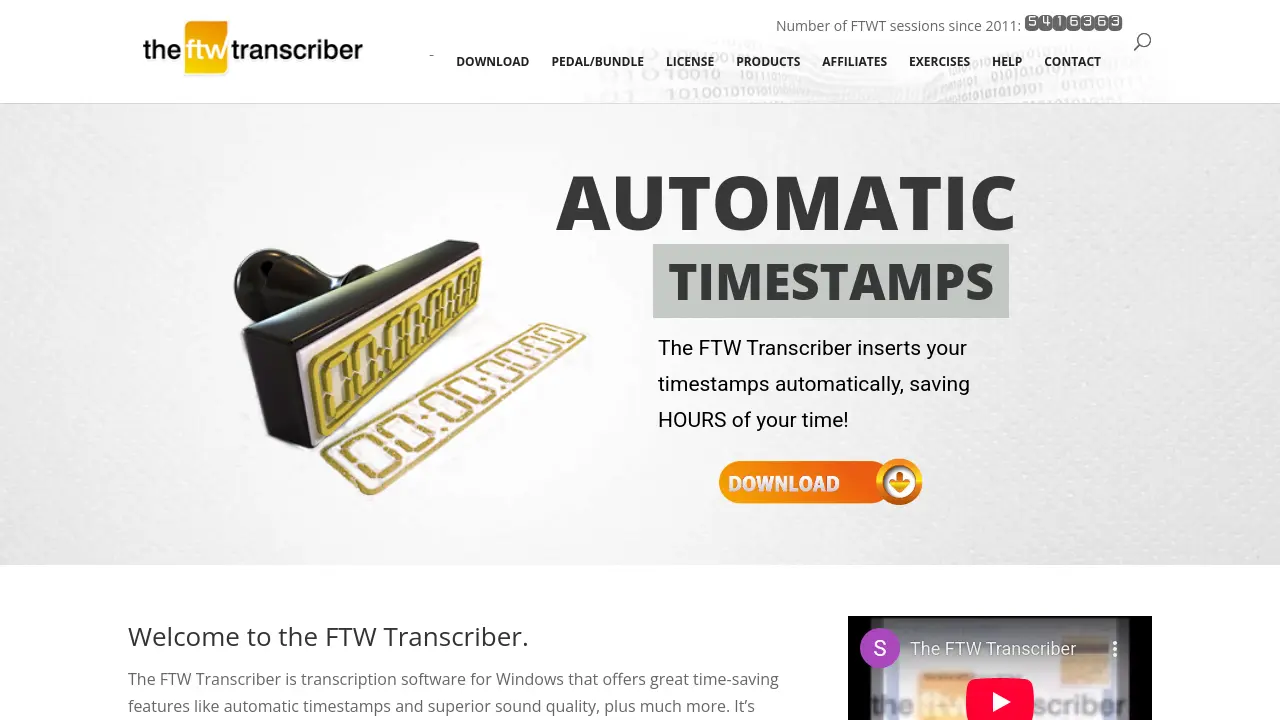
FTW Transcriber is Windows transcription software offering automatic timestamps, superior sound quality, and noise reduction features to save time for transcribers, police forces, hospitals, and businesses.
Key Features:
- Superior Audio Quality: Enhanced sound quality makes words easier to hear and transcribe
- Automatic Timestamps: Automatically inserts timestamps to save hours of manual formatting time
- Noise Reduction: Audio enhancement technology that reduces background noise for clearer transcription
- Client-Specific Settings: Saves different timestamp and hotkey configurations for different clients
- Wide Format Support: Plays various file types including DSS/DS2, MPEG, WMV, and FLV video files
- Remote File Playback: Plays files from remote servers without downloading them first
- Hotkey Customization: Configurable hotkeys for common transcription phrases like 'overtalking' or 'unclear'
- Pedal Compatibility: Works with transcription pedals from Infinity, Olympus, Philips, and Grundig
Use Cases:
- Transcribing interviews and meetings for business documentation
- Converting audio recordings to text for legal proceedings and court transcripts
- Creating captions and subtitles for video content
- Transcribing medical dictations and patient records for healthcare facilities
- Documenting parliamentary proceedings and government meetings
- Converting podcast episodes into written content for publication
- Transcribing police interviews and investigative recordings
- Creating transcripts for academic research interviews and focus groups
-

SAM TTS
Experience the Classic Microsoft SAM Text to Speech Voice from Windows XP
 Free
SAM TTS brings the iconic Microsoft SAM Text to Speech voice from Windows XP to your browser. Generate nostalgic speech audio with customizable voice parameters.
Key Features:
- Authentic Windows XP Voice Synthesis: Recreates the genuine Microsoft SAM voice from the early 2000s.
- Customizable Voice Parameters: Adjust pitch, speed, mouth, and throat settings for unique voices.
- Lightweight Implementation: Runs directly in the browser with under 100KB of JavaScript.
- Voice Preset Library: Includes presets like Default SAM, Elf, Little Robot, Stuffy Guy, Little Old Lady, and Extra-Terrestrial.
- Cross-Platform Compatibility: Works on modern desktop and mobile browsers (Chrome, Firefox, Safari).
- Easy Integration: Simple API mentioned for embedding speech synthesis into applications (availability may vary).
- Downloadable Output: Save generated speech as WAV files.
Use Cases:
- Adding nostalgic voice elements to applications or games.
- Creating unique character voices for creative projects.
- Generating retro-style audio for presentations or videos.
- Developing web applications requiring classic computer speech.
- Experimenting with vintage speech synthesis technology.