What is FTW Transcriber?
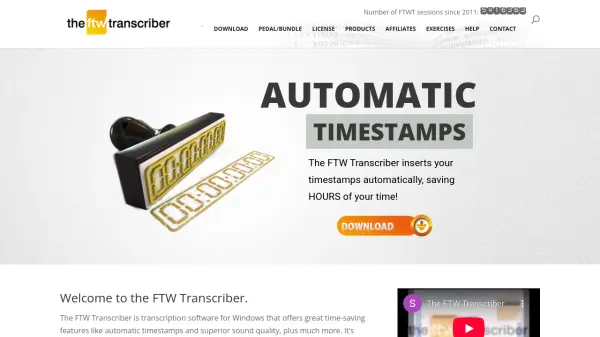
The FTW Transcriber is specialized transcription software designed for Windows operating systems, providing professional-grade tools for converting audio and video files into accurate text transcripts. This software stands out with its superior audio quality enhancement capabilities, making it easier to hear and transcribe challenging recordings. It includes advanced features like automatic timestamp insertion, which significantly reduces manual formatting time, and noise reduction technology that cleans up audio files for clearer transcription.
The software supports a wide range of file formats including DSS/DS2, MPEG, WMV, and FLV, and can play files directly from local drives or remote servers without downloading. It offers customizable hotkeys for common transcription phrases, bookmark functionality, and compatibility with various transcription pedals. Users can save different timestamp and hotkey configurations for different clients and share these settings with other transcribers to maintain consistent formatting standards.
Features
- Superior Audio Quality: Enhanced sound quality makes words easier to hear and transcribe
- Automatic Timestamps: Automatically inserts timestamps to save hours of manual formatting time
- Noise Reduction: Audio enhancement technology that reduces background noise for clearer transcription
- Client-Specific Settings: Saves different timestamp and hotkey configurations for different clients
- Wide Format Support: Plays various file types including DSS/DS2, MPEG, WMV, and FLV video files
- Remote File Playback: Plays files from remote servers without downloading them first
- Hotkey Customization: Configurable hotkeys for common transcription phrases like 'overtalking' or 'unclear'
- Pedal Compatibility: Works with transcription pedals from Infinity, Olympus, Philips, and Grundig
Use Cases
- Transcribing interviews and meetings for business documentation
- Converting audio recordings to text for legal proceedings and court transcripts
- Creating captions and subtitles for video content
- Transcribing medical dictations and patient records for healthcare facilities
- Documenting parliamentary proceedings and government meetings
- Converting podcast episodes into written content for publication
- Transcribing police interviews and investigative recordings
- Creating transcripts for academic research interviews and focus groups