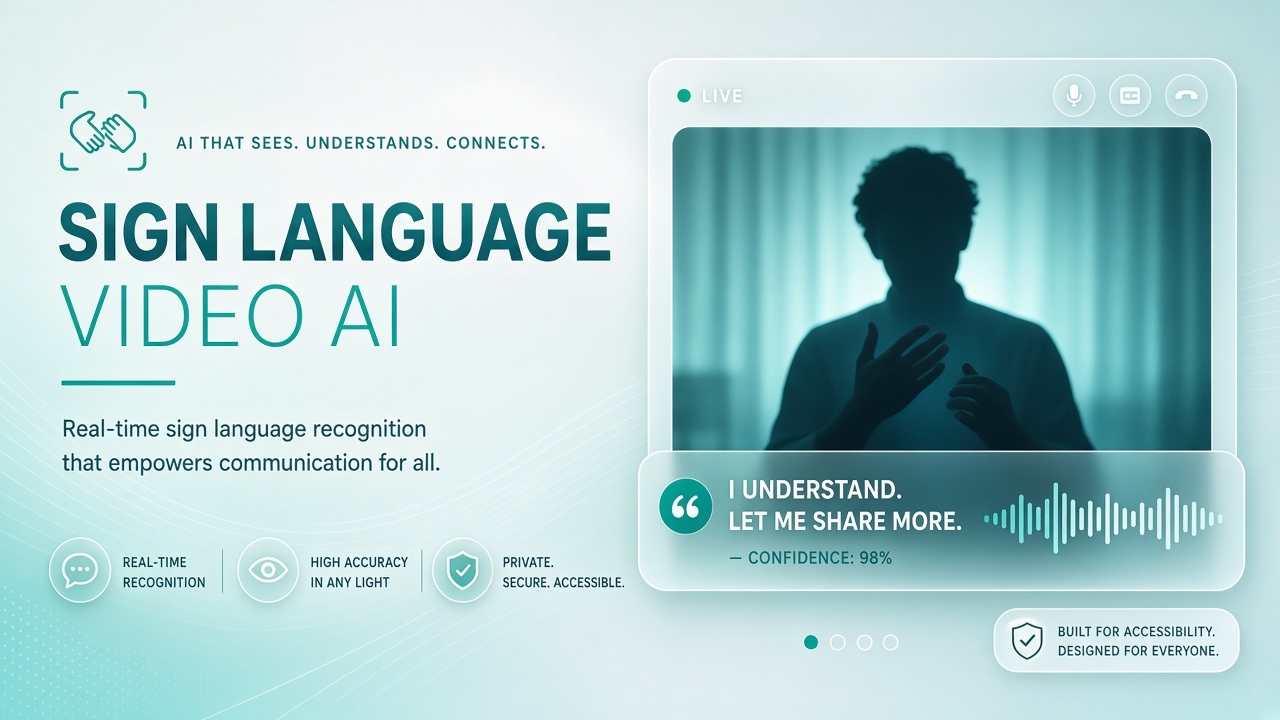
Video calls now ship with speech-to-text captions, translated subtitles, and experimental sign language avatars. Products from Signapse, SignAll, and research teams at Meta AI demonstrate progress on fingerspelling and isolated signs, yet full conversational American Sign Language (ASL) or British Sign Language (BSL) in live meetings remains uneven. Organizations evaluating AI video platforms or AI voice pipelines for accessibility must separate marketing demos from production-ready interpretation workflows and plan for human professionals when stakes are high.
Technology Types in 2026
Current approaches fall into four buckets: sign-to-text recognition, text-to-sign avatars, human remote interpreters over video, and hybrid systems that route unclear segments to humans. Sign-to-text systems use computer vision on camera feeds to classify hand shapes, movement, and facial grammar cues. Quality drops with lighting, camera angle, and regional dialect variation. Text-to-sign avatars animate a 3D character or synthetic presenter that signs written captions; grammar mapping from spoken English to ASL is non-trivial because ASL is not English on the hands.
| Approach | Input | Output | Typical use |
|---|---|---|---|
| Sign recognition (SignAll-class) | Signer on camera | Text transcript | Training, lab settings, limited vocab |
| Avatar translation (Signapse-class) | Written or spoken language | Animated sign output | Broadcast overlays, prerecorded content |
| Video relay interpreter (VRI) | Live conversation | Human interpretation | Medical, legal, HR meetings |
| Platform captions | Audio | Text captions | Deaf hard-of-hearing users who read captions |
Meta AI research on sign language translation has pushed large-vocabulary recognition on datasets like How2Sign, but researchers and Deaf advocates stress that benchmark clips do not equal workplace reliability. Zoom, Microsoft Teams, and Google Meet continue to invest in captions and translation; dedicated sign avatar features appear mainly as pilots or partner integrations rather than default meeting controls.
Latency and Grammar Gaps
Live meetings need sub-second interpretation for turn-taking; many AI avatar pipelines operate on multi-second or sentence-batch delays unsuitable for dynamic dialogue. Spoken-language captions lag audio by one to three seconds even when accurate. Avatar systems that wait for a full sentence before signing introduce pauses that break eye contact and overlap with the next speaker. Grammar gaps are structural: ASL uses spatial referencing, eyebrow morphologies, and classifiers that text-first models omit. A literal English-to-gloss conversion produces signing that fluent Deaf users describe as robotic or misleading.
Sign-to-text recognition struggles when signers move out of frame or when multiple people sign concurrently. Fingerspelling names and technical terms remain error-prone. Teams should measure word error rate and comprehension with Deaf reviewers on their actual meeting content, not vendor demo clips alone.
Community Feedback Importance
Deaf community criticism of avatar-only solutions centers on inauthentic movement, lack of cultural nuance, and vendors shipping products without Deaf leadership in design. Advocacy organizations have challenged broadcasters that replace human interpreters with synthetic signers for news and emergency alerts. Ethical rollout means paying Deaf consultants, publishing known limitations, and never presenting AI signing as equivalent to a certified interpreter without disclosure.
Before procurement, ask vendors: Who validated the sign model? Which sign languages and regional variants are supported? Can users disable the avatar without losing other accessibility features? What happens when the model mis-signs a medical or safety term? Document answers in your accessibility impact assessment.
Workflow for Mixed Deaf and Hearing Teams
A practical 2026 workflow combines platform captions, optional AI assist for prerecorded video, and booked human interpreters for live high-stakes sessions. For internal standups, auto-captions plus chat backchannel may suffice if Deaf participants agree. For customer-facing webinars, provide professional interpreters or human-reviewed captions rather than avatar-only signing unless the Deaf community partners on the production.
- Identify meeting type and legal or safety sensitivity.
- Confirm participant language (ASL, BSL, International Sign, written English).
- Book VRI or in-person interpreter when required by policy or law.
- Enable captions and speaker labels; share slides in advance.
- For recorded content, use human sign translation or reviewed AI avatar on a delay, not live-only avatars.
- Collect feedback after each session and adjust tooling.
Vendor Evaluation Matrix
Procurement teams should score vendors on accuracy, latency, sign language coverage, Deaf-led governance, and data handling before piloting in customer meetings. Ask whether video feeds are retained for model training, whether on-prem deployment exists for regulated sectors, and how the product behaves when the signer uses non-standard regional signs. SignAll historically focused on lab and education environments with controlled cameras; broadcast avatar vendors optimize for prerecorded scripts. Match product category to your meeting format.
| Criterion | Question for vendor | Red flag |
|---|---|---|
| Accuracy | Deaf-led eval on your domain vocabulary? | Demo-only ASL clips, no pilot data |
| Latency | P95 delay in live two-party call? | Sentence-batch signing only |
| Governance | Deaf advisors on product team? | Hearing-only accessibility claims |
| Privacy | Retention policy for video/audio? | Indefinite training on meeting data |
When Human Interpreters Remain Required
Human interpreters remain the standard for medical consultations, legal proceedings, disciplinary meetings, and emergency communications in most jurisdictions. U.S. hospitals under ADA obligations typically provide qualified interpreters rather than relying on family members or unvalidated apps. Employers should not substitute AI avatars for requested accommodations without an interactive process with the Deaf employee. Education settings face similar requirements under IDEA and Section 504 in the United States and parallel rules elsewhere.
AI can still assist humans: interpreters may use gloss prep tools, meeting transcripts for prep, or AI voice note-taking on the hearing side. The boundary is accountability: a certified interpreter carries professional liability and ethical duties; an avatar does not.
Accessibility Beyond Sign Translation
Deaf and hard-of-hearing participants may prefer captions, transcripts, chat, or interpreters depending on language background and meeting goals. Do not force sign avatars on users who read captions fluently. Offer multiple channels: live captions with speaker diarization, downloadable transcript after the call, and sign interpretation when requested. Hearing participants benefit from captions too in noisy environments; accessibility features should be default-on with easy disable, not hidden behind buried settings menus.
Video framing guidance improves sign recognition when camera AI is in use: stable lighting on hands and face, minimal background motion, and pin the signer in gallery view. Corporate branding virtual backgrounds often obscure hands; disable backgrounds for interpreted segments.
Enterprise procurement should align IT security review with accessibility review: third-party AI video processors that receive meeting audio or video may store data in jurisdictions incompatible with healthcare or government contracts. Human interpreter agencies already maintain confidentiality training; ask AI vendors for equivalent business associate agreements when PHI is possible.
Recording and On-Demand Content
Prerecorded webinars and training libraries tolerate higher latency and support human review of AI avatar output before release. Workflow: generate captions, translate script, run text-to-sign avatar, have Deaf reviewer correct facial grammar and spatial references, re-render, then publish with visible synthetic media disclosure. Live event replays can use human interpreters in the primary video track and AI captions as supplement, not replacement, unless Deaf stakeholders approve the archive strategy.
Frequently Asked Questions
Can AI replace interpreters in Zoom calls?
Not for most formal accommodations in 2026. Captions help many users; full sign language interpretation via AI avatar is not reliable enough for high-stakes live dialogue. Use human VRI when interpretation is legally or operationally required.
What is Signapse?
Signapse is a commercial text-to-sign avatar platform targeting media and public-facing content. It illustrates the text-to-avatar category; evaluate accuracy with Deaf reviewers on your scripts before broadcast use.
Does Meta AI offer live meeting sign translation?
Meta has published sign language research and prototypes; consumer live meeting products with certified-grade ASL interpretation were not broadly available as of 2026. Treat research announcements separately from shipped meeting features.
Are captions enough for Deaf employees?
Some Deaf and hard-of-hearing people prefer captions; others use sign language as a primary language. Accommodation is individual. Ask employees rather than assuming captions satisfy every Deaf user.
How should we evaluate vendors?
Run pilot sessions with Deaf staff, measure comprehension and comfort, document failure modes, and compare against human interpreter baseline cost and quality. Reject vendors that refuse third-party Deaf-led evaluation.
Can we use AI for YouTube sign overlays?
Prerecorded overlays allow retakes and human review, which fits current AI limits better than live calls. Still disclose synthetic signing, allow users to hide avatars, and prefer human signers for flagship content when budget allows.
What budget should we plan for VRI?
Human video relay interpretation typically bills per minute with minimums. AI captions cost less but serve different user needs. Budget for both when Deaf employees participate in recurring high-stakes meetings; use captions alone only with explicit participant agreement documented in accommodation records.
How do captions compare to sign avatars?
Captions serve Deaf readers and many hard-of-hearing users; sign avatars serve sign-primary users when accurate. Neither replaces the other. Offer both when budget allows and let participants choose their preferred channel.
Will AI replace interpreters soon?
Industry observers in 2026 do not expect certified interpreters to be replaced in regulated settings within the near term. AI may assist prep and on-demand content, but live high-stakes interpretation still requires human professionals with cultural and linguistic accountability.