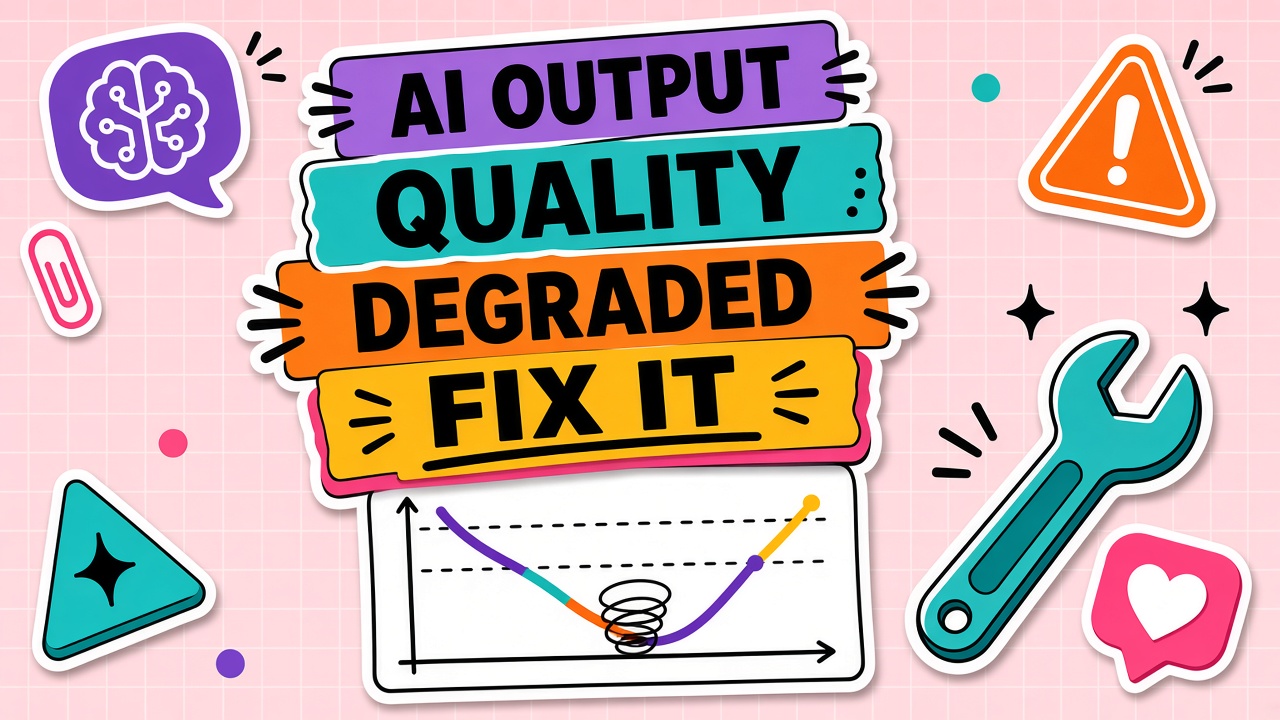
Yesterday the drafts were sharp. Today they are vague, wrong format, or inconsistent across teammates. That shift rarely means "AI got worse forever." It usually means something changed in model version, context, limits, or vendor health.
When AI output quality degraded, run this troubleshooting flow before switching tools. Covers symptoms, model updates, prompt drift, rate-limit routing, and outages. Cross-check behavior in AI chatbot and AI writing categories if you evaluate alternatives.
Symptom Checklist: Vague, Wrong Format, Inconsistent
Log symptoms with timestamps and example prompts. Patterns point to causes faster than generic complaints.
| Symptom | Likely cause | First fix |
|---|---|---|
| Suddenly vague for everyone | Model default changed or degraded tier routing | Check release notes; pin model if available |
| Wrong format only sometimes | Prompt drift or truncated context | Restore canonical prompt; trim thread history |
| One user worse than peers | Different tier, extension, or polluted thread | Compare settings; start fresh conversation |
| Errors plus weak output | Rate limits or partial outage | Check status page; backoff and retry |
Model Version and Update Changes
Vendors ship new defaults without email to every seat holder. Read changelog and status blog. If the product allows model pinning for production workflows, pin until prompts are retested.
Prompt Drift and Context Pollution
Prompt drift happens when teammates edit shared templates without version control, or when long threads bury instructions. Context pollution adds conflicting rules from pasted emails and old outputs. Fix: reset to canonical system prompt, split tasks into new threads, remove stale attachments.
Rate Limiting and Degraded Tier Routing
Under load, some vendors route to smaller models or shorten responses. Symptoms: shorter answers, refusals, or HTTP 429 errors in API logs. Fix: upgrade tier, batch requests, or queue jobs off peak hours.
Vendor Outage and Partial Degradation
Partial degradation is worse than full outage because teams blame prompts. Check vendor status, third-party status aggregators, and your own error rates by region. If degradation persists beyond SLA, open ticket with timestamps and request IDs.
Frequently Asked Questions
When should we switch tools vs fix prompts?
Switch when the failure is structural: cannot pin models, chronic outages, or missing compliance controls. Fix prompts when a controlled test on a fresh thread with the canonical template passes for one admin but fails for users (settings drift) or when changelog explains a behavior change you can adapt to.
How long should we monitor after a fix?
Track the same three test prompts daily for one week. Quality recovery should be stable across teammates, not only for the person who applied the fix.
Should we document quality incidents?
Yes. A lightweight log (date, symptom, cause, fix) prevents repeating the same diagnosis each quarter and helps renewal negotiations with vendors.