What is Microsoft Text-to-Speech Downloader?
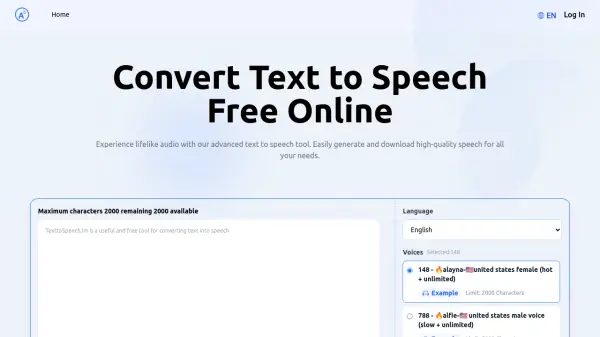
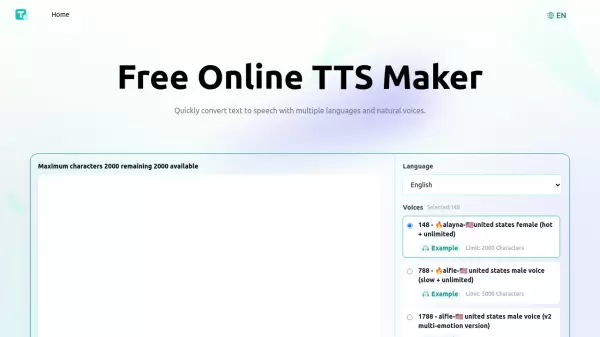
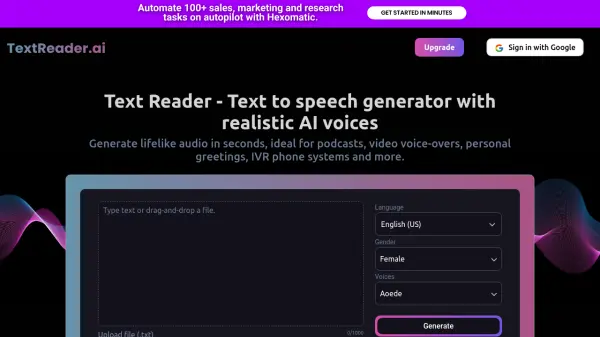
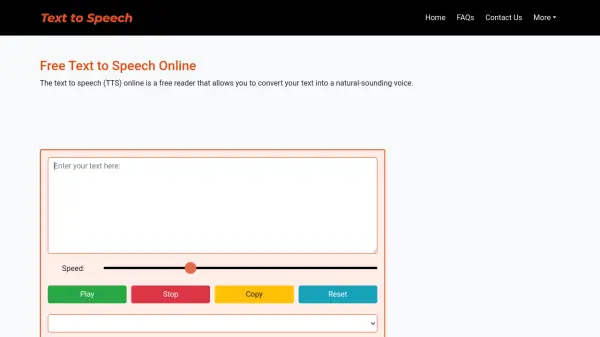
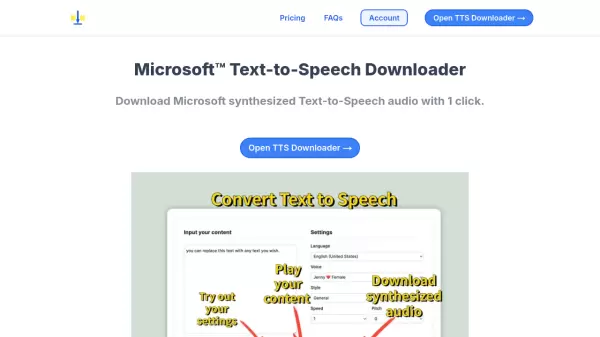
Microsoft Text-to-Speech Downloader is an innovative tool that simplifies the process of converting text into natural-sounding speech. It leverages Microsoft's speech service technology while eliminating the need for users to have technical knowledge of Microsoft Azure Cloud Service.
The platform offers a streamlined, one-click solution for both playing and downloading synthesized audio content. It bridges the gap between advanced text-to-speech technology and everyday users, making professional voice synthesis accessible to everyone.
Features
- One-Click Download: Instantly download synthesized speech audio
- Preview Playback: Listen to synthesized audio before downloading
- User-Friendly Interface: No technical expertise required
- Multiple Usage Options: Both play and download capabilities
Use Cases
- Creating voiceovers for content
- Generating audio for educational materials
- Text-to-speech conversion for accessibility
- Producing audio content for multimedia projects
FAQs
-
Why is the process of synthesizing slow?
The synthesis process may be affected by various factors including server load and connection speed. -
How can I cancel my subscription?
Users can cancel their subscription at any time through their account settings.