What is Text-Speech.net?
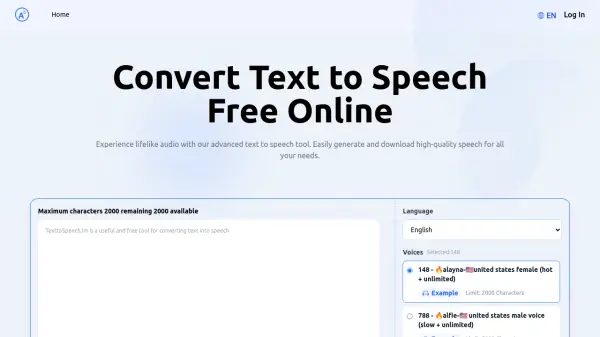
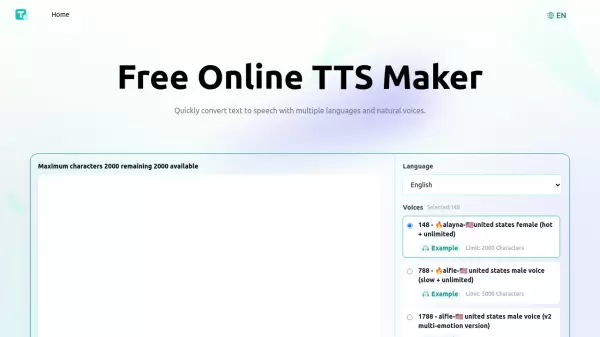
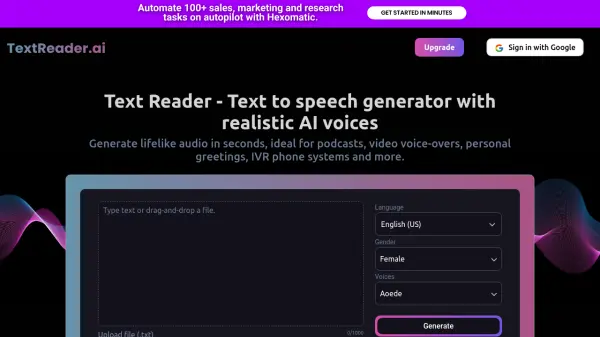
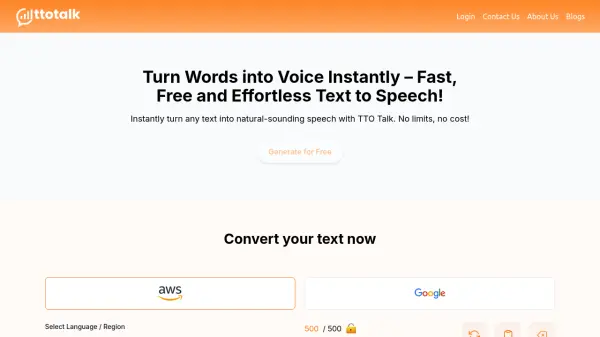
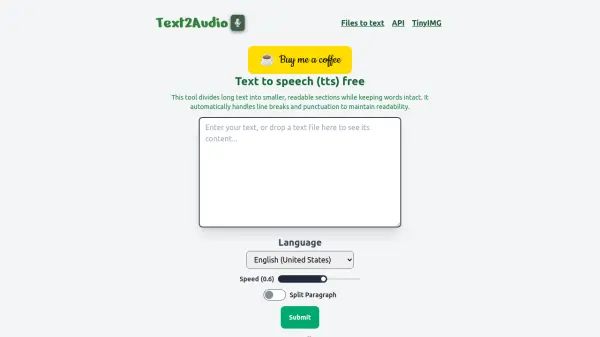
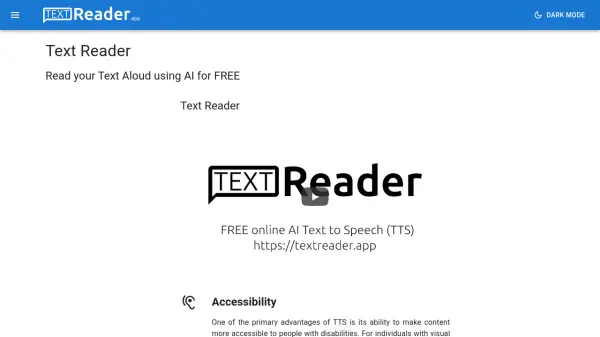
This online text to speech (TTS) tool provides a free and efficient way to convert written text into realistic speech. It utilizes advanced speech synthesizing techniques, converting text into its phonetic form and leveraging a database of pre-recorded human audio for each phonetic. This ensures a natural and clear output. There are no word limits or restrictions, making it ideal for both short words and long paragraphs.
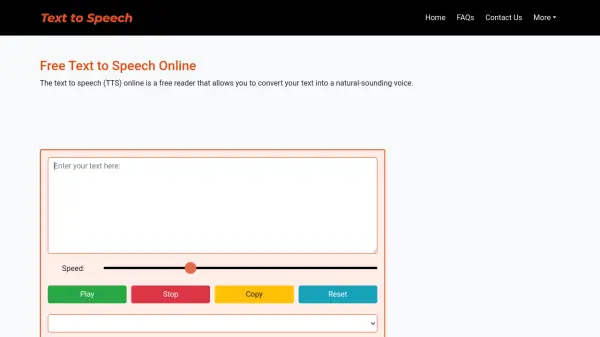
The tool is lightweight and designed for fast processing, delivering high-speed conversions even with slower internet connections. Its user-friendly interface, with simple controls for playing, stopping, copying, and resetting, needs no login or signup and is fully compatible across various web browsers and mobile devices.
Features
- Audio Clarity: Output audio is of high quality and easily understandable.
- Natural-Sounding Voice: Offers human-like voices with multiple gender and accent options.
- High-Speed Conversion: Converts text to speech quickly, optimized for performance.
- Easy to Use: Features a simplified interface with Play, Stop, Copy, and Clear buttons.
- No Login Required: Accessible without any registration or login process.
- Browser Compatibility: Functions seamlessly across multiple web browsers.
- Mobile Responsive: Fully compatible with mobile devices like smartphones and tablets.
Use Cases
- Listening to text instead of reading
- Learning the pronunciation of words
- Assisting visually impaired individuals
- Learning new linguistic dialects
- Creating voiceovers for videos
FAQs
-
Is there any word limit for text conversion?
No, there is no word limit or restriction for text conversion. You can convert a single word or a large paragraph. -
Do I need to create an account to convert Text to Speech?
No, you don't need to log in or sign up to use the tool. It is completely free to use and without any account. -
Which browser is best for this tool?
Our tool works on almost all web browsers. To get more voice options, use the Microsoft Edge browser.