
What is Whiteboard Recorder?
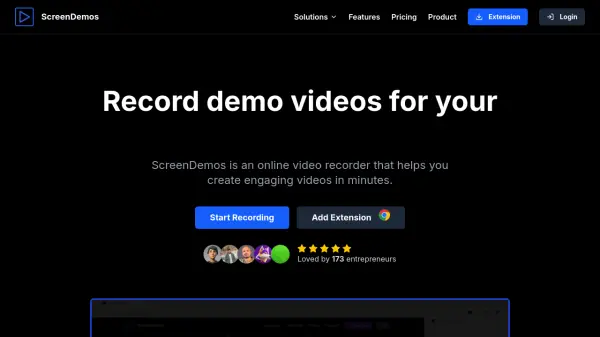
Whiteboard Recorder provides a comprehensive browser-based platform for creating visual explanations and recordings without any downloads or installations. It integrates professional drawing tools with screen recording capabilities, allowing users to sketch ideas, add webcam overlays, and record presentations in a single workflow.
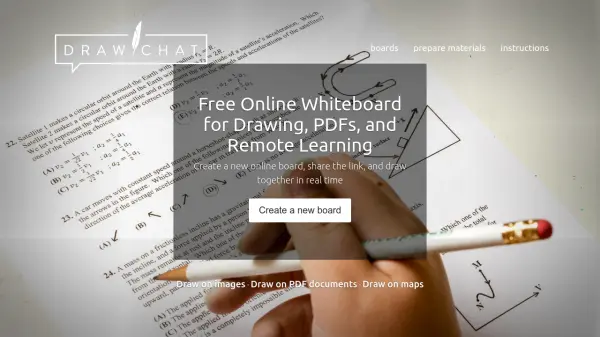
The tool offers unlimited creative canvas with shapes, arrows, text, and image insertion, along with multi-tab organization for complex projects. All content syncs to the cloud for instant sharing through links, eliminating the need for file uploads or email attachments.
Features
- Unlimited Creative Canvas: Professional drawing tools including shapes, arrows, text, and image insertion with multiple tabs for organizing presentations
- Professional Video Recording: High-quality screen captures with integrated webcam overlay for presenting alongside whiteboard content
- Instant Cloud Sync & Sharing: Save work to cloud and generate shareable links instantly without file uploads or email attachments
- Browser-Based, Zero Setup: Access instantly from any modern browser without downloads or installations
- Multi-Tab Projects: Work across multiple whiteboards in one project for structured lessons or tutorials
Use Cases
- Creating educational tutorials with live diagrams and recorded explanations
- Recording product feature walkthroughs and design explanations for teams or clients
- Making YouTube videos or online courses with integrated screen recording
- Brainstorming and collaborating on ideas with cloud-based sharing
- Delivering presentations with personal webcam overlay for audience engagement
FAQs
-
What video formats are supported for download?
Recordings are saved as WebM files, which are compatible with all major video platforms and devices. Images can be downloaded as PNG files for maximum quality and compatibility.