

What is Explain Everything?
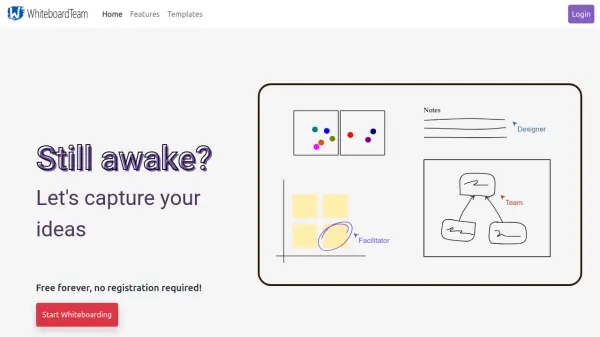
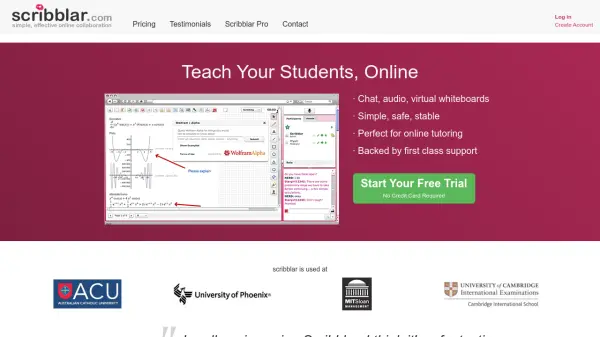
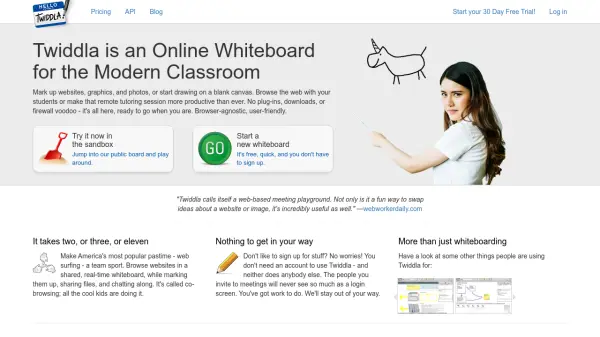
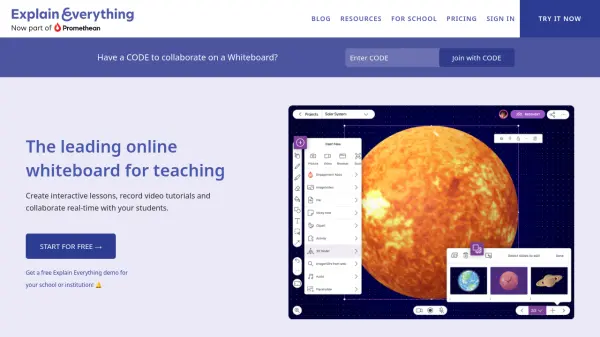
Explain Everything is a comprehensive online whiteboard solution crafted to enhance teaching and learning experiences. The platform enables users to create interactive presentations, import existing resources, and record instructional videos with ease. Whether used in classrooms, remote environments, or hybrid teaching models, it provides flexibility to educators for lesson planning, assignments, and engaging instructional delivery.
With built-in multimedia support, collaborative features, and seamless integrations with popular learning management systems, Explain Everything supports effective group work and presentation creation. Its feature-rich environment supports synchronous and asynchronous collaboration, making it suitable for educators, tutors, trainers, and corporate teams aiming to deliver engaging, interactive content.
Features
- Interactive Whiteboard: Create, draw, and annotate with a wide range of creative tools.
- Video Recording and Editing: Turn presentations into tutorial videos with recording and built-in editing tools.
- Real-Time Collaboration: Work synchronously or asynchronously with students or colleagues on projects.
- Template Library: Access to ready-made templates for lessons, planning, and creative projects.
- Multimedia Support: Import and work with PDFs, images, audio, and videos.
- LMS Integration: Integrates with major learning management systems for content sharing and assignment submission.
- Cloud Storage: Save and share projects with built-in cloud storage and external integrations.
- Polling and Engagement Apps: Include polls, timers, and spinners to increase interactivity.
- Voice Chat: Communicate with collaborators directly within the whiteboard.
- Infinite Canvas: Unlimited space for brainstorming, teaching, and presentations.
Use Cases
- Creating interactive lessons and instructional videos for classroom or remote teaching.
- Facilitating real-time group assignments and student collaboration.
- Planning and delivering engaging online tutorials or explainer videos.
- Providing personalized tutoring sessions with live feedback and collaborative editing.
- Conducting business presentations and workshops with interactive whiteboarding.
- Integrating with LMS for seamless assignment distribution and submission.
- Supporting professional development and staff training remotely.
FAQs
-
What is included with the free plan?
The free plan includes all creative whiteboarding tools, up to 3 projects, 1 slide per project, video exports up to 3 minutes long, basic collaboration, and 500 MB cloud storage. -
Can users collaborate without having an account?
It is recommended for all users to have accounts, but users without an account can join a collaborative session if an account holder is present in the project. -
Are there integrations with learning management systems?
Yes, Explain Everything integrates with popular LMS platforms such as Canvas, Schoology, Moodle, and Blackboard for assignments and content sharing. -
Is Explain Everything compliant with education regulations?
Yes, the platform is compliant with major data privacy regulations such as GDPR and FERPA. -
What happens to content when a subscription is canceled?
If a subscription is canceled and downgraded to the free plan, users must reduce their project count to the free account limits, but projects and videos can be downloaded for backup.