What is Text Behind Picture?
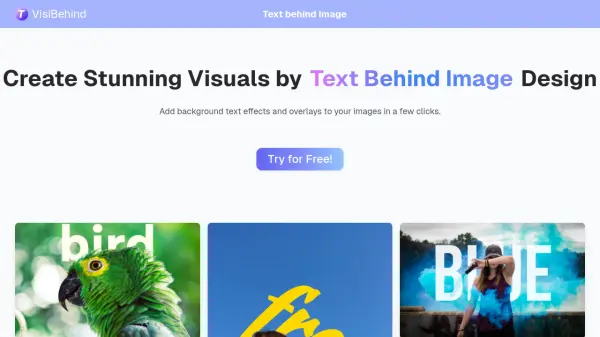
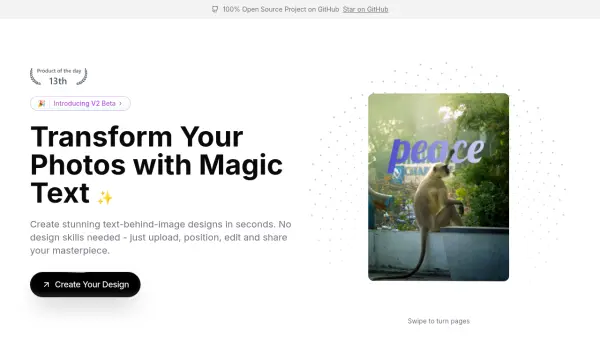
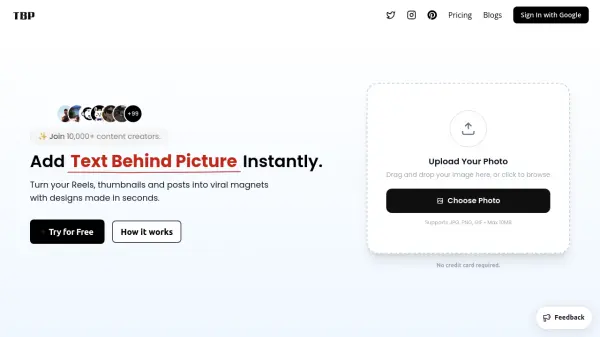
Text Behind Picture is an AI-powered online design tool that enables content creators to generate professional-looking text-behind-image effects without requiring design skills or complex software. The platform uses artificial intelligence to automatically detect subjects in uploaded photos and layer text between the foreground and background, creating depth and visual intrigue that captures audience attention.
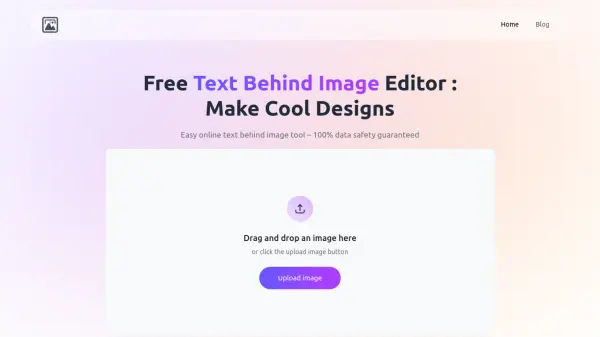
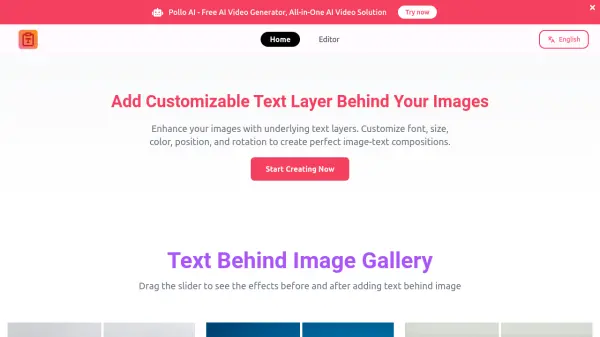
The tool supports JPG, PNG, and WebP formats with a maximum file size of 20MB and offers a browser-based interface that works seamlessly across mobile phones, tablets, and desktop computers. With over 250+ fonts available and customization options for text color, size, rotation, and positioning, users can create viral-worthy designs for various social media platforms including YouTube, Instagram, TikTok, and Pinterest in under 60 seconds.
Features
- AI-Powered Object Detection: Automatically detects subjects in uploaded photos to create text-behind-image effects
- Extensive Font Library: Access to 250+ fonts with customization options for color, size, rotation, and positioning
- Browser-Based Platform: Works on mobile phones, tablets, and desktop computers without software installation
- Fast Processing: Most designs are completed in under 60 seconds
- Multiple Format Support: Accepts JPG, PNG, and WebP formats up to 20MB file size
Use Cases
- Creating YouTube thumbnails with text behind subjects
- Designing Instagram Reel covers with layered typography
- Producing TikTok visuals that attract attention
- Developing social media graphics with depth and style
- Making Pinterest pins with editorial-quality composition
FAQs
-
What image formats does Text Behind Picture support?
Text Behind Picture supports JPG, PNG, and WebP formats with a maximum file size of 20MB. -
Does Text Behind Picture store processed images?
No, images are processed in real-time and deleted from servers immediately after the operation is complete for user privacy. -
Can Text Behind Picture be used for YouTube thumbnails?
Yes, YouTube thumbnails are one of the most popular use cases, as the text-behind-subject effect creates depth and visual intrigue that increases click-through rates. -
What does the Creator plan include?
The Creator plan includes 1,000 image credits, access to 250+ premium fonts, watermark-free exports, early access to new features, and priority support for $9 per year. -
Is there a refund policy for the Creator plan?
Due to the nature of digital services, refunds are not offered, but users can contact support for assistance with any account issues.