What is Text Behind Image?
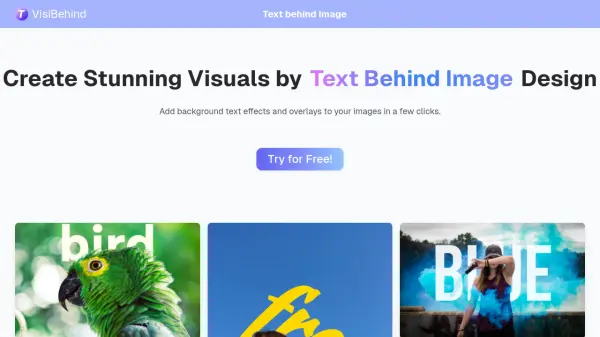
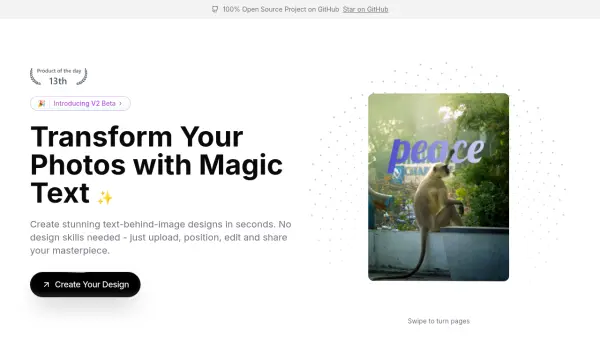
Text Behind Image allows users to enhance images by embedding customizable text layers beneath them. The tool offers flexible text positioning and a wide array of customization options, including font, size, color, position, and rotation. Users can easily upload images, add and style text, and maintain image quality with non-destructive editing. The platform supports easy export in various formats, making it suitable for both digital and print projects.
This solution is valuable for creative design, educational materials, artistic typography, and image attribution, providing precise control over how text and images blend. Its intuitive interface and real-time preview make text-image composition accessible to users of all levels.
Features
- Flexible Text Positioning: Precisely place text layers behind images with adjustable position, rotation, and alignment.
- Rich Text Customization: Alter font, size, color, and style for fully tailored text-image compositions.
- Non-Destructive Editing: Add and adjust text layers without impacting original image quality.
- Easy Export: Download finished images with text layers in various formats for digital or print use.
- Real-Time Preview: Instantly view changes to text layering as you customize properties.
Use Cases
- Creating unique visual compositions for design projects.
- Adding copyright or attribution text beneath images for publishing.
- Designing educational visuals with explanatory text.
- Crafting artistic typographic images.
- Preparing images with hidden text layers for enhanced branding.
FAQs
-
How can I customize the text layer?
You can customize the text layer by adjusting the font, size, color, position, and rotation, allowing for full creative control over your image composition. -
What image formats are supported?
The tool supports all major image formats, making it convenient to work with most files. -
Can I edit the text layer after saving?
Yes, you can make adjustments to the text layer at any time without affecting the original image quality. -
Is this suitable for both digital and print use?
Yes, you can export your images with text layers in multiple formats, making them useful for digital and print applications.