
What is Text Behind Image Studio?
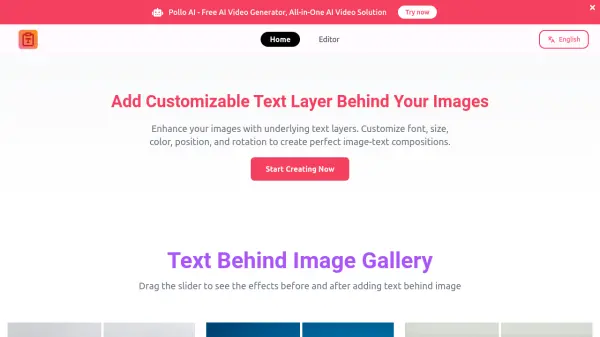
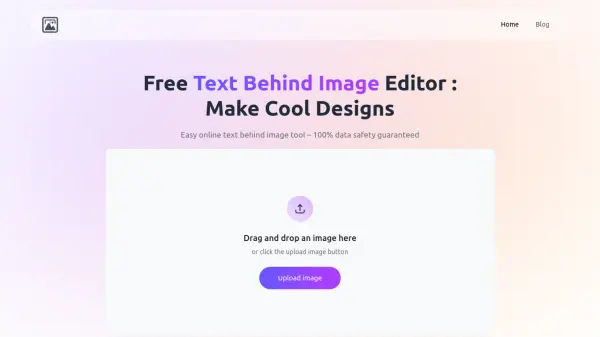
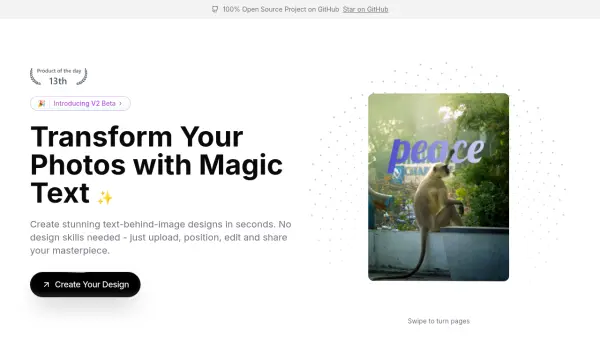
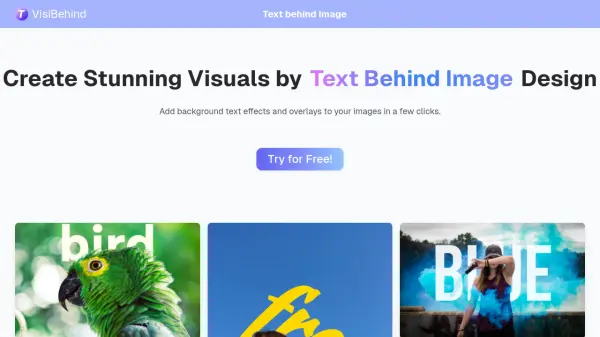
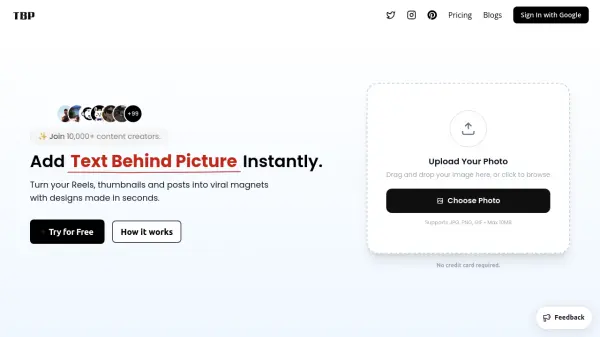
Text Behind Image Studio is an online design tool that enables users to add text behind images effortlessly. It eliminates the need for complex software like Photoshop by providing a straightforward, layer-free interface. Users can upload images, position text behind objects, and customize fonts, colors, and effects in seconds, making it ideal for both beginners and professionals seeking fast, high-quality results.
The platform includes features such as drawing tools, border effects like StrokeUp, and advanced layering capabilities for placing images behind images. With real-time previews and no registration required, it offers a stress-free creative experience. All designs can be exported without watermarks, ensuring clean, professional outputs for various projects.
Features
- Text Behind Effect: Automatically position text behind any object without manual masking or layers
- Image Behind Image: Upload multiple background images with smart layer management and 3D tilt effects
- Drawing Tools: Sketch directly onto photos with brush tools for added creativity
- Style Customization: Add borders, change colors, apply gradients, and use exclusive StrokeUp effects
- Export Options: Download designs in clean resolution without watermarks or delays
Use Cases
- Creating social media graphics with text-behind-image effects
- Designing marketing materials for businesses or clients
- Enhancing school projects or presentations with professional visuals
- Producing quick edits for personal photos or creative projects
- Developing layered designs for websites or digital content
FAQs
-
Is Text Behind Image Studio completely free to use?
Yes, it is 100% free with no sign-up required and no hidden costs. -
Can I use this tool without creating an account?
Yes, no registration or account creation is needed to start creating. -
Does the tool add watermarks to exported images?
No, exports are clean with no watermarks. -
What file formats are supported for upload and export?
The tool supports common image formats for upload and export, though specific formats are not detailed on the homepage. -
Is there a limit to the number of images I can upload?
No, you can upload multiple images for layering without restrictions mentioned.