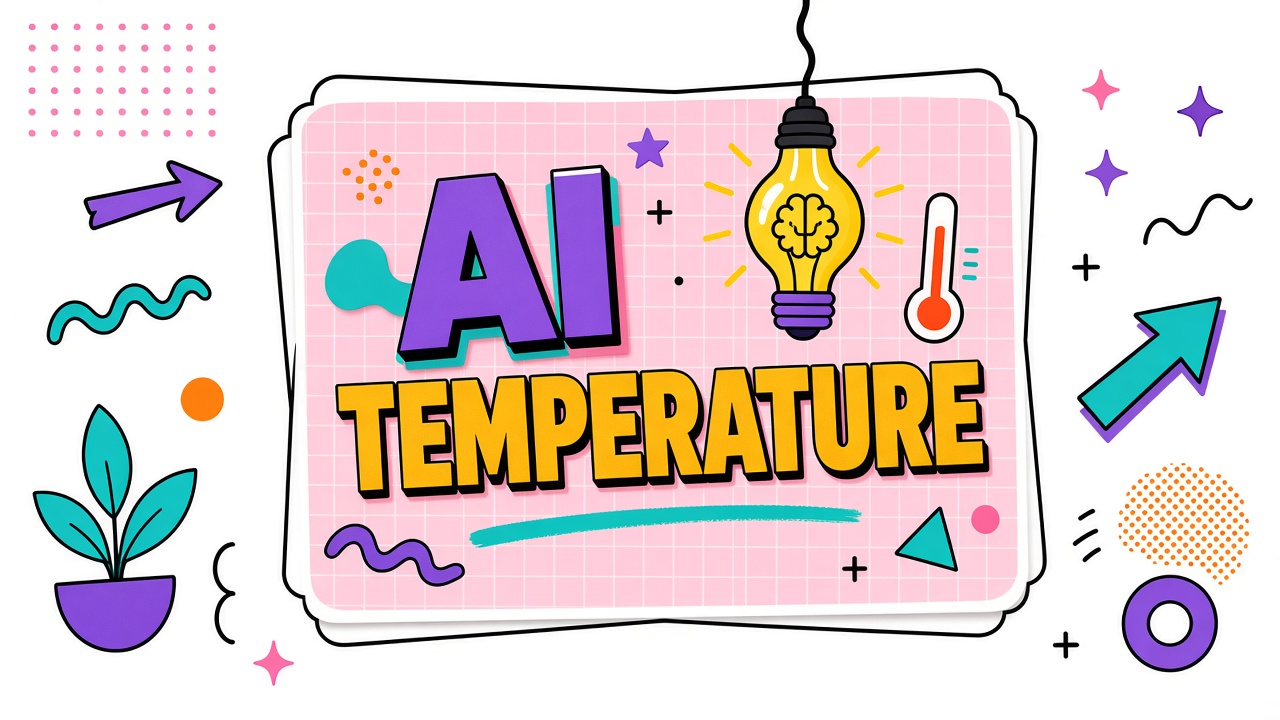
You run the same prompt twice and get two different taglines. Your teammate runs it and gets a third. Nothing is "broken." Most models sample probabilistically, and temperature in AI controls how much randomness enters that sampling. Understanding the slider explains why identical prompts diverge and which tasks need strict repeatability.
This guide defines the temperature parameter, compares low vs high settings, recommends ranges by task, and covers where temperature appears in AI writing and AI image generator tools. You will also learn how temperature interacts with top-p and seed settings.
What Is Temperature in AI Models?
Temperature is a hyperparameter that scales the logits (raw scores) before the model converts them into a probability distribution for the next token. Low temperature sharpens the distribution toward the most likely tokens. High temperature flattens it, giving unlikely tokens more chance to be selected. The result: low temperature outputs look focused and repetitive-friendly; high temperature outputs look varied and sometimes surprising.
Temperature does not change model knowledge. It changes selection randomness at generation time. That is why AI creativity vs accuracy tradeoffs often start with temperature before you change models or prompts.
Low vs High Temperature Behavior
| Setting | Typical range | Output character | Risk |
|---|---|---|---|
| Low | 0.0 to 0.3 | Deterministic, literal, formulaic | Repetitive phrasing; may miss creative angles |
| Medium | 0.4 to 0.7 | Balanced variation for general chat | Still drifts run to run on long outputs |
| High | 0.8 to 1.2+ | Creative, diverse, exploratory | More hallucination risk on factual tasks |
Recommended Temperature Ranges by Task Type
| Task | Suggested temperature | Notes |
|---|---|---|
| JSON extraction / classification | 0.0 to 0.2 | Pair with schema validation |
| Code generation | 0.1 to 0.3 | Higher temps introduce subtle bugs |
| Support macros / policy answers | 0.2 to 0.4 | Consistency beats flair |
| Blog drafts and marketing copy | 0.6 to 0.9 | Use AI writing tools with tone presets |
| Brainstorming / naming | 0.8 to 1.1 | Generate many options, filter manually |
| Image prompt expansion | Varies by product | Image samplers use different knobs; see generator docs |
Where Temperature Appears in Tool UIs
API consoles expose temperature on chat completion endpoints. Some consumer chat apps hide it behind "creative / balanced / precise" modes. Image generators often label similar concepts as "creativity," "chaos," or sampler settings (DDIM, Euler) rather than temperature literally. When comparing tools, map UI labels to underlying randomness controls in documentation.
AI Creativity vs Accuracy: Finding the Balance
The AI creativity vs accuracy tradeoff is temperature in plain language. Legal summaries, SQL generation, and JSON extraction need low randomness so outputs parse reliably. Campaign taglines and mood-board prompts benefit from higher variation across runs. Teams that complain "the model feels robotic" often run temperature near zero for tasks that should be medium; teams that complain "it makes things up" often run high temperature on factual tasks.
AI writing products sometimes hide temperature behind personas: "Precise" maps to low, "Creative" maps to high. Document the mapping for your org so support macros and API scripts stay consistent when marketers switch UI modes.
Temperature and randomness in image generators
AI image generators use different parameter names (seed, chaos, stylize) but solve the same problem: exploration vs repeatability. Lock seed when iterating composition; raise variation when hunting new styles. Do not assume LLM temperature docs apply verbatim to diffusion samplers.
Temperature vs Top-p vs Seed
Top-p (nucleus sampling): Limits sampling to the smallest set of tokens whose cumulative probability exceeds p. Often used together with temperature; lowering either reduces randomness.
Seed: Fixes the random number generator state so sampling becomes reproducible given identical prompts and model versions. Seeds help regression tests; they do not guarantee identical output across vendor updates or hardware.
Rule of thumb: tune temperature first for task fit, then adjust top-p if outputs feel too flat or too chaotic, then set seed when you need repeatable CI tests.
Frequently Asked Questions
Why does the same prompt give different answers?
Non-zero temperature, top-p sampling, model updates, and context differences all introduce variation. Set temperature to 0 (if supported) and fix seed for maximum repeatability; still verify after vendor model bumps.
What temperature do tools use by default?
Many chat APIs default near 0.7 to 1.0 for conversational feel. Enterprise extraction pipelines often override to 0. Check your project's API wrapper; frameworks sometimes silently set defaults.
Is temperature only for LLMs?
The term originated in language model sampling but analogous randomness controls exist in diffusion image models and audio generators under different names. Always read the specific temperature parameter LLM or sampler docs for your product.
How do I get reproducible output in production?
Use low temperature, tight top-p, fixed seed where supported, pinned model version, and structured output modes. Log all sampling parameters per request for debugging drift.
Does high temperature cause hallucinations?
High temperature increases the chance the model selects less likely tokens, which can weave incorrect facts or odd phrasing on knowledge tasks. Creativity tasks tolerate this; compliance tasks should not.
AI Temperature Setting Explained for API Teams
When AI temperature setting explained to engineers, emphasize that temperature applies at token sampling time on each generated token (or equivalent step in non-autoregressive models). Changing temperature mid-conversation is uncommon; most APIs set it once per request. Wrapper libraries that omit temperature often inherit vendor defaults near 1.0, which surprises teams expecting deterministic JSON.
Build an internal defaults table by task and pin it in your SDK. Document exceptions when product managers override for campaigns. Regression tests should assert sampling parameters in logged metadata so incident reviews can distinguish model upgrades from accidental temperature changes.
Temperature parameter LLM interactions with system prompts
The temperature parameter LLM interacts with system instructions: a strict system prompt plus high temperature may still produce creative wording while violating format less often than expected, or vice versa. Test combinations on your tasks instead of assuming system text fully constrains randomness.
Temperature by Use Case: Worked Examples
Example A: extracting invoice fields into JSON for ERP import. Use temperature 0.0 to 0.1, strict schema validation, retry on parse failure. Example B: generating ten ad headline variants. Use temperature 0.8 to 1.0, manual curator picks top two. Example C: drafting executive summary from earnings call transcript. Use temperature 0.3 to 0.5, require bullet structure, human editor verifies numbers against source. Example D: brainstorming feature names. Use temperature 1.0+, dedupe semantically similar results in post-processing.
Log temperature with each saved prompt template in your writing toolchain so freelancers do not inherit mystery defaults from shared accounts.
What Is Temperature in AI? Quick Reference
What is temperature in AI in one line: a sampling knob that trades predictability for variety. Near zero: choose the most likely tokens. Higher: explore less likely tokens. It does not increase factual knowledge; it changes how the model expresses what it already might say. Pair temperature choices with evaluation suites on your tasks, not with generic creativity stereotypes.
Troubleshooting Temperature Issues
Symptom: outputs vary wildly run to run. Check temperature and top-p, then seed. Symptom: outputs feel repetitive. Temperature may be too low or prompt too narrow. Symptom: JSON frequently invalid. Lower temperature and add schema enforcement outside the model. Symptom: marketing copy feels bland. Raise temperature slightly or increase number of samples generated for human curation. Document fixes per task in your internal runbook so new hires do not toggle randomness blindly.
Auditing Hidden Temperature Defaults
Audit every internal service wrapper, Zapier flow, and no-code integration for implicit temperature defaults. Low-code tools often omit the parameter entirely, inheriting vendor baselines near 1.0 while engineers assume deterministic behavior. Publish an org chart of approved defaults by integration type and enforce via lint rules in CI for internal SDKs.
Run quarterly regression tests with fixed seeds on critical prompts after vendor model updates. Temperature interacts with new tokenizers and logits processing in ways release notes rarely document. A stable temperature setting does not guarantee stable output across model versions; treat upgrades as retuning events for high-stakes templates.
What does temperature 0 mean?
Temperature 0 (or nearest supported value) selects the highest-probability token at each step, maximizing determinism within one model version. Some frameworks use greedy decoding instead of literal zero. Outputs can still differ across model updates or hardware.
Where is temperature in ChatGPT?
Consumer ChatGPT hides numeric temperature behind modes and model picks. API and many enterprise consoles expose the parameter directly. Check your interface; assumptions from API docs may not match the app your marketing team uses daily.
Does temperature apply to image models?
Image and video tools use different noise schedules and sampler settings. Conceptually similar tradeoffs apply: more randomness explores layout and style; less randomness repeats composition. Read product-specific docs rather than copying LLM temperature numbers directly.
Store temperature, top-p, and seed alongside prompt version IDs in your experiment tracker. Reproducibility disputes between data science and marketing are easier to settle when sampling metadata is logged per run.
Include temperature in your prompt style guide next to voice and length rules so contractors and agencies inherit the same sampling defaults as full-time staff using shared API keys organization-wide.
The Bottom Line
Temperature controls randomness in how AI models pick the next token. Low settings favor accuracy and structure; high settings favor variety and creative phrasing. Match temperature to task type, combine with top-p and seeds when you need reproducibility, and remember that consumer apps may hide the numeric slider behind plain-language modes on both writing and image products.