TextBehind.App favicon

TextBehind.App
Put Text Behind People in Your Images - FREE

What is TextBehind.App?

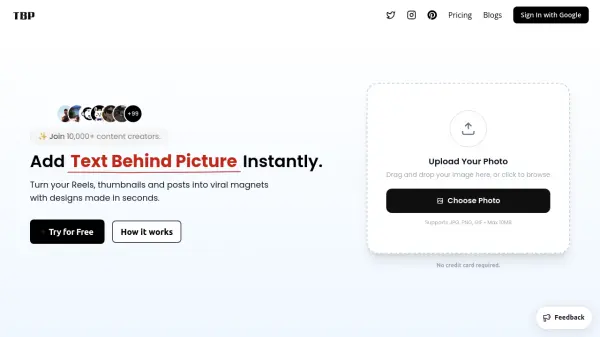
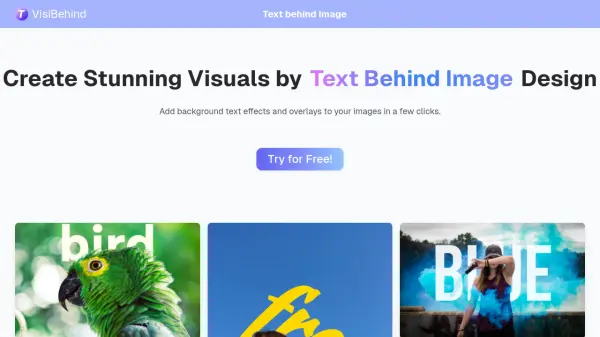
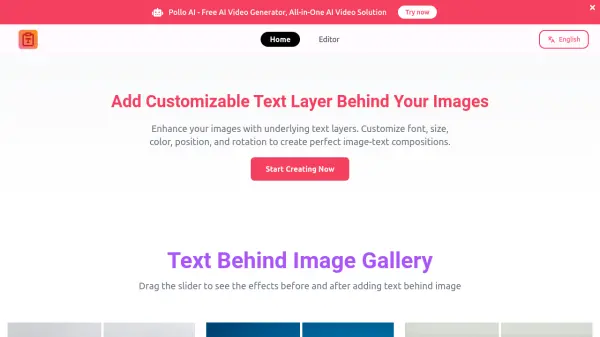
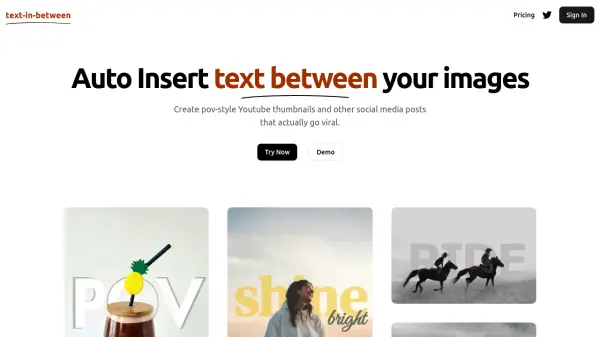
TextBehind.App leverages advanced artificial intelligence to detect subjects within images and automatically position text behind them. This process creates visually striking effects where text appears to be layered behind people or objects, resulting in professional-looking designs without requiring complex editing software.

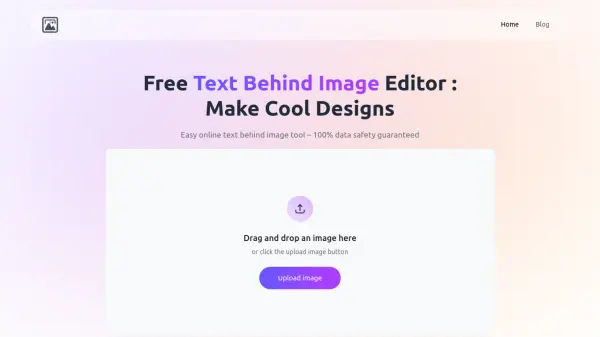
The tool operates entirely within a web browser, eliminating the need for downloads or installations. Users can quickly generate high-quality images with readable text that maintains clarity on various screen sizes, from mobile devices to desktop displays. The platform supports multiple export formats including PNG, JPG, and WebP, with options for HD quality output.

Features

  • AI-Powered Detection: Advanced AI automatically detects subjects to place text behind them
  • Instant Results: Create professional effects in seconds directly in your browser
  • No Watermarks: Export images without any watermarks for clean results
  • HD Export: Download images in high-definition quality formats
  • Multiple Export Formats: Support for PNG, JPG, and WebP file formats
  • Browser-Based: Works instantly in your browser without downloads or installations

Use Cases

  • Creating YouTube thumbnails with text behind subjects
  • Designing Instagram posts with layered text effects
  • Producing Shorts and Reels covers with vertical framing
  • Making gaming thumbnails with readable text overlays
  • Creating fitness content thumbnails
  • Designing beauty and makeup tutorial covers
  • Developing educational and how-to video thumbnails
  • Batch exporting multiple social media covers efficiently

Related Tools:

Blogs:

  • Best text to speech AI tools

    Best text to speech AI tools

    Text-to-speech (TTS) AI tools are designed to convert written or text-based content into natural-sounding spoken audio. These tools utilize various deep learning and neural network architectures to generate human-like speech from textual input.

  • Top AI tools for Teachers

    Top AI tools for Teachers

    Explore the top AI tools designed for teachers, revolutionizing the education landscape. These innovative tools leverage artificial intelligence to enhance teaching efficiency, personalize learning experiences, automate administrative tasks, and provide valuable insights, empowering educators to create engaging and effective educational environments.

  • Top 6 AI note-taking tools for 2026: in-person, online, and hybrid use cases

    Top 6 AI note-taking tools for 2026: in-person, online, and hybrid use cases

    Most AI note-taking lists are really lists of meeting bots, which join your video call and transcribe it. That's useful, but it's half the picture. Decisions happen in hallway conversations, client dinners, on-site visits, and hybrid rooms where nobody is on a video link. This guide covers different parts of the note-taking workflow: hardware capture for in-person settings, platform-native tools for online calls, and AI layers for organizing and synthesizing what you've captured. It compares six tools by capture context, workflow fit, pricing, and limitations.

Didn't find tool you were looking for?

Be as detailed as possible for better results