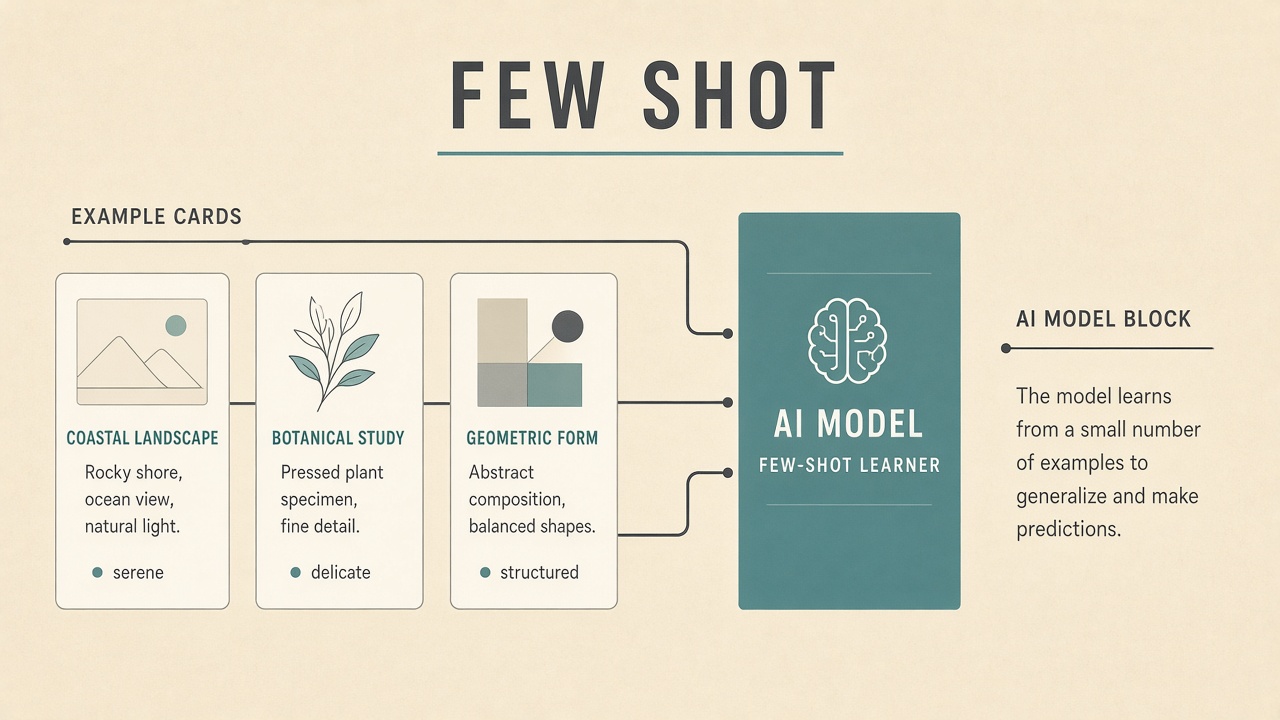
Support wants the chatbot to classify tickets into five custom categories using only twelve historical examples per label. Retraining a foundation model is overkill. Instead, engineers paste three to five labeled pairs into the prompt before each batch run. The model infers the labeling style and applies it to new tickets. That is few shot learning AI in commercial tools: adapt behavior from a small set of demonstrations without a full fine-tuning project. Teams building on AI code assistants use few-shot prompts for JSON extraction templates, while AI voice products may few-shot intent labels before collecting enough audio for custom acoustic models.
Zero, One, and Few-Shot Definitions
Zero-shot learning uses instructions only; one-shot adds a single input-output example; few-shot adds several examples (typically three to ten) so the model infers the task format and decision boundaries. These terms describe inference-time prompting for large language models, distinct from classical few-shot learning in computer vision where models generalize to new classes from limited labeled images.
| Mode | Examples in prompt | Best when |
|---|---|---|
| Zero-shot | 0 | Common tasks (summarize, translate) |
| One-shot | 1 | Showing exact output format |
| Few-shot | 3 to 10+ | Custom labels, niche schemas, tone matching |
In-Context Learning vs Weight Updates
Few-shot prompting is in-context learning: examples live in the prompt and disappear after the session unless stored; fine-tuning and adapter methods (LoRA) update model weights persistently from many more examples. In-context few-shot is fast to iterate but consumes context window tokens and may leak example data to model providers depending on API data policies. Weight updates cost engineering time and GPU hours but remove examples from every request and can improve consistency at scale.
When to stay in-context
- Prototype phase with under fifty labeled items
- Task changes weekly and examples churn
- Low volume internal tooling
- Provider prohibits or discourages fine-tuning on your tier
When to move beyond few-shot prompts
- Thousands of daily classifications needing stable latency
- Examples too large to fit in context alongside user content
- Strict requirement to keep training data out of inference prompts
- Measured accuracy plateau despite curated shots
Choosing and Ordering Examples
High-quality few-shot examples should be diverse, correctly labeled, representative of edge cases, and free of contradictions; order bias means later examples sometimes influence outputs more strongly. Include one ambiguous case with the resolved label to teach nuance. Match example difficulty to production inputs: if real tickets include typos, few-shot lines should too.
- Cover each output class at least once.
- Keep formatting identical across examples (JSON keys, label spelling).
- Remove outdated policy labels before deployment.
- Rotate examples in eval sets to detect overfitting to a specific trio of shots.
Failure Modes of Few-Shot Learning
Few-shot setups fail when examples contradict each other, labels are inconsistent, the task needs more context than fits in the window, or the base model lacks prior knowledge for the domain. Models may mimic superficial patterns (always pick the longest option) or ignore instructions when examples suggest a different behavior. Long few-shot prefixes also increase cost and latency linearly.
| Symptom | Likely cause | Fix |
|---|---|---|
| Always same label | Class imbalance in shots | Balance examples per class |
| Invalid JSON | Examples omit edge fields | Add schema and negative example |
| Drift after policy change | Stale demonstrations | Version example library |
| High token bills | Huge few-shot blocks | Compress examples or fine-tune |
Enterprise Guardrails for Few-Shot
Enterprises should treat few-shot libraries as controlled configuration: access-restricted, audited, scanned for PII, and tested in CI like code. Do not paste customer records into shared prompts without redaction. Log which example set version served each production response for incident replay. Align with data processing agreements: some providers train on API inputs unless zero-retention tiers are contracted.
How vendors expose few-shot
- Playground example panels: Saved shots attached to prompt templates.
- Dynamic example retrieval: Select nearest labeled cases from a vector index (meta few-shot).
- Classifier APIs: Upload labeled CSV once, hide shots from end-user prompts.
Few-Shot in Product UIs
Vendors expose few-shot learning through example libraries, "teach mode" wizards, and dynamic retrieval of similar labeled cases without showing raw shots to end users. Salesforce Einstein, Zendesk auto-triage, and custom GPT actions often let admins upload labeled tickets that become hidden demonstrations. Buyers should ask whether examples are visible in API logs sent to third-party model providers.
Dynamic few-shot selection
Instead of static examples in every prompt, systems embed a labeled example bank and retrieve the three nearest neighbors to the current input via vector similarity. This scales libraries beyond context limits but introduces retrieval errors when the wrong neighbor is chosen. Monitor neighbor distance thresholds and fall back to zero-shot instructions when similarity is low.
Measuring Few-Shot ROI
Track accuracy lift, cost per classified item, time-to-update when labels change, and reviewer override rate before and after adding few-shot examples. A five-point accuracy gain on ten thousand daily tickets may justify example curation; a half-point gain may not cover token overhead.
| Metric | Healthy signal | Warning signal |
|---|---|---|
| Override rate | Falling week over week | Flat despite new examples |
| Latency p95 | Stable after shot additions | Linear growth with shots |
| Example age | Reviewed quarterly | Contains deprecated labels |
Relation to zero-shot and one-shot
Teams often try zero-shot first, add one-shot for format, then expand to few-shot when accuracy plateaus. Comparing all three on the same holdout set prevents over-investing in example curation when clearer instructions would suffice. Document which mode each production workflow uses so incident responders know whether to update prompts or example libraries.
Frequently Asked Questions
How many examples count as "few"?
In LLM product language, few-shot usually means roughly three to ten demonstrations, though some teams push dozens until context limits bite. More examples help until noise and cost dominate; measure on your validation set.
Is few-shot cheaper than fine-tuning?
Few-shot avoids upfront training cost but repeats example tokens every call; at high volume fine-tuning or distillation often wins economically. Run a break-even analysis on monthly query count.
Can few-shot examples leak secrets?
Yes, examples embedded in prompts may appear in logs, support escalations, or provider retention pipelines. Use synthetic or anonymized demonstrations in shared environments.
Does few-shot work for images and audio?
Multimodal models accept few-shot image or audio pairs in context for classification and parsing tasks, subject to the same context and privacy constraints as text. Quality depends on modality-specific pre-training coverage.
How do we evaluate few-shot quality?
Hold out labeled items not used as shots, sweep example sets, and track accuracy and calibration across demographic or product slices. A single lucky trio of examples can inflate demo performance.
Few-Shot for Structured Outputs
JSON, CSV, and XML extraction tasks benefit from few-shot examples that show nullable fields, enum values, and error cases where input is incomplete. Pair examples with a machine-readable schema in the instruction block. Validate outputs with JSON Schema in application code; few-shot improves format compliance but does not replace server-side validation.
For multi-label classification, show examples with multiple labels active. For ranking tasks, demonstrate ordered lists with tie-breaking rules. Consistent key ordering in JSON examples reduces parse failures.
Prompt Engineering Tips for Few-Shot
Separate instructions from examples with clear delimiters, label each example consistently, and end with the new input alone so the model continues the pattern. Use XML tags or markdown headings (`## Example 1`) to reduce ambiguity. State output schema in the instruction block even when examples demonstrate it, so the model has a normative spec plus demonstrations.
For classification, include one borderline example showing why the harder label applies. For extraction, show empty fields when information is missing so the model learns abstention within the few-shot frame.
When Few-Shot Is Not Enough
Move beyond few-shot when accuracy plateaus after example curation, latency grows with example size, proprietary data cannot sit in prompts, or you need deterministic behavior across millions of requests. Signs include high reviewer override rates, inconsistent JSON keys, and sensitivity to example order across model upgrades. At that point, evaluate supervised fine-tuning, lightweight adapters, or rules-plus-LLM hybrids.
Team workflow for example libraries
Treat examples like configuration files in git: pull requests, reviewers, and changelog entries when labels shift. Assign a domain owner (support lead, legal ops) to approve new shots quarterly. Remove examples that encode outdated product names or deprecated SKUs.
Few-Shot in Code and Voice Tools
Code assistants use few-shot style when you paste two similar refactor examples before asking for a third file; voice intent classifiers use few labeled utterances before custom slot filling kicks in. The pattern is the same: demonstrate the mapping you want. For voice, background noise in examples should match production telephony; studio-clean few-shot utterances mislead the model on real calls.
Documentation for Ops Teams
Runbooks should list active example set version, owner, last review date, and rollback steps to prior examples if accuracy drops after a model provider upgrade. When OpenAI, Anthropic, or Google ship new model versions, rerun holdout evals because few-shot sensitivity to order and formatting can shift overnight. Keep a changelog entry every time examples change, linked to ticket IDs.
Pair ops documentation with automated nightly eval jobs that email stakeholders when holdout accuracy drops more than two points versus the prior week, triggering example review before users notice regressions.
Conclusion
Few shot learning AI explained for buyers is teaching task patterns through a handful of in-prompt examples rather than weight updates. Use few-shot to prototype custom formats and labels quickly, curate examples like production config with version control, measure ROI against zero-shot baselines, and graduate to fine-tuning or retrieval-based example selection when volume, privacy, or accuracy demands grow.