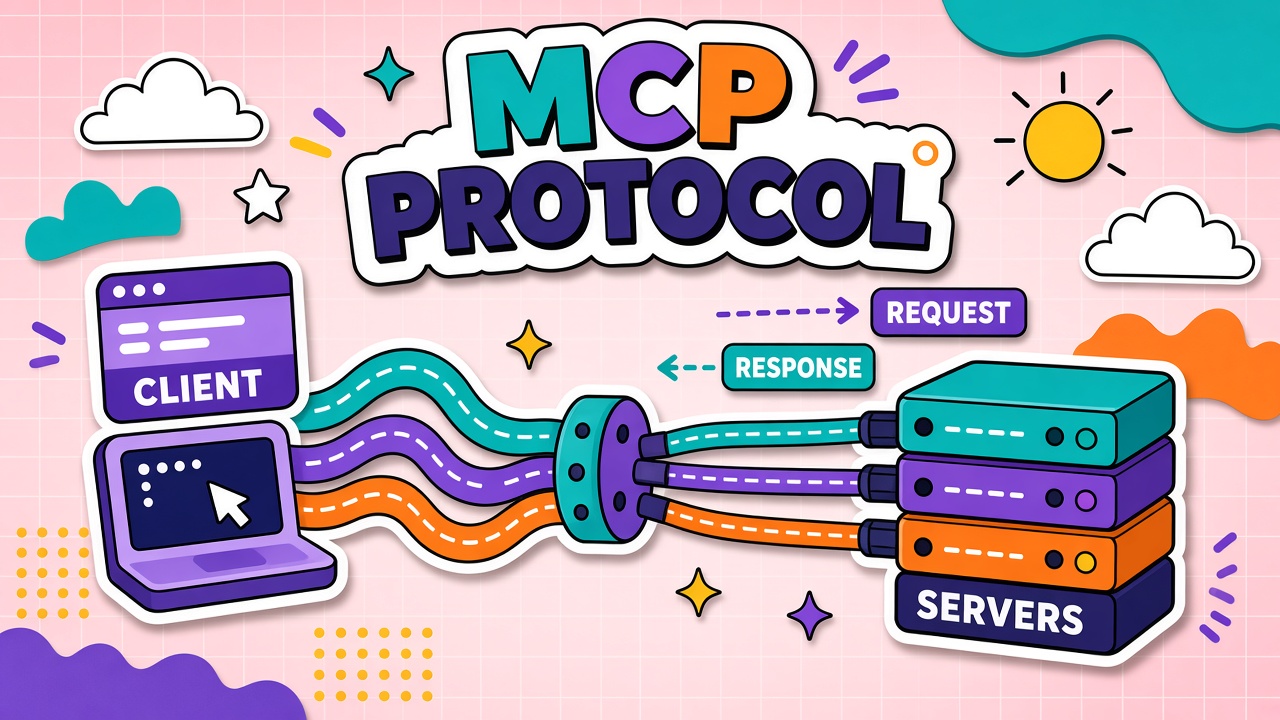
Your coding assistant can read local files. Your chatbot can search the web. Your IDE plugin can query a database. Each integration was probably built as a one-off connector with its own auth flow, schema, and error handling. That fragmentation is why every new data source requires custom engineering and why switching AI hosts means rebuilding integrations from scratch.
The Model Context Protocol (MCP) is an open standard, originally introduced by Anthropic in late 2024, that defines how AI applications (clients) connect to external data and tools (servers) through a shared protocol. Instead of N custom plugins per product, developers build MCP servers once and any compatible host can consume them. This guide explains MCP in one paragraph of depth, client and server roles, why interoperability matters, security considerations, how to evaluate MCP-enabled tools, and how MCP compares to older plugin models. Browse the MCP server directory and our popular MCP servers roundup for real install examples. If you build on APIs, start with AI API tools that document their integration layer before assuming MCP support is production-ready.
What Is MCP? Model Context Protocol in One Paragraph
MCP is a JSON-RPC-based protocol that lets AI hosts discover and invoke capabilities exposed by external servers. An MCP server can offer tools (callable functions), resources (readable data like files or records), and prompts (reusable templates). An MCP client embedded in the host application handles discovery, authentication, and message passing. The 2026 specification moved toward a stateless request-response core so remote servers can scale behind standard load balancers without session affinity.
Client, Server, and Resource Roles
Three actors appear in almost every MCP deployment. Understanding which component you control prevents confusion during vendor evaluations and security reviews.
| Role | What it does | Examples |
|---|---|---|
| MCP host | The AI application the user interacts with; runs the LLM and orchestrates connections | Claude Desktop, Cursor, custom agent platforms |
| MCP client | Library inside the host that speaks MCP to servers; injects tool schemas into model context | SDK client in Anthropic or community implementations |
| MCP server | Exposes tools, resources, or prompts from an external system | GitHub server, Postgres server, filesystem server, Slack server |
Tools, resources, and prompts on MCP servers
- Tools: Callable actions with defined parameters (create issue, run query, send message).
- Resources: Readable content the model can fetch (file contents, document URI, config snapshot).
- Prompts: Pre-built prompt templates the host can surface to users or the model.
Why MCP Matters for Tool Interoperability
Before MCP, each AI product invented its own plugin format. A connector built for one IDE did not work in another chat client. MCP replaces fragmented one-to-one integrations with a write-once, connect-many model. A team that ships an MCP server for their internal wiki can plug it into any host that supports the protocol without rewriting authentication or schema translation.
Directories and marketplaces now list MCP servers alongside traditional SaaS tools, which shifts buyer questions from "does this app integrate with ChatGPT" to "does this app expose an MCP server my host already supports." That is infrastructure-layer thinking, similar to how REST standardized web APIs a decade ago. Explore AI automation products that publish MCP server catalogs in their documentation.
Security Considerations for MCP Connections
MCP does not eliminate trust problems. It standardizes the pipe, not the permissions inside it. An MCP server with broad database write access connected to an agent with prompt-injection exposure can leak or corrupt data as readily as a bespoke integration would.
- Least privilege: Scope each server to the minimum tables, repos, or actions required.
- Auth boundaries: HTTP transports should follow MCP authorization framework; STDIO servers inherit OS credentials.
- Untrusted servers: Treat third-party MCP servers like third-party browser extensions; audit before connecting to production data.
- Prompt injection via resources: Retrieved MCP resources can contain hidden instructions; sanitize and isolate untrusted content.
- Logging and audit: Log every tool invocation with actor, arguments, and result status.
How to Evaluate MCP-Enabled Tools in Your Stack
When a vendor claims MCP support, ask concrete questions rather than accepting the badge alone.
- Which MCP specification version does the host implement (2025-03-26 vs 2026-07-28 stateless core)?
- Does the product ship official servers, or only act as a client consuming community servers?
- How are server credentials stored and rotated?
- Can admins restrict which MCP servers users may connect?
- What happens when a server is unreachable mid-agent-run?
- Is there a marketplace vetting process for third-party servers?
What is an MCP server?
An MCP server is a small program that exposes external data or actions to an AI host through the Model Context Protocol. The server advertises tools (callable functions), resources (readable files or records), and sometimes prompt templates. The host's MCP client discovers those capabilities and passes them to the model as structured context. Examples include a GitHub server that can open issues, a filesystem server that reads local files, and a Postgres server that runs read-only queries. Browse vetted listings in the EliteAI.tools MCP directory or see category picks in popular MCP servers for 2026.
Frequently Asked Questions
What does MCP mean?
MCP stands for Model Context Protocol, an open standard for connecting AI applications to external tools and data. "Model context" means the information the LLM can see beyond its training data: live files, database rows, API responses, and callable actions. MCP does not replace your APIs; it standardizes how AI hosts discover and invoke those connections.
What is an MCP server?
An MCP server is the connector side of the protocol: it runs beside your data source and speaks MCP to any compatible host. You install or deploy the server, grant scoped credentials, and the host lists available tools and resources automatically. Security review matters because a powerful server can read private repos or send messages on your behalf.
How is MCP different from ChatGPT plugins or function calling?
Function calling is a model capability: the LLM outputs structured tool requests. MCP is a transport and discovery layer that sits between the host and external systems. A host can use function calling internally while exposing MCP externally, or implement tools without MCP. MCP standardizes how servers advertise capabilities across products.
Do I still need a REST API if I build an MCP server?
Often yes. MCP servers frequently wrap existing APIs or databases. MCP is the AI-facing interface; your REST API may still serve web and mobile clients. Think of MCP as an adapter, not a replacement for your core backend.
Who maintains MCP?
MCP is an open-source project with contributions from Anthropic, AWS, Microsoft, and the broader community. The specification evolves through published RFC-style updates. Host and server implementers must track version compatibility.
Can MCP servers run locally or only in the cloud?
Both. STDIO transport suits local servers on a developer machine (filesystem, local git). HTTP transport suits remote managed servers behind load balancers. The 2026 stateless specification specifically targets cloud-scale remote deployments.
Should small teams adopt MCP now?
Adopt when you already run multiple AI hosts or plan to expose internal data to agents. Solo users on one chat product may not need MCP yet. The payoff rises with integration count and host diversity.
The Bottom Line
MCP is an open protocol connecting AI hosts to external tools and data through standardized servers. It reduces bespoke integration work and enables portable connectors across compatible products. Security, permissions, and prompt injection risks remain your responsibility. Evaluate MCP support by specification version, credential handling, and admin controls, not by logo placement on a landing page. Browse AI API and AI automation tools on EliteAI.tools with MCP interoperability on your checklist.