
What is Scribble Together?
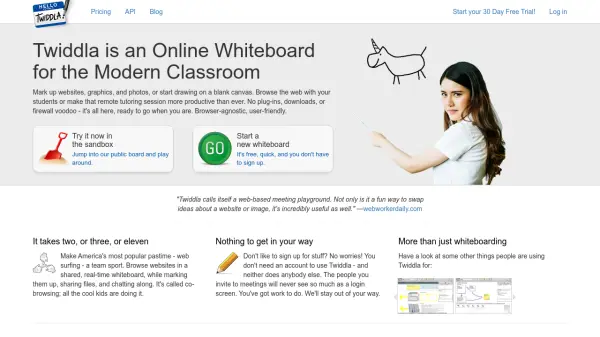
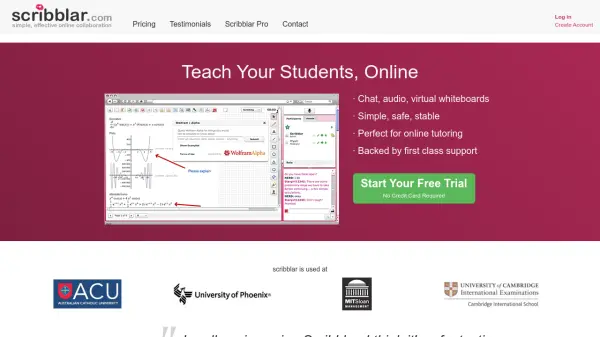
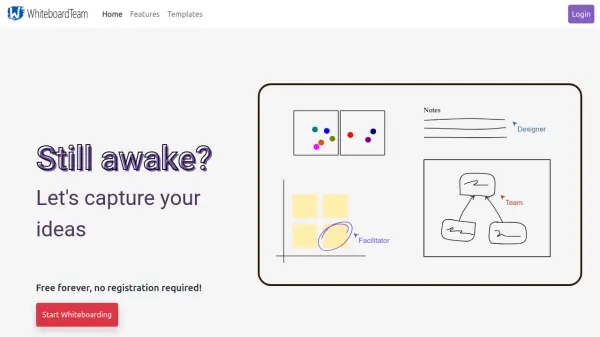
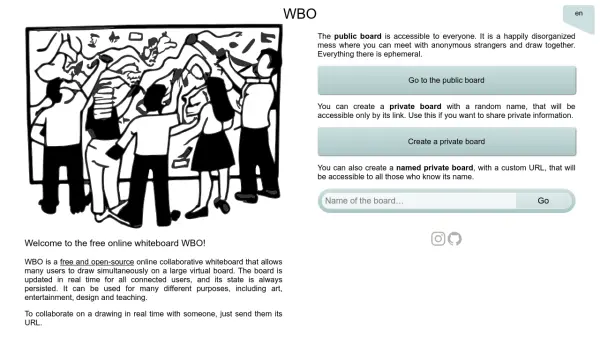
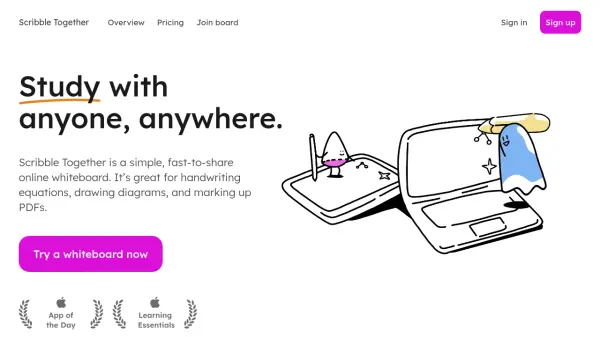
Scribble Together is a simple and fast-to-share online whiteboard designed for collaborative work. It facilitates handwriting equations, drawing diagrams, and marking up PDFs in real-time. The tool offers an intuitive interface with buttery drawing on iPad using Apple Pencil, making it ideal for remote interactions.
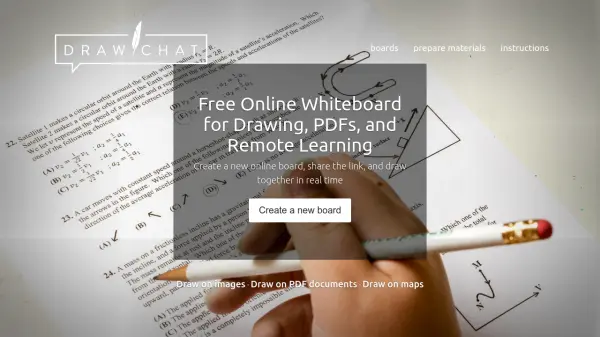
Users can import PDFs, annotate them, and export with all marks intact. It supports multiple platforms including Mac, Windows, Chromebook, Android, and iOS, with a native app optimized for iPad. Features include grid and graph papers, laser pointer functionality, infinite canvas, and controlled access via links or temporary codes. Guests can join without registration or payment, while members enjoy unlimited whiteboards and synced access across devices.
Features
- PDF Import and Export: Import PDFs for annotation and export them back with all marks included
- Cross-Platform Compatibility: Works on Mac, Windows, Chromebook, Android, and iOS with a native app for iPad
- Guest Access Without Registration: Share boards via links or temporary codes without requiring guests to sign up
- Infinite Canvas: Provides unlimited space for drawing and note-taking
- Grid and Graph Papers: Offers various backgrounds including graph, lined, dot-grid, and music staff papers
- Laser Pointer: Use disappearing bright ink for pointing and highlighting during discussions
- Real-Time Collaboration: Enable multiple users to scribble together simultaneously
- Device Synchronization: Access notes and drawings from any device with synced notebooks
Use Cases
- Remote math tutoring with real-time equation writing
- Collaborative diagram drawing for design teams
- Marking up PDFs for academic or business reviews
- Online teaching with interactive whiteboard sessions
- Study groups working on algorithms or physics problems
- Family homework assistance across distances
- Business meetings with visual brainstorming
- Creative drawing sessions with friends or colleagues
FAQs
-
How do I invite guests to a whiteboard?
You can invite guests by sending them a link or reading them a temporary 4-digit code, allowing controlled entry without registration. -
Can I use Scribble Together on multiple devices?
Yes, with a member subscription, you can access and sync your whiteboards across different devices including desktops and mobile devices. -
Is there a limit to the number of whiteboards I can create?
No, both free and paid plans offer unlimited whiteboards for creation and use. -
What platforms does Scribble Together support?
It supports web apps on Mac, Windows, Chromebook, and Android, with a native iOS app optimized for iPad and Apple Pencil.