What is reconfigured?
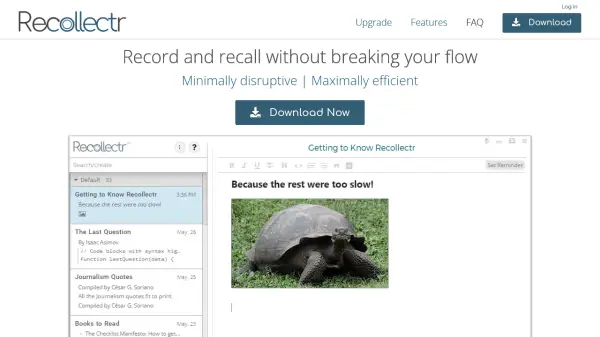
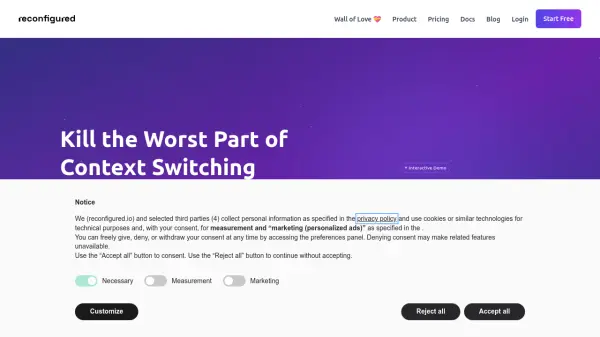
reconfigured is a quick-capture journal designed for individuals experiencing information overload from juggling multiple tabs, tasks, and tools. This native desktop application, available for macOS, Windows, and Linux, allows users to save ideas, thoughts, and project notes with a single shortcut, ensuring that valuable information is captured efficiently. The tool emphasizes privacy and performance by running directly on the user's computer.
Functioning as a 'second brain,' reconfigured aims to wire itself to the user's context, enabling them to retrieve saved information precisely when it's needed. It helps users organize their thinking, document important decisions, and connect context across their entire workflow. The platform supports core functionalities like note-taking, tagging, folder organization, and powerful search, with AI features integrated to enhance productivity and make sense of complex information.
Features
- Quick-Capture Journaling: Instantly save ideas and notes using a dedicated shortcut.
- Contextual Information Retrieval: Access relevant saved information exactly when and where you need it.
- Second Brain Functionality: Organize thoughts and knowledge effectively, acting as a personal digital brain.
- Native Desktop Application: Enjoy enhanced privacy and performance on macOS, Windows, and Linux platforms.
- Core Organizational Features: Utilize note-taking, tagging, folder organization, and powerful search to manage information.
- Integrated AI Capabilities: Leverage Basic AI features for improved productivity, with advanced Multi-Quest AI Chat in Pro plans.
Use Cases
- Managing information overload from multiple digital sources.
- Quickly capturing fleeting thoughts, ideas, and project feedback.
- Organizing thinking and important decisions effectively.
- Connecting context across various tasks and tools in a workflow.
- Improving individual focus and productivity by reducing context switching.
- Facilitating team collaboration through shared journaling (Team plan).
FAQs
-
Can I upgrade or downgrade my plan?
Yes, you can change your plan at any time. Your billing will be prorated accordingly. -
Is there a discount for annual billing?
Yes, you can save by choosing annual billing on our paid plans. -
Do you offer educational or non-profit discounts?
Yes, please contact our team at [email protected] for special pricing. -
What payment methods do you accept?
We accept all major credit cards and can arrange alternative payment methods for Enterprise customers. -
What are the core features included in all plans?
All plans include core features like note-taking, tagging, organizing in folders, powerful search, and basic AI functionalities.