What is QAReplay?
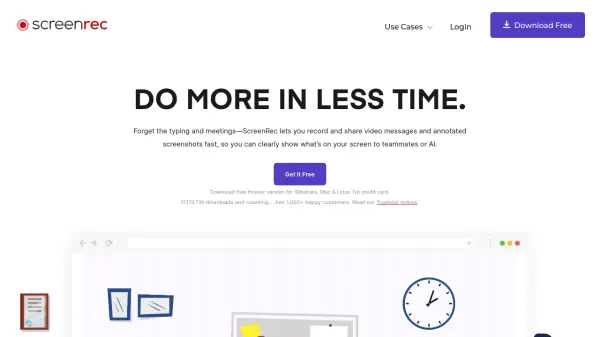
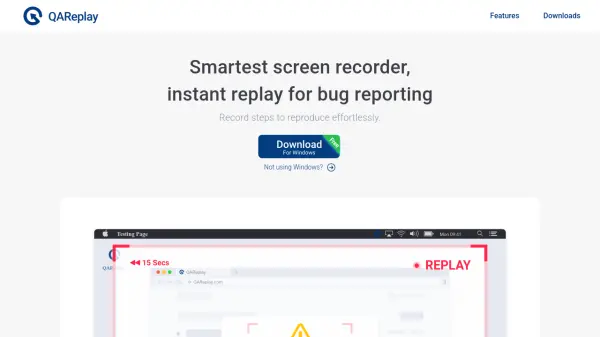
QAReplay is a cross-platform screen recording tool designed to streamline bug reporting for quality assurance teams. By actively monitoring screen activity and allowing users to capture only unexpected behaviors with a single click, it significantly reduces the time and effort spent on creating comprehensive bug reports. The tool seamlessly integrates with popular issue tracking and collaboration platforms, ensuring that all steps to reproduce issues are documented with complete context.
Security is central to QAReplay's design, as recordings are never uploaded without explicit user approval and monitoring can be limited to specific application windows. The tool supports Windows, macOS, and Linux, making it an accessible solution for diverse software development teams.
Features
- Instant Replay Recording: Capture key moments with a single click to document steps to reproduce bugs.
- Cross-Platform Support: Available for Windows, macOS, and Linux to unify workflows.
- Link-Based Sharing: Share replays easily through links compatible with tools like JIRA, Asana, Slack, and Microsoft Teams.
- Selective Monitoring: Monitors only selected application windows for privacy.
- User-Controlled Uploads: Recordings are uploaded only when explicitly approved by the user.
Use Cases
- Bug reporting for quality assurance teams in software development.
- Demonstrating steps to reproduce incidents during product testing.
- Collaborating across distributed QA and development teams.
- Providing visual context for issue tracking tickets.
- Sharing software glitches or workflow problems with support teams.